
When a battery is fully charged, the internal circuit stops the power flow to prevent overcharging. This process transitions the device into a trickle state or disconnects it entirely. Modern electronics manage this flow to protect the cells, so you do not need to unplug immediately at 100%.
Battery management systems are designed to monitor voltage levels constantly. If you keep the device plugged in, the system stops drawing current once the battery is full. It only starts drawing power again if the charge level drops below a certain threshold. This cycle prevents the battery from staying at a high-stress voltage, which helps maintain its overall health over time.
The most common mistake people make is thinking they must unplug their device immediately to avoid “cooking” the battery. In reality, leaving a device plugged in overnight is perfectly safe for modern lithium-ion batteries. The danger comes from heat, not the charger itself. If your device feels hot to the touch while charging, that’s a sign the battery or the charger is struggling, and you should disconnect it.
Managing Your Device Charging Cycle
Connect your charger to a wall outlet before attaching the cable to your device. This sequence prevents small electrical arcs that can degrade the charging port over time.
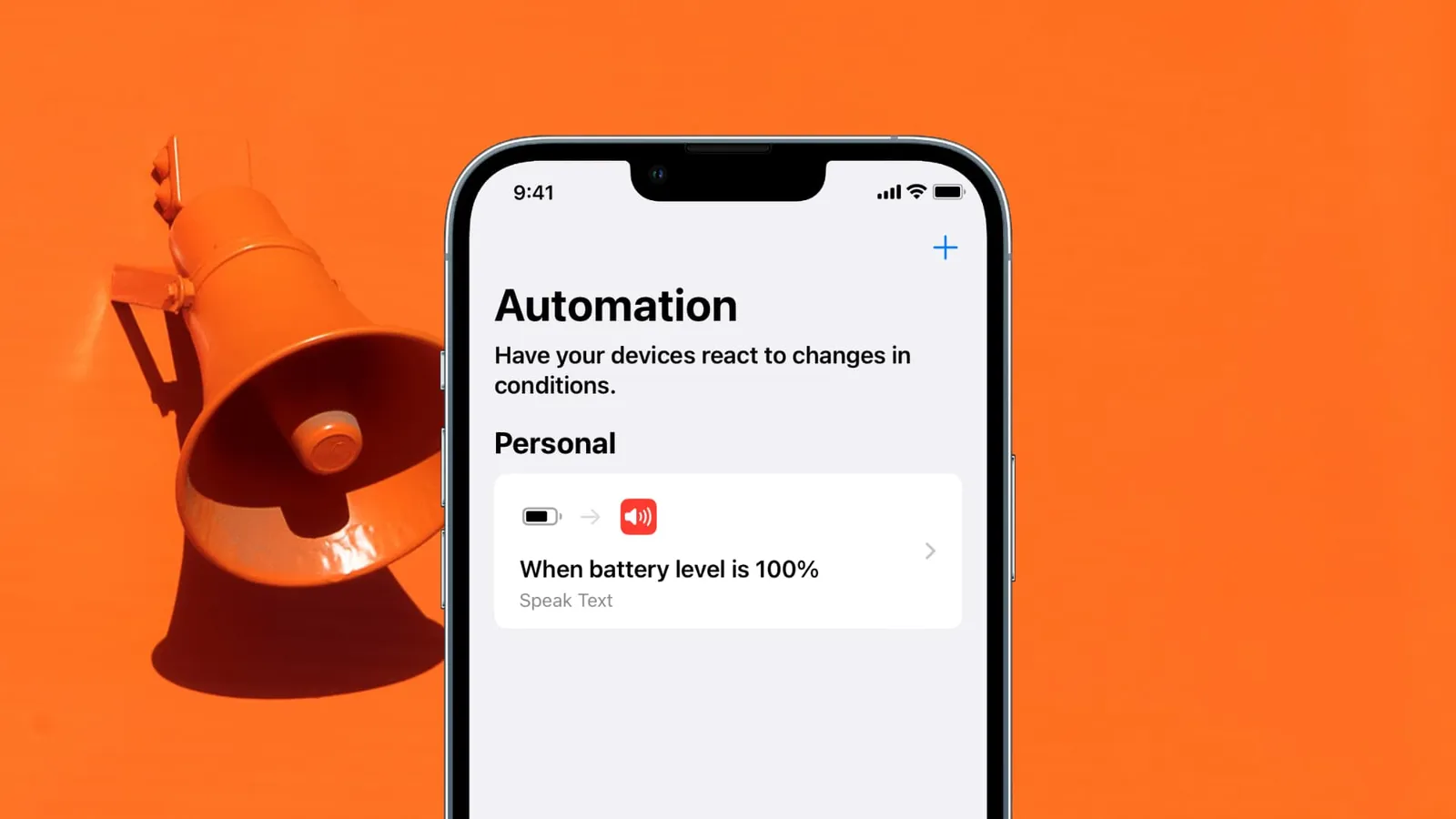
Monitor the battery icon on your screen. Most modern devices shift from amber to green or display a “charged” status at 100%. While internal circuits stop the current automatically, leaving a device plugged in for weeks can cause “trickle charging,” which keeps the battery at a high-voltage state that accelerates capacity loss.
Unplug the device by gripping the plastic head of the connector. Pulling on the cord itself creates micro-fractures in the internal copper wiring, which leads to intermittent charging or total failure.
If you plan to store the device for more than a month, keep the battery at 50% capacity. Storing a battery at 100% promotes chemical instability, while storing it at 0% risks a deep discharge that may permanently prevent the device from powering on again. In either of these cases, the battery loses its ability to hold a charge effectively, often resulting in a 20% reduction in total lifespan.
Expected Time to Full Charge
The time it takes to reach a full charge depends on your specific hardware and the power source you’re using. If you’re using a low-power USB port instead of a dedicated wall adapter, the charging time will be significantly longer than the manufacturer’s estimate.
| Situation | How long | What changes it | What to watch for |
|---|---|---|---|
| Standard wall charger | 1–2 hours | Battery size | Excess heat |
| Fast charger | 30–60 minutes | Wattage rating | Device temperature |
| Laptop USB port | 3–5 hours | Port output power | Slow progress |
If your device takes more than double the standard time to charge, check the cable for physical damage or try a different wall outlet.
Signs that your battery is fully charged

You can usually tell your device is ready by looking for a solid green light or a full battery icon on the status bar. Most modern operating systems also send a notification or a small chime when the charge cycle finishes. If you’re using a device with a physical LED, a change from amber or red to green typically confirms the process is complete.
Don’t rely solely on the icon. If the percentage remains stuck at 99% for more than an hour, the internal battery management system has likely finished the trickle charge phase. Unplug it then to prevent unnecessary heat buildup.
Keeping a battery between 20% and 80% extends its usable life compared to constantly charging to 100%. If you frequently leave your device plugged in overnight, use your system’s “optimized charging” setting to cap the limit at 80%. This prevents the constant micro-cycles that degrade lithium-ion chemistry.
Check the “Battery Health” menu in your settings to monitor current maximum capacity. If your device reports a maximum capacity below 80%, it’s reaching the end of its chemical life. At this stage, you’ll notice the battery drains instantly under heavy load or shuts down unexpectedly in cold weather.
Errors That Can Damage Your Battery
Using incompatible chargers often bypasses internal safety protocols. A high-wattage charger will only provide the current requested by the device’s internal power management system, which regulates the intake to prevent overheating. Always use chargers that are certified for your device’s charging standard to ensure proper communication between the power source and the device.
Charging in extreme heat accelerates chemical aging. Once internal temperatures exceed 115 degrees Fahrenheit, the electrolyte begins to break down, permanently reducing total capacity. Keep your device in a shaded, ventilated area during a charge cycle. If the device feels hot to the touch while plugged in, disconnect it until it reaches room temperature.
Ignoring physical damage creates a fire hazard. A swollen battery indicates gas buildup from electrolyte decomposition. If you notice the screen lifting or the back panel bulging, stop charging immediately. Don’t attempt to compress the casing. A punctured cell can ignite upon contact with air, costing you both the device and potential property damage.
Frequently asked questions
Can I leave my phone plugged in overnight?
Yes, you can leave your phone plugged in overnight because modern smartphones have built-in protection chips that stop the charging process once the battery is full. The device will stop drawing power, so there’s no risk of overcharging. You should only be concerned if the device or charger is damaged or if the charging area is covered by blankets that trap heat.
How long does a battery last?
A typical lithium-ion battery lasts for about 300 to 500 full charge cycles before its capacity drops to around 80% of its original strength. This range assumes you’re using the device in normal room temperatures. Once you hit this number of cycles, you’ll notice the battery drains faster than it did when the device was new, but it will still function.
Is it safe to use my phone while it’s charging?
Yes, it’s safe to use your phone while it’s charging, though it may charge slightly slower because the device is consuming power at the same time. The internal system manages the power draw to ensure the battery remains stable. If you notice the phone getting very hot during heavy use while plugged in, it’s best to stop using it until the temperature drops.
What happens if I use a cheap third-party charger?
Using a cheap, uncertified charger can be dangerous because these units often lack the safety circuits needed to stop the power flow correctly. This can lead to voltage spikes that damage your device’s internal components or cause the battery to overheat. Always choose chargers that carry safety certifications from recognized testing laboratories to ensure they meet basic electrical standards.
Why does my battery stay at 99%?
Your battery might stay at 99% because the system is intentionally preventing a “trickle charge” to keep the battery health high. Some software features automatically pause charging at 99% or 100% to avoid keeping the battery at maximum stress for long periods. This is a normal behavior designed to make your battery last longer over the life of the device.
How do I know if my battery is failing?
Your battery is likely failing if the percentage drops rapidly or the device shuts down unexpectedly. Check your system settings for a battery health report to confirm its status. If the capacity is below 80%, you should consider a professional replacement to restore reliable performance.
Conclusion
You don’t have to worry about leaving your charger plugged in overnight, as today’s devices are smart enough to handle the power safely. Instead of stressing over every percentage point, just focus on using your tech naturally. You’ll find that your battery stays healthy much longer if you simply avoid extreme heat.
