
A complete guide to a battery explains how stored chemical energy becomes usable electricity, which types exist, how to choose one, and how to keep it working safely. Batteries power everything from remote controls and phones to cars and home backup systems. This article walks through chemistry, sizing, charging, storage, disposal, and common problems so you can buy the right cell, make it last, and replace it when it fails.
Key Takeaways

- Match the battery chemistry, voltage, and size to your device before buying.
- Store batteries at room temperature in a dry place, away from metal objects.
- Recharge lithium-ion cells before they drop below 20 percent to extend cycle life.
- Recycle single-use and rechargeable batteries at a designated drop-off point, never in household trash.
- Stop using any battery that swells, leaks, or smells unusual, and dispose of it safely.
How a Battery Works
A battery converts chemical energy into electrical energy through an electrochemical reaction. Inside each cell, two electrodes—an anode and a cathode—sit in an electrolyte. When you connect a circuit, ions move through the electrolyte while electrons flow through the external wire, producing voltage.
A single cell produces a fixed voltage depending on its chemistry; multiple cells wired together make a battery pack with higher voltage or capacity. Capacity is measured in amp-hours (Ah) or milliamp-hours (mAh), telling you how much charge the cell can hold. Primary batteries are disposable and can’t be recharged, while secondary batteries can be recharged many times.
Main Battery Types
Choosing the right battery starts with knowing which chemistry fits the job. Alkaline cells are the most common disposable type for low-drain household devices. Lithium primary cells last longer in extreme temperatures and high-drain gear. Rechargeable options include nickel-metal hydride (NiMH), lithium-ion (Li-ion), lithium iron phosphate (LiFePO4), and lead-acid. Each chemistry offers a different balance of energy density, cycle life, cost, and safety.
| Chemistry | Common Sizes | Typical Voltage | Rechargeable | Best Uses |
|---|---|---|---|---|
| Alkaline | AA, AAA, C, D, 9V | 1.5 V | No | Remotes, clocks, flashlights |
| Lithium primary | AA, AAA, coin cells | 1.5 V–3 V | No | Smoke detectors, outdoor sensors |
| NiMH | AA, AAA | 1.2 V | Yes | Cameras, toys, game controllers |
| Li-ion | 18650, 21700, packs | 3.6 V–3.7 V | Yes | Laptops, power tools, e-bikes |
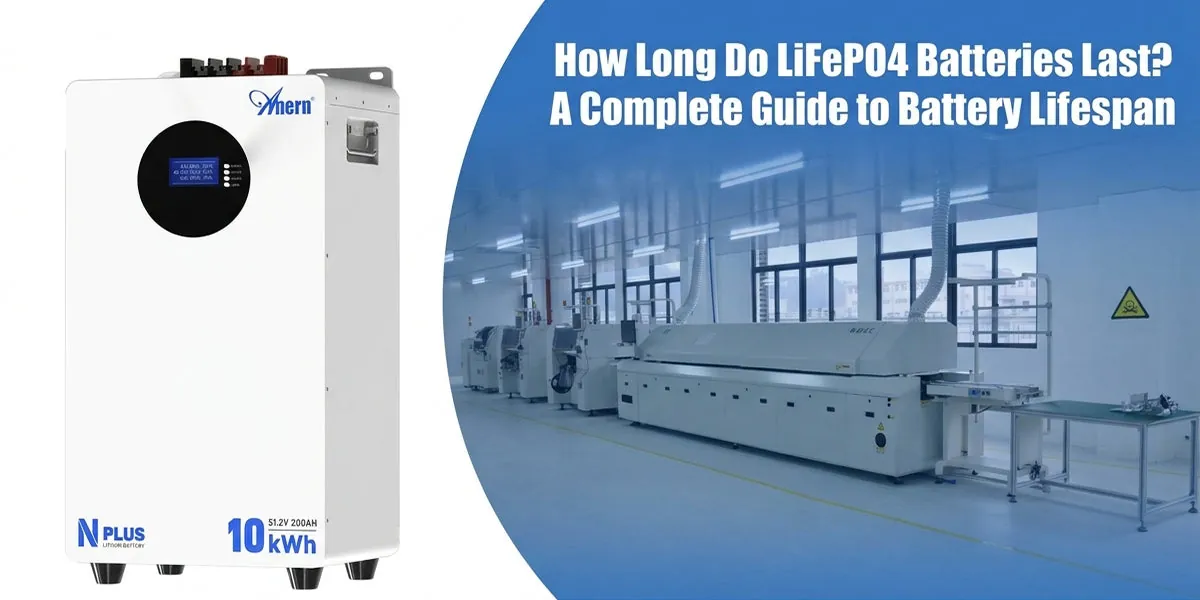
| LiFePO4 | Packs, deep-cycle | 3.2 V per cell | Yes | Solar storage, RVs, marine |
| Lead-acid | Automotive, UPS | 2 V per cell | Yes | Car starting, backup power |
A Complete Guide to Choosing the Right Battery
Start with the device manual or the compartment label, which lists the required size, voltage, and chemistry. Using the wrong voltage can damage electronics, while the wrong physical size simply won’t fit. For high-drain devices like digital cameras, rechargeable NiMH or Li-ion cells usually outperform alkalines over time.
For low-drain items like wall clocks, a single alkaline cell can last years. Consider self-discharge rate if the device sits unused for months; low-self-discharge NiMH cells hold charge much longer than standard rechargeables.
Battery Sizes and Formats
Batteries come in standard cylindrical sizes, button cells, prismatic packs, and large-format modules. AA and AAA are the most common household sizes. C and D cells deliver more capacity for bigger flashlights and radios. 9-volt batteries power smoke alarms and some electronics.
Coin cells, such as CR2032, run watches, key fobs, and motherboard clocks. Larger formats include 18650 and 21700 Li-ion cells used in flashlights and battery packs, plus automotive and deep-cycle lead-acid blocks. Always check polarity markings before inserting a cell.
Charging Basics
Use a charger designed for the specific chemistry. Li-ion chargers terminate at a precise voltage and should never be used on NiMH or lead-acid cells. Charge at room temperature, and avoid leaving cells on a charger indefinitely unless the charger has an automatic shutoff.
Fast charging generates heat, which shortens lifespan over time. For Li-ion, keeping the state of charge between roughly 20 percent and 80 percent reduces wear compared with regularly draining to zero or holding at 100 percent. Lead-acid batteries benefit from periodic full charges to prevent sulfation.
Pro Tip: Label rechargeable cells with the date you first put them into service so you can track age and replace weak cells before they fail.
Storing Batteries Safely
Store batteries at room temperature in a dry location. Heat accelerates self-discharge and can degrade chemistry, while freezing can damage some cells. Keep loose cells away from coins, keys, and other metal objects that could short the terminals.
For long-term storage, charge Li-ion cells to about 50 percent and recharge them every six months. Alkaline and lithium primary cells can be kept in their original packaging until needed. Remove batteries from devices you won’t use for several months to prevent leakage.
Maximizing Battery Life
Cycle life depends heavily on how you use and charge the battery. Avoid deep discharges on Li-ion packs; shallow discharges preserve more total cycles. Keep devices out of direct sunlight and hot cars, since heat is one of the fastest ways to kill a battery.
For devices used infrequently, top up the charge every few months rather than letting the cell sit empty. Clean dirty contacts with a pencil eraser or isopropyl alcohol to maintain good conductivity. Replace rechargeable cells when runtime drops noticeably or the device shuts down sooner than it used to.
Warning: Never puncture, crush, or incinerate a battery. Damaged lithium cells can vent hot gas or catch fire.
Troubleshooting Common Battery Problems
If a device won’t turn on, first confirm the batteries are inserted with correct polarity. Test the cells with a multimeter or swap in known-good batteries. Corrosion on terminals appears as white or green crust; clean it carefully or replace the battery if the compartment is damaged.
A battery that feels warm during normal use or charging may be failing and should be removed. Swelling, leakage, or a strange odor means the cell is unsafe and must be recycled immediately. If a rechargeable battery won’t hold a charge, it has likely reached the end of its cycle life.
| Problem | Likely Cause | First Step |
|---|---|---|
| Device dead | Dead cells or wrong polarity | Replace or reinsert batteries |
| White crust on terminals | Alkaline leakage | Clean contacts; discard leaking cell |
| Warm during charge | Faulty charger or cell | Stop charging; inspect battery |
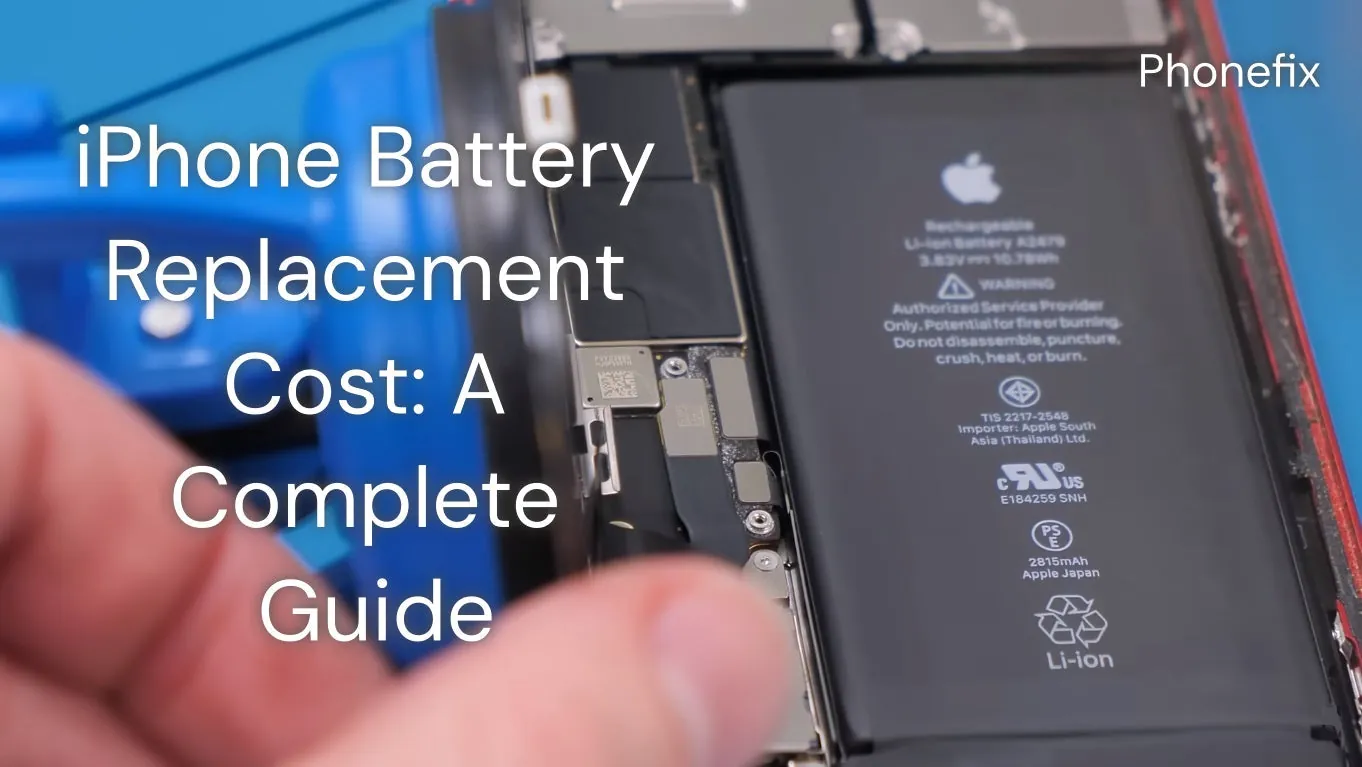
| Swollen case | Internal gas buildup | Remove and recycle immediately |
| Short runtime | Old rechargeable cell | Replace with new cell |
Battery Safety and Disposal
Batteries contain chemicals and metals that can be hazardous if mishandled. Keep them out of reach of small children, especially coin cells, which can cause serious injury if swallowed. Don’t mix old and new batteries in the same device, and never combine different chemistries.
When a battery no longer works, recycle it through a retailer drop-off, municipal hazardous-waste event, or dedicated recycling program. Tape the terminals of lithium and 9-volt batteries before recycling to prevent short circuits. Never throw batteries in curbside trash or recycling bins.
Pro Tip: Keep a small container for used batteries and take them to a drop-off point once it’s full, rather than storing them loose in a drawer.
Frequently Asked Questions
How long do batteries last?
Shelf life varies by chemistry: alkaline cells typically last five to ten years, lithium primary cells ten to fifteen years, and NiMH rechargeables two to five years with regular use. Li-ion packs usually last two to three years or 300 to 500 charge cycles before noticeable capacity loss. Lead-acid automotive batteries often last three to five years depending on climate and use.
Can I throw batteries in the trash?
No. Household alkaline batteries may be allowed in the trash in some areas, but rechargeable batteries, lithium cells, and lead-acid batteries should never go in household trash because they contain hazardous materials and can cause fires in waste trucks or landfills. Use a retailer or municipal recycling drop-off instead.
Why is my rechargeable battery not holding a charge?
Rechargeable cells lose capacity over time as they age and cycle. If the battery is several years old or has been deeply discharged repeatedly, it may no longer hold a full charge. A cold environment, a mismatched charger, or dirty contacts can also reduce apparent runtime. Replace the cell when performance no longer meets your needs.
What do the numbers on a battery mean?
Voltage tells you the electrical pressure the cell supplies, such as 1.5 V for an alkaline AA or 3.7 V for a Li-ion cell. Capacity, shown in mAh or Ah, indicates how much energy the battery stores; a higher number generally means longer runtime. Size codes like AA, AAA, or CR2032 identify the physical dimensions so you can match the replacement to your device.
Can I mix different battery brands in one device?
It isn’t recommended. Mixing brands, ages, or chemistries can cause uneven discharge, leakage, or reduced performance because cells may have different internal resistance and capacity. Use identical batteries of the same type, brand, and age in any device that takes more than one cell.
Conclusion
Batteries are simple to use but easy to misunderstand, and the right choice saves money and frustration. Start by checking your device’s manual for the required size and chemistry, then buy from a reputable retailer and store your cells properly until you need them.
