
Most Kenmore freezers don’t feature a dedicated, physical reset button, meaning you must perform a power cycle or a control board initialization to resolve common operational issues. Because Kenmore appliances are manufactured by various companies including Whirlpool, LG, and Frigidaire, the specific method for “resetting” your freezer depends on the control interface and the year of manufacture. While some models allow for a soft reset through the digital display panel, most require a manual interruption of the power supply to clear internal error codes or resolve cooling failures.
Key Takeaways
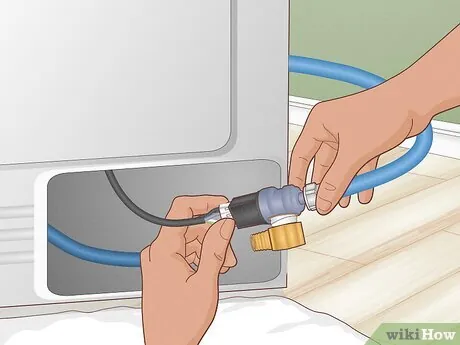
- Check your circuit breaker or wall outlet first, as many “freezer failures” are simply power supply interruptions.
- Most Kenmore units require a hard power cycle by unplugging the unit for at least 10 to 15 minutes.
- Look for hidden service buttons behind the kick plate or under the digital display on high-end models.
- Consult the owner’s manual for specific button combinations if your freezer has a digital temperature control panel.
- Keep your freezer at least four inches away from walls to allow for proper airflow and heat dissipation.
Where Is Kenmore Freezer Reset Button?
If you’re looking for a physical button labeled “Reset,” you’ll likely be disappointed, as this component is rarely present on standard upright or chest freezers. Instead, manufacturers utilize a power cycle method to reset the internal logic board.
To perform this, locate the power cord, pull it from the outlet, and wait for the capacitors in the control board to fully discharge. This process typically takes about 10 minutes, though waiting longer ensures that the memory is completely cleared of temporary software glitches.
If your model features a digital interface, the “reset” is often achieved by holding down specific buttons simultaneously. Common combinations include pressing and holding the “Alarm” and “Temperature” buttons for three to five seconds. If your display is blank or flashing, this action forces the freezer to re-initialize its cooling cycle and recalibrate the internal sensors.
How to Perform a Power Reset
A manual power reset is the most effective way to clear a “frozen” control panel or a compressor that refuses to kick on. This process doesn’t damage your appliance; rather, it allows the electronic components to return to their factory-default state. Follow these steps to ensure you’re resetting the unit safely without causing a surge or electrical fault.
| Step | Action | Duration |
|---|---|---|
| 1 | Locate the power plug | Instant |
| 2 | Disconnect from power source | 10-15 minutes |
| 3 | Toggle door switches | 30 seconds |
| 4 | Reconnect power supply | Instant |
| 5 | Verify compressor start | 2-5 minutes |
Warning: Always ensure your hands are completely dry before touching the power plug or reaching behind the freezer to access the wall outlet. If the outlet is located in a damp area, use a flashlight to inspect the cord for signs of fraying or heat damage before attempting to unplug it.
Troubleshooting Your Control Panel
If the freezer is still not cooling after a power cycle, the issue may reside within the electronic control board. Many Kenmore models use a series of light flashes to communicate error codes. If you see a blinking light on the control panel, note the pattern of the flashes. Consult the Kenmore appliance support resources to identify what specific error code corresponds to your model’s light sequence.
Sometimes, the control board itself is functional, but the temperature sensor is reporting incorrect data. If the freezer thinks it’s already at the target temperature, it won’t trigger the compressor to run. You can test this by placing a thermometer inside the freezer for an hour. If the temperature remains above 10 degrees Fahrenheit while the freezer is set to its coldest setting, the issue is likely a mechanical failure rather than a software one.
Common Reasons for Resetting
You might feel the urge to reset your freezer when you notice specific behavioral changes. These symptoms often point to a need for a hard reset, especially if the freezer has been subjected to a power surge or a brief brownout.
- Compressor failure: The motor hums but doesn’t engage the cooling cycle.
- Display anomalies: The digital numbers are flickering or showing incorrect symbols.
- Alarm malfunctions: The door alarm sounds even when the door is securely closed.
- Erratic cooling: The unit fluctuates between freezing and thawing cycles unexpectedly.
- Interface lockout: The buttons on the external panel no longer respond to touch.
Pro Tip: If your freezer has a “Demo Mode” or “Showroom Mode” enabled, it will appear to be on, but the compressor won’t cool. This mode is often activated accidentally by holding down certain buttons during a cleaning session. Check your manual to see if your specific model has a button combination to disable this mode.
Checking the Start Relay
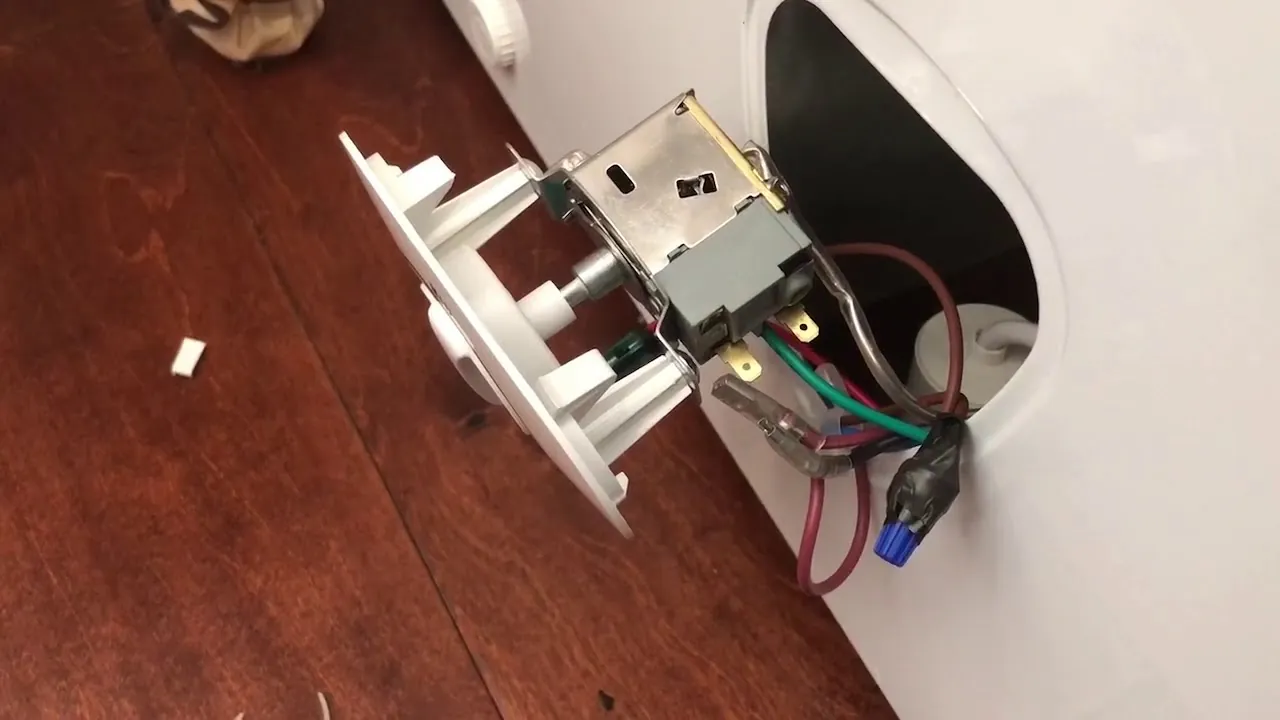
If the freezer makes a clicking sound every few minutes but never gets cold, the start relay may be the culprit. This component is located near the compressor at the back of the unit. A failing relay will prevent the compressor from starting, which can sometimes be mistaken for a control board issue.
- Unplug the freezer and move it away from the wall.
- Remove the back access panel to reveal the compressor.
- Locate the small, square-shaped relay attached to the side of the compressor.
- Gently shake the relay; if you hear a rattling sound, it’s likely damaged and needs replacement.
Inspecting the Door Gaskets
Sometimes a freezer appears to need a reset because it’s struggling to maintain temperature, but the real issue is a damaged door seal. If the seal isn’t airtight, warm air enters the cabinet, forcing the compressor to run continuously. This leads to ice buildup on the coils, which eventually prevents the freezer from cooling properly.
- Check for gaps between the gasket and the frame using a thin piece of paper.
- Close the door on the paper; if it pulls out with no resistance, the gasket is loose.
- Clean the gasket with warm, soapy water to remove sticky residue that prevents a tight seal.
- Apply a thin layer of petroleum jelly to the gasket if it feels cracked or brittle.
Clearing Condenser Coils
If your freezer has been running for years without maintenance, the condenser coils may be clogged with dust and pet hair. This debris acts as insulation, preventing the heat from escaping the system. When the heat can’t escape, the compressor runs hot and eventually cycles off to protect itself, which can mimic the symptoms of a control board failure.
- Use a long-handled coil brush to remove debris from the back or bottom of the unit.
- Use a vacuum cleaner with a brush attachment to suck up the dislodged dust.
- Ensure the freezer has at least four inches of clearance on all sides for ventilation.
- Never use high-pressure water to clean coils, as this will damage the electrical components.
Understanding Freezer Temperature Settings
When you successfully reset your freezer, you must ensure the temperature settings are adjusted correctly. Most Kenmore freezers operate optimally at 0 degrees Fahrenheit. If you set the temperature too high, you risk food spoilage; if you set it too low, you may put unnecessary strain on the compressor.
| Setting | Temperature Range | Recommended Use |
|---|---|---|
| Coldest | -5°F to -10°F | Rapid freezing of large batches |
| Normal | -2°F to +2°F | Daily household food storage |
| Warmest | +5°F to +10°F | Energy saving with minimal load |
When to Call a Professional
There are times when a manual reset or basic maintenance is simply not enough. If you have attempted the power cycle and checked the coils, yet the freezer remains warm, you may be dealing with a sealed system leak. This involves the refrigerant gas, which is pressurized and requires professional equipment to handle.
Signs that you need a technician include:
- An oily residue near the compressor or tubing.
- A persistent, loud grinding noise coming from the fan motor.
- The freezer display shows a specific “Service” or “Error” code that isn’t listed in the manual.
- You smell a chemical or burning odor emanating from the back of the unit.
- The circuit breaker trips immediately every time you plug the freezer in.
Safety During Maintenance
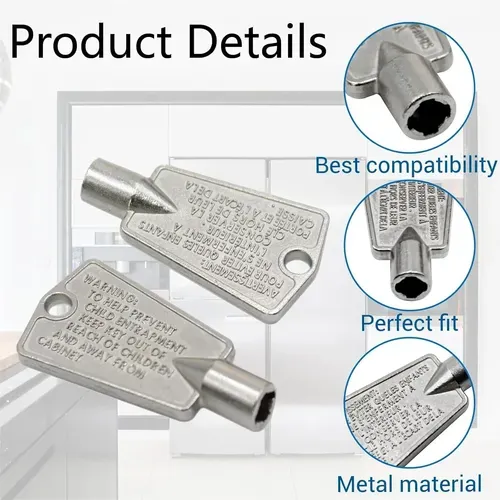
Safety should always be the priority when working on any large appliance. Because freezers contain electrical circuits and pressurized refrigerant, you must follow strict protocols to avoid injury.
Warning: Never attempt to cut or puncture any of the tubing at the back of the freezer. These lines contain refrigerant, which can cause severe frostbite or respiratory issues if released in an unventilated area. If you suspect a leak, leave the room immediately and contact a certified HVAC professional to handle the repair.
Frequently Asked Questions
Why is my freezer display flashing?
A flashing display usually indicates that the freezer has experienced a power interruption or is currently in a diagnostic mode. Try unplugging the unit for 15 minutes to force a full reboot of the control board. If the flashing continues after plugging it back in, consult your manual to see if the blinking pattern represents a specific sensor error or a communication failure between the control and the compressor.
Can I reset my freezer by holding the power button?
On many modern Kenmore freezers, holding the “Power” or “Off” button for 5 to 10 seconds will turn off the cooling function without cutting power to the display. This is a standby mode rather than a full system reset. To perform a true reset, you must physically disconnect the power cord from the wall outlet for at least 10 minutes to allow the internal memory to clear.
How do I know if my control board is broken?
If you have performed a power cycle and the compressor still fails to start, or if the interface buttons are completely unresponsive, the control board may be faulty. Other signs include the freezer running constantly without reaching the set temperature, or the interior lights working while the cooling system remains dead. In these cases, the board often requires professional testing or a full replacement.
Should I reset my freezer after a power outage?
Yes, it’s a good practice to reset your freezer after a significant power outage or a lightning storm. Power surges can leave the control board in an unstable state, potentially causing the compressor to short-cycle or the temperature sensors to provide inaccurate data. A simple power cycle ensures the electronics are initialized correctly and helps prevent long-term damage to the compressor motor.
Why does my freezer make a clicking sound?
The clicking sound is often the start relay attempting to engage the compressor. If the relay is failing, it will click repeatedly as it tries and fails to draw the necessary power to start the motor. This isn’t a software issue, so a reset won’t fix it. You should inspect the relay at the back of the freezer and replace it if it appears burnt or damaged.
Conclusion
Performing a reset on your Kenmore freezer is a straightforward process that resolves many common electronic glitches. By following the power cycling steps outlined above, you can often restore your appliance to its normal cooling state without the need for a technician. If the issue persists, carefully inspect the coils and relays before seeking professional repair services to ensure your food remains safely frozen.
