
Haptic feedback uses controlled vibrations or forces to simulate physical sensations on a screen, and it functions by spinning a small motor or moving a magnet inside your device. When software sends an electrical signal, that actuator shakes at a set speed and pattern so your skin reads it as a tap, click or buzz. These mechanisms explain the basic principles behind haptic technology.
The thing that decides if this feels real or cheap is the actuator type. A basic spinning weight gives one flat buzz, while a voice-coil actuator can stop and start in under 5 milliseconds to mimic a physical button click. The phone’s processor has to time that pulse exactly with your finger’s movement, or the illusion breaks.
Skipping that timing check is where things go wrong. Developers often trigger a vibration after the action finishes instead of during the touch itself. Your brain notices the delay instantly, and the tap feels like a cheap toy rather than a solid switch. You’ll find the exact latency targets in Apple’s human interface guidelines for their devices.
How haptic feedback works in devices

Every tap you feel starts with an electrical command and ends with a physical shake against your skin. Here’s how the hardware actually builds that sensation.
- Send the digital command. The operating system tells the haptic driver which effect to play, using a waveform file or a simple duration value measured in milliseconds.
- Power the actuator. The driver pushes current into either an eccentric rotating mass motor or a linear resonant actuator inside the device. If your device uses a piezoelectric bender, the voltage changes its shape directly.
- Move the mass. An ERM spins an off-center weight to make a broad rumble; an LRA moves a magnetic mass back and forth on a spring for a tight, fast tap.
- Hit the resonant frequency. An LRA must vibrate at its specific natural frequency, usually between 150 Hz and 250 Hz, to produce strong force without wasting battery power.
- Apply the braking signal. To stop the vibration cleanly, the driver briefly reverses the current, halting the mass so the buzz doesn’t trail off into a muddy hum.
- Read the sensor data. On advanced trackpads, a capacitive sensor measures your finger pressure and adjusts the vibration strength in real time.
Tip: If you’re building an app, don’t run custom waveforms on older phones with ERM motors. They physically can’t start or stop fast enough, and you’ll just drain the battery for a weak buzz.
- Close the loop. The controller checks the actuator’s actual movement against the target waveform and corrects any drift before the next cycle begins.
If you need sharp clicks, use an LRA or piezo actuator; if you only need simple alerts, an ERM motor costs less and still gets the job done. This setup isn’t for heavy industrial controls where real mechanical switches are required for safety compliance.
How long haptic response takes
The delay between your touch and the vibration you feel changes based on the hardware inside your device. A flagship phone responds faster than a budget game controller because the actuator and the software path are built differently.
| Situation | How long | What changes it | What to watch for |
|---|---|---|---|
| Flagship phone (LRA) | 10–15 ms | OS processing queue | Missed taps during fast typing |
| Budget phone (ERM) | 40–60 ms | Motor spin-up time | Vibration blurs two taps together |
| Game controller | 20–50 ms | Wireless connection lag | Rumble arrives after the explosion |
| Laptop trackpad | 5–10 ms | Direct hardware link | Feels like a real click |
| Smartwatch alert | 30–50 ms | Tiny battery limits | Weak buzz you barely feel |
These numbers assume the device is running normally with no background tasks blocking the processor. If you’re testing a custom app, measure the round-trip time from the touch event to the actuator’s first movement, not just the software trigger.
When the delay stretches past 80 milliseconds, your brain stops linking the vibration to your finger’s action. It feels like a separate event entirely. If your device consistently hits that mark, check for software updates or drop the haptic intensity setting to reduce the motor’s workload.
Signs your haptic motor is failing

You’ll know the actuator is working right when every tap feels sharp, brief and matches the spot you pressed. A healthy linear resonant actuator stops vibrating the exact millisecond your finger lifts off the glass. There shouldn’t be any trailing buzz or rattling sound coming from the chassis.
Listen closely to the device when it vibrates. A clean LRA makes almost no noise, just a quiet thud against your skin. If you hear a metallic buzzing or a grinding sound, the internal spring or mass is likely damaged.
When the signs disagree, run a sustained vibration test for five seconds. If the strength drops halfway through, the actuator is overheating or the driver is throttling power to protect the battery.
Haptic errors that ruin the feel
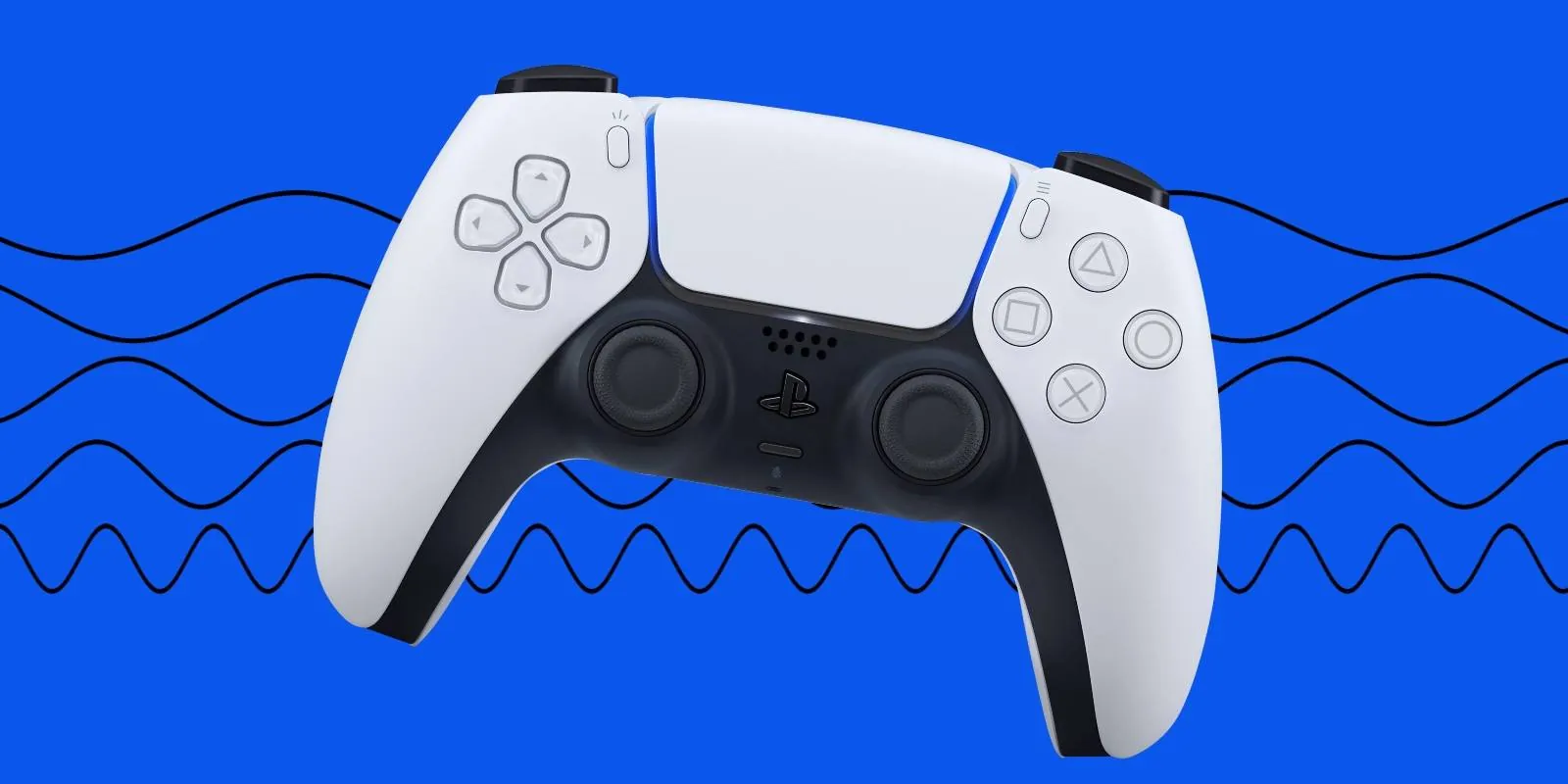
- Using the same vibration for everything. When a success checkmark and a delete warning feel identical, users ignore them both. Map distinct waveforms to different actions: a light double-tap for confirmations and a single heavy thud for warnings.
- Running the motor too long. Holding a vibration past 100 milliseconds for a simple button press drains the battery and numbs the user’s fingers. Keep interaction feedback under 50 milliseconds unless you’re simulating a continuous texture.
- Ignoring the resonant frequency. Driving an LRA at 100 Hz when it’s tuned for 200 Hz produces a weak, inconsistent shake. Always check the component’s datasheet for its rated frequency and drive it exactly there.
- Triggering feedback after the visual change. If the screen updates and the vibration arrives 50 milliseconds later, the experience feels broken. Fire the haptic command before or exactly alongside the UI animation frame.
- Forgetting accessibility needs. Relying only on vibration leaves out users with neuropathy who can’t feel it. Always pair haptic cues with a visual or audio signal so nobody misses a critical alert.
Frequently asked questions
Can I turn off haptic feedback on my phone?
Yes, you can disable it in your device’s settings. On iOS, go to Settings > Sounds & Haptics and toggle off System Haptics. On Android, look under Settings > Sound & Vibration for Touch Feedback or Haptic Feedback. Turning it off saves a small amount of battery life.
Why does my phone buzz when I type?
Your keyboard app triggers a short vibration each time you tap a key to simulate pressing a physical button. This confirms your input registered. You can turn this off inside your keyboard’s specific settings menu if the constant buzzing annoys you while texting.
How long do haptic motors last?
A typical linear resonant actuator lasts for billions of cycles, easily outliving the phone itself. ERM motors wear out faster because they rely on physical brushes that degrade over time. If your device starts making a grinding noise during vibrations, the motor bearings have likely failed.
Is haptic feedback safe for people with pacemakers?
Generally yes, because the magnetic field from a phone’s vibration motor is extremely weak and localized. Check your specific pacemaker manufacturer’s guidance for exact distance rules.
What happens if a haptic motor breaks?
The device will stop vibrating for calls, alarms and touch interactions. You might hear a faint rattling sound if the internal weight broke loose. The rest of the phone continues working normally. Replacing the motor requires opening the device, which voids most warranties if done outside authorized service centers.
How much battery does haptic feedback use?
It uses very little, typically under 1% of your daily battery drain for normal usage. A single tap from an LRA consumes only a few milliwatts for a fraction of a second. Leaving haptics enabled won’t noticeably shorten your battery life compared to screen brightness or cellular data usage.
Do all smartphones have the same haptics?
No, the quality varies significantly depending on the price and age of the device. Premium phones use large linear resonant actuators that produce crisp, precise taps. Budget models often use smaller eccentric rotating mass motors that deliver a slower, muddier buzz that lacks fine detail.
Conclusion
Every piece of hardware you hold today relies on these tiny motors to bridge the gap between flat glass and physical feeling. The difference between a premium device and a cheap one often comes down to how well that invisible vibration is timed and tuned.
