
Dealing with a machine that refuses to clear its status lights can be frustrating, especially when you have followed the manual to the letter. If you have been searching for why your keurig k duo descale reset not working, you’re likely stuck in a loop where the “Descale” light refuses to turn off despite running a full cleaning cycle. This common technical glitch usually stems from a sensor misreading the water flow or an incomplete cycle interruption. By understanding the specific sequence required to signal the internal motherboard that the cleaning process is finished, you can restore your machine to normal operation without needing a repair technician.
Key Takeaways
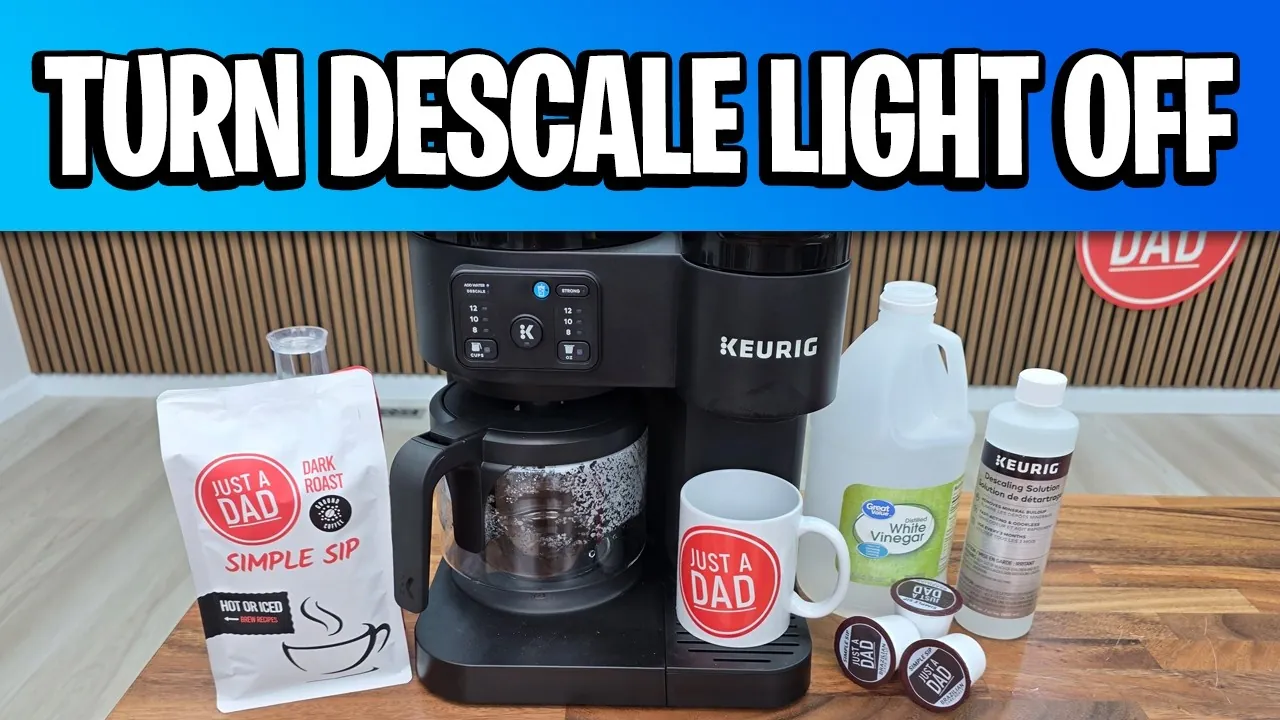
- The Descale light is a reminder timer, not a sensor that detects actual mineral buildup inside the machine.
- Power cycling the machine by unplugging it for at least 30 minutes can reset the internal memory board.
- Using a high-quality Keurig descaling solution ensures the acidic concentration is correct to trigger the internal sensors properly.
- Ensure the water reservoir is filled to the max line during the final rinse to prevent a low-water error.
- If the light stays on, you may need to perform the “hard reset” sequence by holding down specific buttons simultaneously.
Why The Descale Light Stays On
The Descale light on your Keurig K-Duo is controlled by an internal counter. Every time you brew a cup or a carafe, the machine tracks the number of cycles. Once that count hits a pre-programmed threshold, the light turns on. It doesn’t measure the actual calcium or lime scale inside the heater.
Consequently, if the machine didn’t register the full cycle of the descaling process, it simply assumes the cleaning never happened. Common reasons for this include using a reservoir that wasn’t quite full enough or power loss during the rinse phase.
Troubleshooting The Descale Reset Procedure
If the standard instructions failed, you must re-verify your steps. Most users overlook the requirement to turn the machine off before beginning the reset sequence. Ensure your water reservoir is filled with a mixture of half white vinegar and half water, or the official descaling liquid. If the light persists after a full rinse, the machine likely didn’t recognize the “empty” state of the reservoir at the right time.
The Standard Reset Sequence
- Turn the machine off while it’s still plugged into the wall.
- Press and hold the 8oz and 10oz buttons simultaneously for three seconds.
- The light should flash, indicating the machine is ready for the rinse cycle.
- If it doesn’t flash, unplug the machine for one hour to clear the cache.
| Step | Action | Expected Outcome |
|---|---|---|
| 1 | Power Off | Machine enters standby mode |
| 2 | Hold Buttons | System enters maintenance mode |
| 3 | Run Water | Light flashes during cycle |
| 4 | Final Power Cycle | Descale light disappears |
Is The Reservoir Sensor Faulty?
Sometimes the issue isn’t the software but the hardware sensor located at the bottom of the water reservoir. If the magnet inside the float mechanism is stuck, the machine can’t tell when the reservoir is empty or full.
A stuck float will prevent the machine from completing the descaling cycle because it thinks there’s no water left to pump. Shake the reservoir gently to ensure the float moves freely. If it’s stuck, soak the reservoir in warm soapy water to dislodge any mineral deposits that might be causing the mechanical friction.
How To Perform A Hard Reset
A hard reset is the most effective way to force the machine’s memory to clear. Unlike a simple power cycle, this involves draining the internal heating tank entirely. If the machine still thinks it’s dirty, it’s because the internal tank retains a small amount of liquid.
- Unplug the machine from the power source.
- Remove the water reservoir and the drip tray.
- Tip the machine forward over a sink to drain the internal heating element.
- Leave it unplugged for at least two hours to ensure the capacitors fully discharge.
- Reconnect the power and attempt the reset sequence once more.
Why The Rinse Phase Matters
The rinse phase is the most critical part of the process. If you stop the machine before it completes the final rinse, the internal computer assumes you’re still in the middle of a descaling session.
You must run at least three full reservoirs of fresh water through the machine to satisfy the software requirements. If you interrupt the cycle even once, you must restart the entire process from the beginning. Using filtered water during this phase can help prevent future scale buildup, which keeps the sensors clean.
Proper Descaling Solution Ratios
Using the wrong cleaning agent can cause the machine to malfunction or damage the internal seals. Always use a solution designed specifically for coffee makers.
| Cleaning Agent | Recommended Ratio | Frequency |
|---|---|---|
| White Vinegar | 1:1 with water | Every 3-6 months |
| Keurig Solution | 1 bottle to 1 reservoir | Every 3-6 months |
| Citric Acid | 1 tablespoon to 1 liter | Every 6 months |
Warning: Never use harsh chemicals like bleach or ammonia to clean your coffee maker, as these can leave toxic residues and permanently damage the internal tubing.
Checking The Water Pump
If the machine is making a loud grinding noise during the descale cycle, the pump may be struggling to pull water through the system. This often happens if the scale buildup is severe enough to block the flow entirely.
If the water doesn’t flow, the reset sequence will never complete because the machine detects a “no water” flow error. Try using a paperclip to gently clear the exit needle where the coffee grounds go, as debris here can sometimes cause backpressure that affects the pump.
Questions About The Descale Light

Can I ignore the descale light?
You can technically continue to brew coffee while the light is on, but it isn’t recommended. Ignoring the light means your machine is accumulating mineral deposits that will eventually clog the internal valves. This can lead to slower brew times, cooler coffee temperatures, and eventually a complete failure of the heating element, which is expensive to replace.
How often should I descale?
Most manufacturers suggest descaling every three to six months. However, if you live in an area with particularly hard water, you may need to descale as often as every two months. You’ll notice the need for descaling if the coffee flow becomes significantly slower than usual or if the machine makes sputtering noises during the brewing cycle.
Does vinegar damage my machine?
White vinegar is a safe and effective descaling agent when diluted properly. However, it must be thoroughly rinsed out. If you don’t perform enough rinse cycles after using vinegar, your next few pots of coffee will have a lingering acidic taste. Always run at least three full reservoirs of fresh water through the machine after using vinegar to ensure all residue is removed.
Why is the light still on after descaling?
The light often remains on because the machine didn’t detect the end of the cleaning cycle. This usually happens if you didn’t let the reservoir drain completely or if you powered off the machine too early. Perform the hard reset procedure by unplugging the unit for one hour, then ensure you run a full, uninterrupted cycle of fresh water until the reservoir is empty.
What if my machine is still broken?
If you have tried the hard reset, cleaned the reservoir float, and verified the water flow, but the light remains, there may be a fault in the control board. Check your warranty status, as most machines are covered for at least one year. Contact the manufacturer’s customer support line with your serial number to see if you’re eligible for a replacement unit or a professional repair.
Avoiding Future Descale Issues
To prevent this problem from recurring, focus on the quality of the water you put into the reservoir. Using a water filter or a dedicated pitcher filter can remove the minerals that lead to scale buildup in the first place.
Additionally, try to get into the habit of performing a quick rinse cycle once a week without any cleaning solution. This keeps the internal sensors clear of debris and ensures the electronic memory of the machine remains accurate. If you notice the machine seems to be struggling, don’t wait for the light to turn on; performing a preventative cleaning can save you from dealing with these reset loops entirely.
Pro Tip: If you’re using a reusable mesh filter, ensure it’s completely clean before starting the descale process, as oils from the coffee can sometimes interfere with the water flow sensors.
Maintaining your coffee maker is a straightforward process once you understand the logic behind the software. By performing the hard reset and ensuring the water reservoir is functioning correctly, you can clear the error status and get back to brewing your morning cup. If the light persists despite these efforts, contact the manufacturer directly to discuss potential hardware defects or warranty claims.
