
To reset your Whirlpool washer, you can perform a power cycle by unplugging the unit for five minutes, or you can use the specific control panel calibration sequence designed for your model’s interface. Most modern Whirlpool machines feature a digital brain that occasionally encounters software glitches, which manifest as blinking lights, unresponsive buttons, or a cycle that refuses to start. By clearing the electronic memory, you often resolve these minor communication errors without needing to call a professional technician or replace expensive hardware components.
Key Takeaways
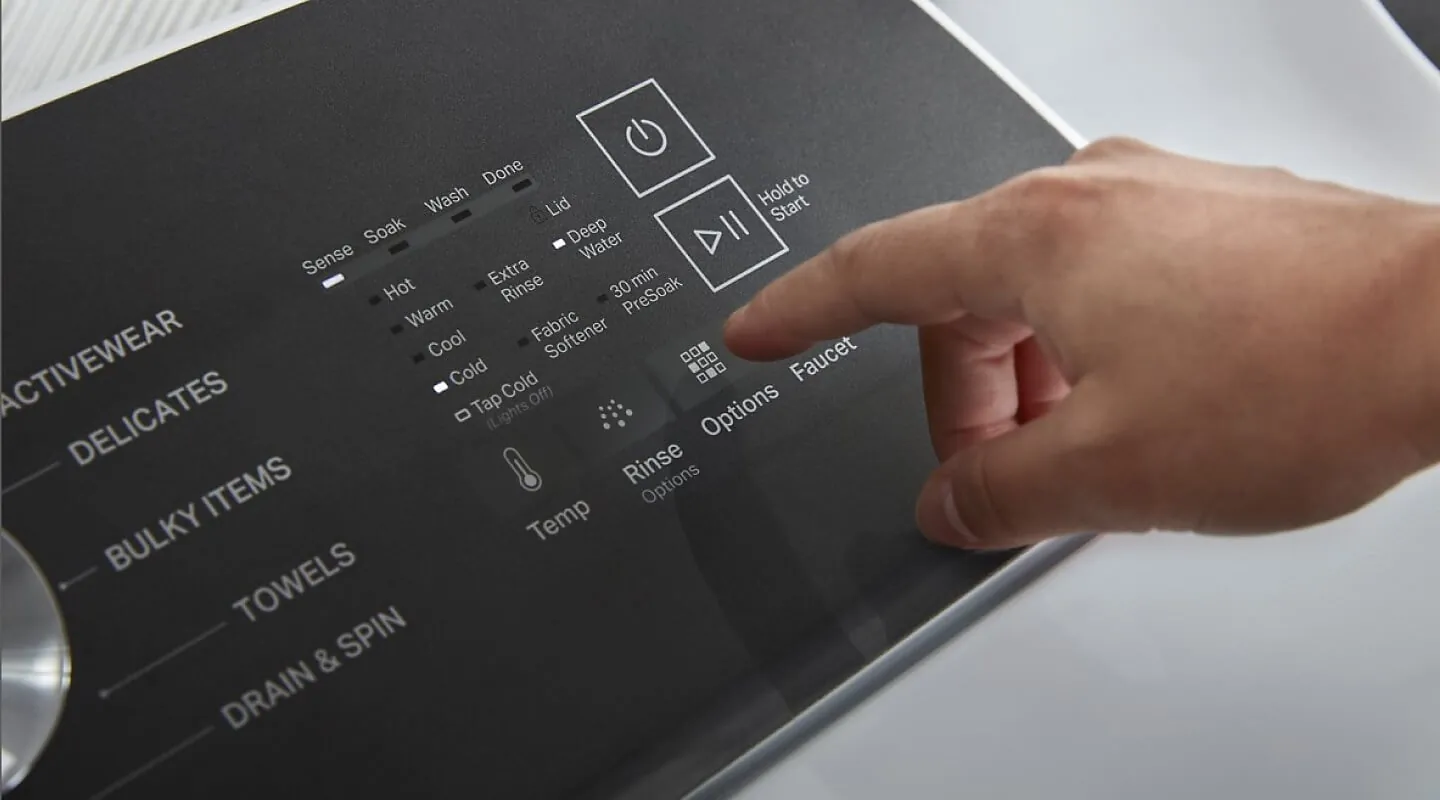
- Unplugging the unit for five to ten minutes is the most effective way to clear a temporary electronic glitch.
- The calibration mode should be triggered after a power reset if the machine continues to display error codes.
- Always ensure the water supply lines are fully open before attempting a system reset to avoid false error readings.
- Checking the lid switch or door latch is critical, as these components often mimic electronic failures when they’re physically broken.
- Consult your specific model’s owner manual for unique button combinations, as these vary significantly between top-load and front-load models.
Why Does My Washer Need Resetting?
Your washing machine is essentially a computer that manages water valves, motor speeds, and sensors. When a power surge occurs—often due to a lightning strike or a general grid fluctuation—the internal logic board can become confused. This state is known as a logic lock, where the processor stops responding to user inputs because it’s stuck in a loop.
Similarly, if you accidentally interrupt a cycle by opening the lid during a spin phase, the machine may “forget” where it’s in the program, requiring a hard restart to regain its place.
Another common cause involves sensor feedback loops. If your water pressure is low or a drain hose is kinked, the machine may attempt to run a cycle, fail, and then log an error code that prevents subsequent operations. Even if you fix the hose, the machine remembers the error and refuses to run until you perform a manual reset. Clearing this cache allows the machine to re-evaluate its environment from a clean slate.
How to Power Cycle Your Washer
The simplest method is the “hard reset,” which forces the machine to dump its stored electrical charge. This is the first step recommended by the manufacturer for almost all digital issues.
- Locate the power cord at the back of the machine.
- Unplug the cord from the wall outlet completely.
- Wait at least five to ten minutes to allow the capacitors on the control board to drain.
- Plug the machine back in.
- Attempt to start a standard cycle to see if the error light has vanished.
Warning: Never attempt to reset the machine by flipping the circuit breaker repeatedly, as this can cause a power surge that permanently damages the sensitive control board components. Always use the power cord to disconnect the unit properly.
How to Reset Whirlpool Washer Models
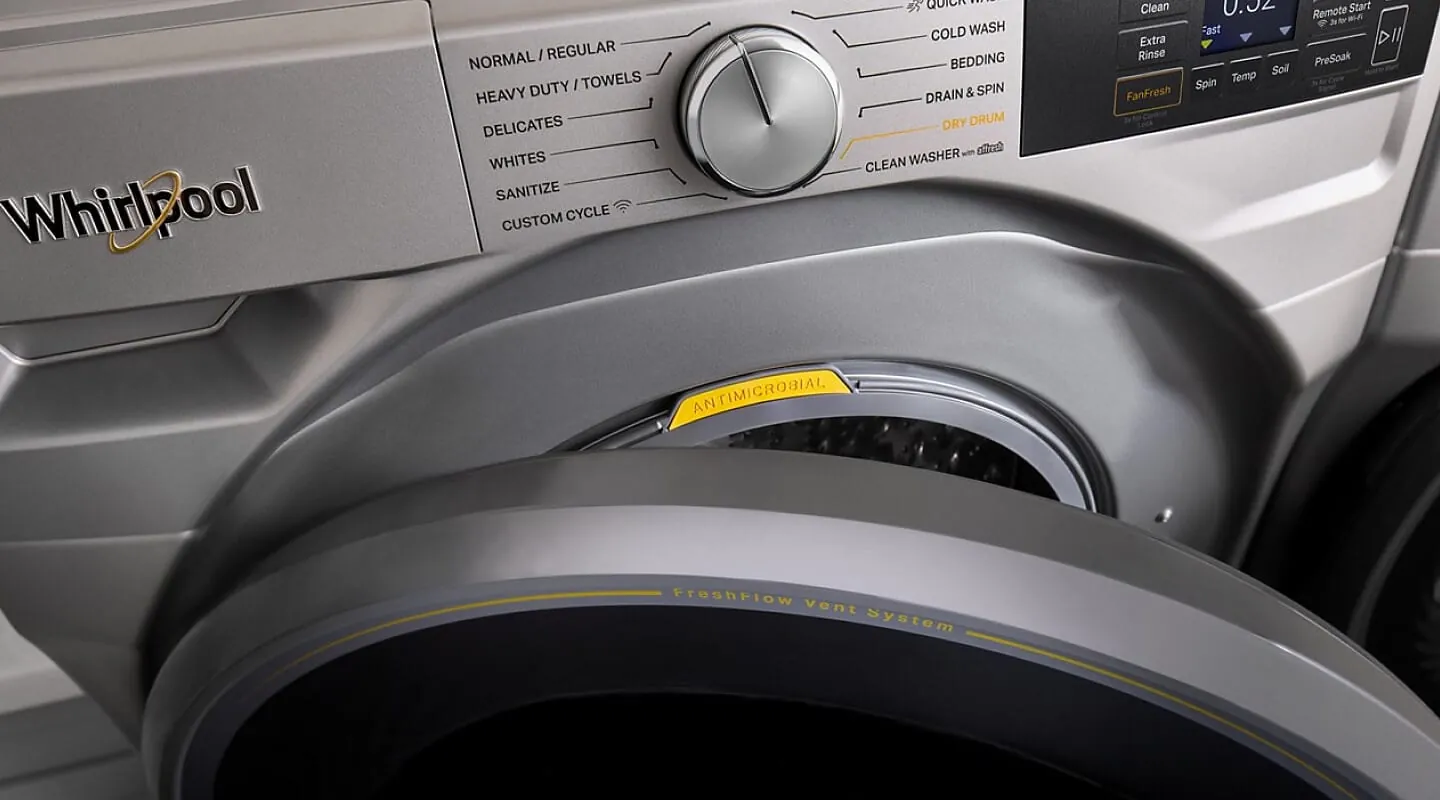
For newer models with digital displays, a button-based reset is often required to force the machine into a diagnostics or calibration mode. This process effectively resets the “factory state” of the motor and sensor calibration.
| Model Type | Primary Reset Method | Secondary Action |
|---|---|---|
| Top Load (Digital) | Rotate knob 360 degrees | Trigger calibration cycle |
| Front Load (Digital) | Press Cancel/Pause twice | Hold Power button five seconds |
| Old Analog Units | Unplug for 60 seconds | Manual cycle selection |
The Calibration Sequence
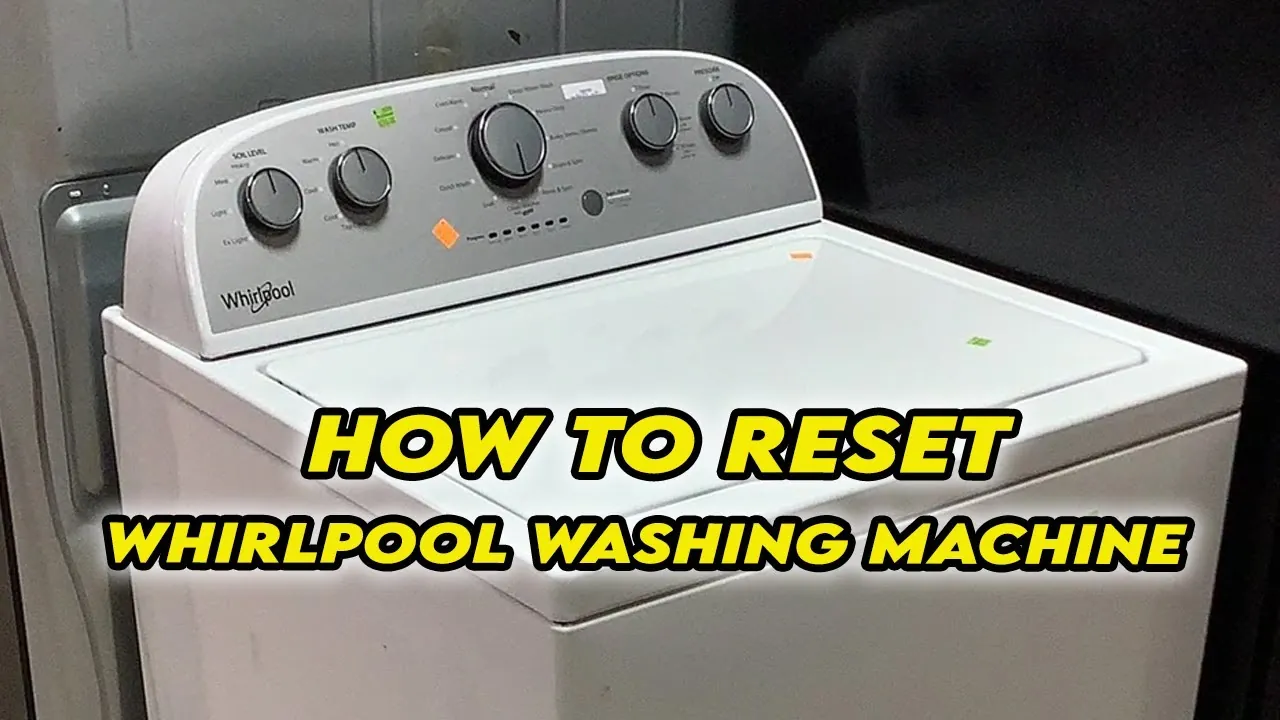
If your machine is a modern top-loader with a cycle selector knob, follow this specific sequence to reset the calibration. Start with the knob in the “Normal” position. Turn the knob one full counter-clockwise rotation, then three clicks clockwise, one click counter-clockwise, and one click clockwise. If performed correctly, all the status lights on the console will blink. If they don’t blink, turn the knob one more click clockwise and press the “Start” button to initiate the diagnostic test.
Front Load Control Panel Reset
Front-loading units are more sensitive to door latch issues. To reset these, press the “Cancel” button twice to clear any current cycle data. If the machine remains unresponsive, hold the “Power” button down for five to ten seconds. This forces the firmware to reload. If the door continues to show an “Ld” or “Door” error, check the physical latch for debris or lint buildup that might be preventing the sensor from engaging.
Troubleshooting Common Error Codes
Sometimes the “reset” isn’t a failure of the machine, but a warning that something is physically wrong. If the machine continues to display codes after a reset, you must address the mechanical issue.
- F01/F02: Indicates a motor control error; check the wiring harness beneath the tub.
- F05: Indicates a water temperature sensor failure; verify the inlet hoses are connected to the correct taps.
- F06: Indicates a drive motor tachometer error; the machine can’t sense how fast it’s spinning.
- F07: Indicates a motor control unit failure; this often requires a replacement part.
- F08: Indicates an internal heater or sensor issue; common in steam-enabled models.
Pro Tip: If your machine displays an “F” code followed by a number, write it down before resetting. This allows you to look up the exact Whirlpool product documentation to determine if a specific part, such as a water pump or pressure switch, needs replacement.
Maintaining Your Control Board
The control board is the most expensive part of your appliance. Protecting it from fluctuating current is essential for preventing the need for frequent resets. Use a high-quality surge protector specifically rated for major appliances. These devices differ from standard computer surge strips; they’re designed to handle the high inductive load of a washing machine motor.
Additionally, keep the area around your washer dry. Humidity is the enemy of electronic circuits. A damp laundry room can lead to corrosion on the contact points of your buttons, which causes them to register phantom presses or become completely unresponsive over time.
When to Call a Professional
If you have performed the power cycle, run the calibration diagnostic, and checked for physical obstructions, yet the machine still refuses to operate, you may have a failed main control board or a blown fuse. A professional technician can use a multimeter to test for continuity in the circuit. If the board isn’t sending power to the motor, it’s time to consider a professional repair or a replacement.
| Scenario | Recommended Action | Expected Outcome |
|---|---|---|
| Unresponsive buttons | Perform hard power cycle | Clears logic locks |
| Blinking error lights | Run calibration sequence | Recalibrates sensors |
| No power at all | Check circuit breaker | Restores electrical flow |
| Smoke or burning smell | Unplug immediately | Prevents fire hazard |
Related guides
- Best Power Station for Home in 2026
- How to Fix Power Recliner Stuck in Open Position: Easy Steps
- 10 Best Home Generators for Power Outages: Our Top Picks in 2026
Frequently Asked Questions
Will a reset delete my custom cycles?
Performing a standard power cycle reset doesn’t delete your saved custom cycles on most Whirlpool models. The firmware stores these settings in non-volatile memory, which is designed to retain data even when the power is completely disconnected. However, performing a full factory calibration may reset some default cycle settings to their original factory parameters, so check your preferences after the process is finished.
Does a reset fix a leaking washer?
No, a reset only addresses electronic and software-related issues within the control board. If your washer is leaking water, that’s a mechanical failure involving a compromised seal, a loose hose, or a cracked drain pump housing. Resetting the machine won’t stop physical water flow. You must locate the source of the leak and replace the damaged component or tighten the connection manually.
How often should I reset my washer?
You should only reset your washer when you experience a specific error code or a functional failure, such as the machine stopping mid-cycle or failing to start. There’s no benefit to “preventative” resetting. If you find yourself needing to reset the machine more than once a month, there’s likely an underlying issue with the power supply in your home or a failing electronic control board.
What if the lights stay off after a reset?
If the console remains completely dark after unplugging it and plugging it back in, the issue is likely not a software glitch. Check your home’s electrical panel to ensure the circuit breaker hasn’t tripped. If the breaker is fine, check the outlet itself with a different appliance. If the outlet works, the machine’s internal power supply or the control board itself has likely suffered a hardware failure.
Can I reset a washer with a locked door?
If the door is locked, it’s usually because the machine is in the middle of a cycle or contains water. First, try to cancel the cycle by pressing the “Cancel” button. If that fails, unplug the machine, wait ten minutes, and try to open it. If the door remains locked, you may need to use the manual release tab, which is often found behind the bottom kick panel of the machine.
Conclusion
Taking the time to properly troubleshoot your Whirlpool washer can save you hundreds of dollars in unnecessary service fees. Start by performing the simple power cycle, then move to the calibration mode if the machine remains unresponsive. Once you have ruled out software glitches, you can confidently address any mechanical repairs or consult with a qualified technician to get your laundry routine back on track.
