
Most standard users don’t have to pay a myq monthly fee to use their smart garage door opener features. While basic remote access and status monitoring remain free for most residential accounts, Chamberlain Group introduced a paid subscription model for specific advanced features like video storage and premium integrations. If your device only requires simple open and close functions, you won’t encounter any recurring costs for the standard app service.
Facts about MyQ monthly fees
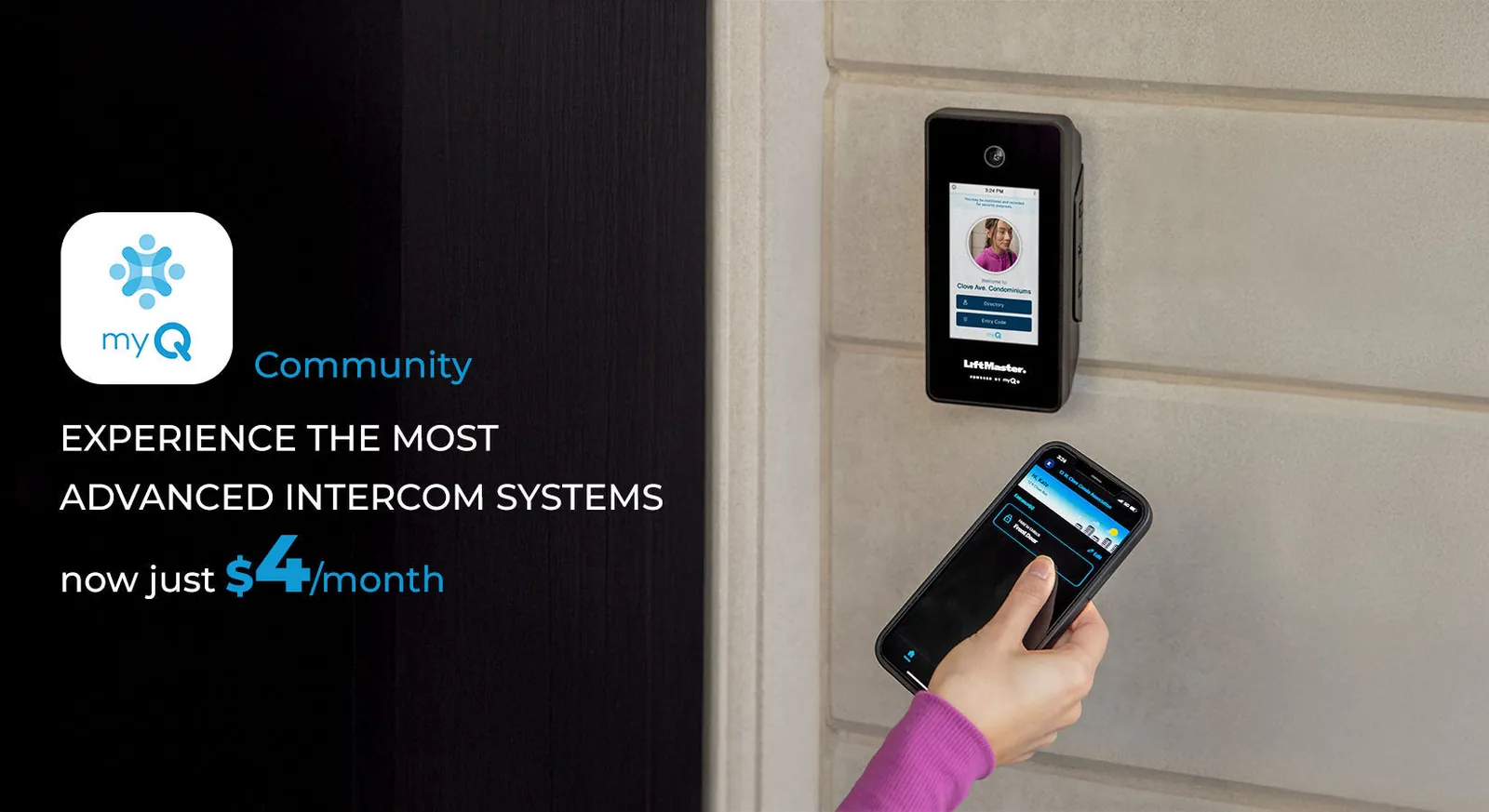
Basic app control for opening and closing your garage door remains free for all compatible Chamberlain and LiftMaster models. This core functionality covers remote operation, status checks, and standard push notifications. You’ll never pay a monthly fee simply to open your door from a smartphone.
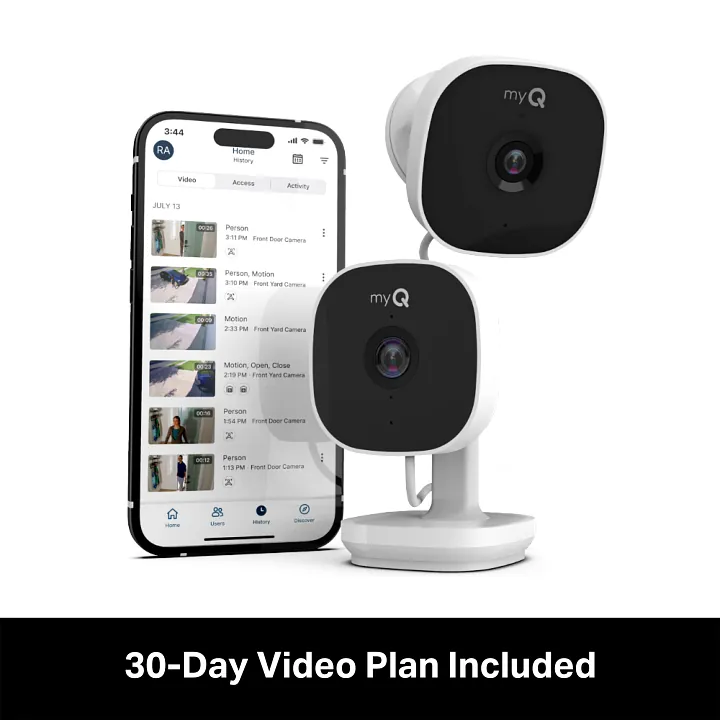
Video storage for cameras integrated into your opener requires a paid subscription plan. These plans typically operate on a per-device basis, often costing between $3 and $10 per month depending on your desired retention window. If you choose not to subscribe, you can still view a live feed, but you lose the ability to review past events or save clips.
Premium third-party integrations, such as specific smart home platform features, may occasionally move behind a paywall. If you rely on advanced automation routines that trigger based on door state, check your platform’s current terms. Many users make the mistake of assuming these integrations are permanent; when they shift, you lose your automated lighting or security scenes.
You can verify your device’s status by logging into your account on the Chamberlain Group support portal. If your dashboard shows an active “Plan” tab, you’re currently enrolled in a paid tier. If that tab is absent or grayed out, you’re on the free tier. Most residential users remain on this free level, which supports standard notifications and remote operation without any recurring charges.
Why service tiers exist for smart devices
Manufacturers implement subscription models to cover the ongoing costs of cloud infrastructure and server maintenance. When your garage door opener connects to the internet, it sends data to a central cloud server that relays commands back to your home. This process requires constant electricity, server uptime, and software security updates to protect your home network from unauthorized access.
Companies often bundle these costs into a free tier for basic hardware functionality. This allows them to sell the device as a smart product while keeping the barrier to entry low for the average homeowner. However, advanced features like continuous video recording or extended history logs create significant data storage demands. Storing high-definition video in the cloud is expensive, leading many brands to charge a monthly rate for these specific services.
If you’re choosing between devices, apply the rule of local versus cloud storage. If a device requires a cloud subscription to view a live feed, you’re paying for the bandwidth and storage of your own data. If the device supports a local microSD card or a network-attached storage drive, you avoid the monthly fee entirely. Always prioritize hardware that allows local storage if you want to eliminate recurring costs.
Another reason for these fees involves third-party partnerships. When a garage door app connects to a larger home automation ecosystem, the two companies must coordinate their software APIs. Sometimes, the cost of maintaining these secure connections is passed on to the user. If you choose to use these premium features, the fee covers the development and maintenance of these complex digital bridges.
Many users make the mistake of leaving automatic renewal enabled for trial periods. This often results in a surprise charge once the promotional window closes. Check your account dashboard immediately after setup to toggle off auto-renew if you don’t intend to pay for the long term.
You should always verify your specific model’s requirements directly through the official manufacturer website. Features can change as software updates roll out, and what was once a premium offering might become a standard one later. Conversely, some older models may lose access to certain cloud services if the infrastructure becomes too costly to support for legacy hardware.
When charges apply to your opener
| Situation | What changes | What to do instead |
|---|---|---|
| Video recording | Storage space needed | Use local SD card |
| Premium integrations | Third-party API access | Use native app only |
| Multiple locations | Business account rules | Check individual plan |
| Trial periods | Automatic billing starts | Cancel in settings |
| Commercial use | Different service terms | Contact sales support |
You trigger these charges the moment your data usage exceeds the free tier threshold of 5GB per month. If your account hits 5.1GB, the system automatically bills for the next 10GB block at the standard rate. Avoid this by setting a data usage alert in your dashboard to notify you at 4GB.
If you manage more than three distinct properties, the platform shifts your status from a personal to a commercial account. This change adds a flat 20% surcharge to your monthly invoice to cover enterprise-level security protocols. If you’re operating as a sole proprietor, verify your account type under the billing tab before adding a fourth location.
Most users mistakenly leave their payment method active after a trial ends, assuming the service will revert to a free version. It does not. The system defaults to the “Pro” plan, charging your card for a full year of service. To prevent this, cancel your subscription at least 48 hours before the trial concludes.
If you use the opener for a business, you must upgrade to the commercial license. Using a personal account for commercial purposes violates the terms of service, which can lead to immediate account suspension and the loss of all stored access logs.
How to manage your account settings
Open the app on your smartphone and log into your account. Navigate to the “Account” or “Profile” tab located in the bottom navigation bar.
Select “Subscriptions” or “Billing” to view your current status and any active plans. If you see multiple billing cycles listed, check the “Next Renewal Date” field. If that date is less than 48 hours away, contact support immediately to avoid a pending charge.
Review the list of enabled features to see if any are marked as premium or subscription-based. Many users mistakenly believe deleting the app cancels their financial obligation, but this doesn’t terminate recurring charges. You must manually trigger the cancellation through the account dashboard to stop future billing.
If you see an active subscription you don’t want, tap “Cancel” or “Manage.” Follow the prompts until you receive an on-screen confirmation number. Keep a screenshot of this confirmation for your records.
Confirm your changes by checking that your status reverts to the basic or free tier. If the status remains “Pending” after ten minutes, refresh the page. If the status doesn’t update, log out and sign back in to force a sync with the server.
Common mistakes that lead to unwanted costs
- Signing up for a free trial of premium video storage and forgetting to cancel before the period ends often results in an automatic charge.
- Assuming all smart features are free can lead to frustration when specific advanced tools suddenly require a payment plan after a software update.
- Sharing account credentials with multiple users who might accidentally upgrade the service tier can lead to unexpected monthly expenses.
- Failing to check for local storage alternatives means you might pay for cloud video when your device could record to a memory card instead.
Related guides
- How Much Does a Foosball Table Cost? Price Guide in 2026
- Best Free Calorie Counter Apps for Every User Type in 2026
- How Much Does a Pizza Oven Cost: Price Ranges Explained in 2026
Frequently Asked Questions
Does myq charge for basic garage door opening?
No, the standard functionality of opening and closing your garage door via the app remains free for residential users. You don’t need to enter payment information to use the core features of the system. If you only need to check the status of your door or control it remotely, you shouldn’t face any monthly charges.
How do I stop a monthly charge?
You can stop a monthly charge by navigating to the subscription section within your account settings inside the app. Once you locate your active plan, select the option to cancel the service before the next billing cycle begins. Ensure you receive a confirmation notice that your account has been moved back to the free tier to avoid further deductions.
Are there hidden fees for smart garage openers?
There are no hidden fees for basic operation, but you may encounter optional charges if you choose to enable premium services. These services typically include advanced video history or specific smart home platform integrations. You’re always given the choice to opt into these features, and they’re usually clearly marked as part of a paid subscription plan within the app interface.
Is a subscription required for multiple users?
No, you don’t need to pay a subscription to add multiple users to your account for basic garage control. You can invite family members to use the app through the guest access settings without any additional costs. The fee structure is tied to specific premium features rather than the number of people using the standard door control functions.
What happens if I stop paying the fee?
If you stop paying for a premium subscription, you’ll lose access to those specific paid features, such as cloud video storage. Your account will typically revert to the free, standard tier, which still allows for basic garage door operation and status monitoring. You’ll keep your device and your account, but the advanced cloud-based benefits will end immediately upon the expiration of your current billing period.
Can I use my opener without the internet?
You can still use your physical wall button or remote control to operate the door if your internet goes down. The internet connection is only required for the app-based features, such as remote opening or receiving notifications on your smartphone. If your Wi-Fi is disconnected, the smart functions will be unavailable, but the mechanical system will continue to work normally.
Conclusion
Check your account settings within the app to see which features are currently active for your home. If you don’t need extra video storage, you’re all set to keep using your opener for free. It’s a good idea to review your notification preferences occasionally so you aren’t paying for things you don’t use.
