
If your door refuses to move or reverses unexpectedly, you can often perform a chamberlain garage door troubleshoot by checking the safety sensors and the track alignment. The most common cause for these issues is a simple obstruction or a misaligned sensor that stops the motor for safety. If the door moves a few inches and then stops, look for items blocking the light beam or debris inside the track.
Common reasons for Chamberlain garage door failures
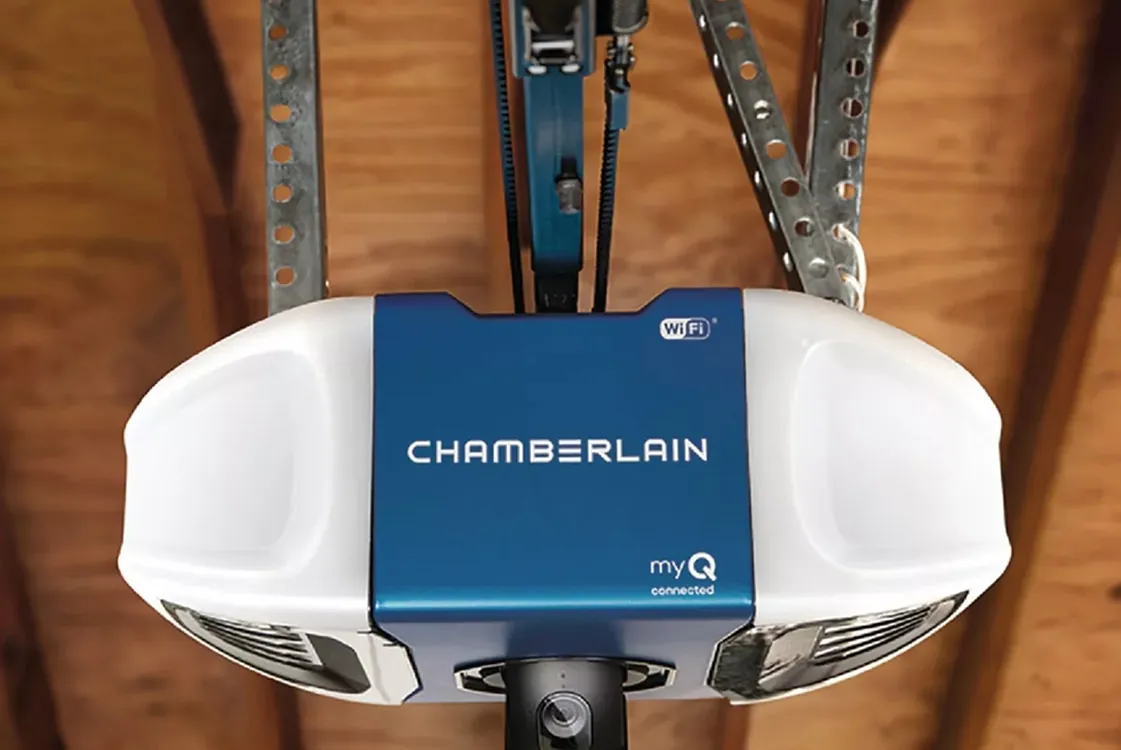
Most operational problems stem from physical interference or loss of communication between the safety sensors. These sensors, located at the bottom of each track, require a clear line of sight to send an invisible beam across the opening. If that beam is broken by a box, a tool, or even a spider web, the motor will refuse to close the door to prevent accidental injury.
Another frequent cause involves the physical state of the track itself. If the track is bent or has loose mounting brackets, the roller wheels can catch or drag, causing the motor’s sensitivity settings to trigger a reverse. You should look for signs of rust, loose bolts, or tracks that aren’t perfectly vertical. If the track isn’t level, the weight of the door puts extra strain on the motor, leading to premature wear.
Finally, power issues or remote signal interference can prevent the system from responding. If the wall-mounted button works but your remote does not, the issue is likely a dead battery or a need to re-pair the remote to the logic board. Always check the power source first, ensuring the unit is plugged in firmly and that your home’s circuit breaker hasn’t tripped.
Clear and align the safety sensors
You should begin by inspecting the two small sensors at the floor level. These must face each other directly to maintain a solid light beam. If one sensor is loose or tilted, the unit won’t allow the door to close, and the indicator light on the sensor will usually flash or turn off.
To fix this, gently tighten the wing nut on the sensor bracket and adjust it until it points directly at its partner. You can tell it’s aligned when the LED indicator light on the sensor stops blinking and stays solid. If the lights are dim or flickering, check the wires leading to the motor unit for any cuts or loose connections.
Most homeowners make the mistake of overtightening the bracket, which causes the sensor to pivot upward or downward. If the light remains off after adjustment, verify that the lens is free of dust, spiderwebs, or lawn debris. A simple wipe with a dry microfiber cloth often restores the connection instantly.
If the beam remains broken despite a clear path, swap the sensors to opposite sides. If the problem follows the sensor, the unit is faulty and requires replacement. If the issue stays on the same side, the fault lies within the wiring harness.
Never attempt to bypass these sensors, as they’re a critical safety feature designed to stop the door from closing on people or pets. These devices must be tested monthly to ensure they reverse the door when the beam is obstructed.
Inspect and clean the door tracks
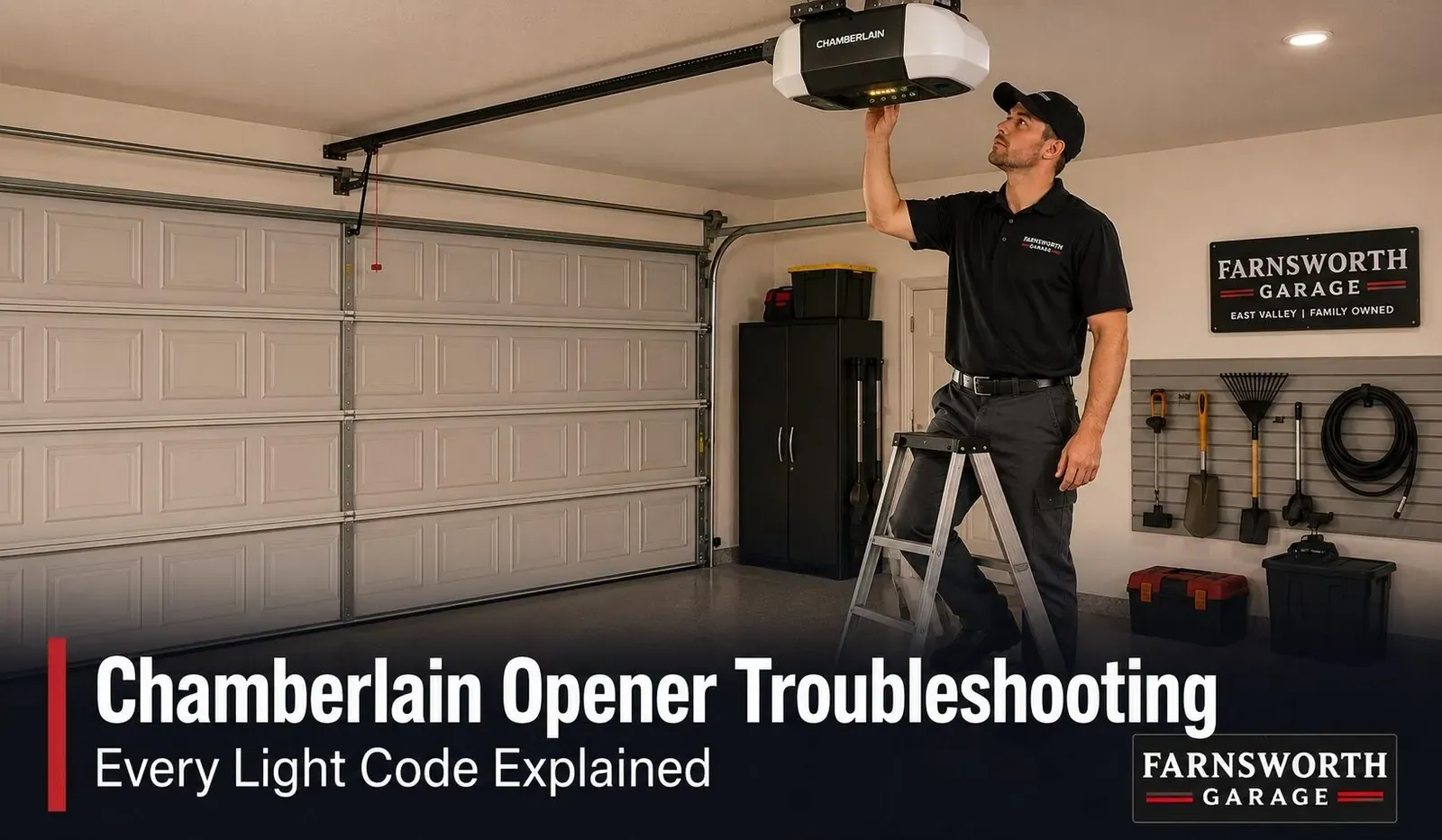
If the sensors are aligned but the door still struggles, the tracks are the next place to investigate. Look for physical obstructions like dried grease, grit, or stray objects lodged in the path of the rollers. Even a small piece of debris acts as a speed bump that forces the motor to detect a false obstacle.
Wipe the inside of the tracks with a clean, dry cloth to remove buildup. If the tracks are bent or pulled away from the wall, tighten the mounting bolts using a standard wrench. Check for gaps between the wall and the bracket; a gap wider than a quarter-inch indicates a loose mounting that requires immediate tightening to prevent the track from shifting under the door’s weight.
If the track is significantly twisted, don’t try to hammer it back into place yourself. This task requires specialized gauges to ensure the door remains perfectly balanced. If you can’t easily reach the bolts or the metal shows visible stress cracks, call a professional garage door technician.
Forcing a misaligned track often leads to a dangerous, uncontrolled spring-loaded collapse. If your door makes a rhythmic popping sound as it passes a specific point, the track is likely misaligned at that exact joint.
Reset the force and travel limits
When the door moves but stops in the wrong position, you may need to adjust the travel limits on the motor unit. These limits tell the motor exactly where to stop when the door is fully open or fully closed. If the setting is too short, the door will stop before it hits the floor; if it’s too long, the motor will strain against the floor.
Locate the adjustment screws or buttons on the side or back of your motor housing. Follow the markings for “Up” and “Down” to make small, incremental changes. Turn the screw or press the button only one-quarter turn at a time, then test the door.
If the door reverses before hitting the floor, check the safety sensors first. If the sensors are clear, the force sensitivity is likely set too low for the current weight of your door. Consult your manual to locate the force adjustment dial.
Most people make the mistake of cranking the force setting to the maximum to stop the door from reversing. This is dangerous because it prevents the door from detecting an obstruction, such as a pet or a child.
Only increase the force by the smallest increment possible until the door completes its cycle. If the door still reverses, your springs are likely losing tension and need a professional adjustment rather than a motor fix. Forcing the motor to work against a heavy or misaligned door will eventually strip the internal gears.
Popular myths to avoid
Never spray oil or thick grease into the tracks. This attracts grit and creates a sticky paste that grinds down the rollers. Use a dry silicone-based lubricant instead to keep the metal moving smoothly without trapping debris.
Don’t yank the red emergency handle while the door is mid-travel. If the springs aren’t perfectly balanced, the door can drop instantly and crush whatever is underneath. Only pull the release when the door is fully closed and under no tension.
Never attempt to adjust or touch the large torsion springs above the door. These coils hold enough force to snap a finger or cause fatal head trauma. If the door feels heavy or hangs crooked, call a professional. The cost of a service call is far less than an emergency room visit.
Don’t assume the motor is broken when the system stops responding. Most units are simply suffering from a tripped breaker or a disconnected sensor wire. Check your wall outlet for power before buying a new logic board.
Preventing future door operation issues
To keep your system running smoothly, perform a visual inspection every three months. This takes only five minutes and helps you catch small problems before they lead to a complete breakdown.
| If you’re doing this | Do this instead | Why |
|---|---|---|
| Ignoring squeaky hinges | Lubricate with silicone spray | Reduces friction and motor strain |
| Leaving debris in tracks | Sweep or wipe them clean | Prevents the door from reversing |
| Pulling the handle hard | Pull gently and straight down | Protects the release mechanism |
| Forcing the door closed | Check sensor alignment first | Prevents motor gear damage |
Most homeowners mistakenly use grease on the tracks, which actually attracts grit and causes the door to bind. Use a dry cloth to wipe the tracks clean instead. If the door reverses before hitting the floor, your safety sensors are likely misaligned or blocked by an object.
If you hear a grinding noise during operation, stop using the door immediately. This usually indicates a stripped gear inside the motor housing. If the door moves smoothly when disconnected from the opener, the issue is electrical. If it remains heavy or sticks while manual, the problem is mechanical.
Related guides
Frequently asked questions
Can I reset my chamberlain garage door opener?
You can reset most models by holding the “Learn” button on the motor unit for 6 to 10 seconds until the indicator light turns off. This clears all existing remotes and keypads from the memory. Note that you must re-pair each remote after performing this reset.
How long should the door take to open?
Most residential doors should fully open or close in 10 to 15 seconds. If your door takes significantly longer, it may indicate excessive friction, worn-out springs, or low force settings. Consult a professional if the speed change is sudden or accompanied by unusual noises.
Is it safe to fix the door sensors myself?
Yes, you can safely clean the sensors or adjust their alignment without opening the motor housing. Simply wipe the lenses with a dry cloth or tighten the mounting screws. Never bypass the sensors, as they’re essential for preventing the door from closing on people or pets.
Why does my garage door reverse on its own?
A door that reverses on its own is usually detecting an obstruction, such as a blocked safety sensor beam or resistance in the tracks. The system is designed to stop and reverse if it senses pressure to prevent damage. Ensure the sensors are aligned and the tracks are clear.
What happens if the garage door power goes out?
You can open the door manually during a power outage by pulling the red emergency release handle on the center rail. This disconnects the trolley from the motor, allowing you to lift the door by hand. Ensure the door is fully closed before pulling the handle to prevent it from dropping.
Conclusion
If these quick fixes don’t get your door working smoothly again, it’s best to call a professional technician for help. Don’t try to adjust the heavy springs or cables yourself, as they’re under high tension. Staying safe is the priority, so reach out for expert support if you’re still having trouble.
