
You can fix most panasonic cordless phone problems by replacing the battery or resetting the base station. If your handset shows a “No Link” message or the screen stays blank, these steps usually restore the connection within minutes.
Fixing Panasonic cordless phone connection issues
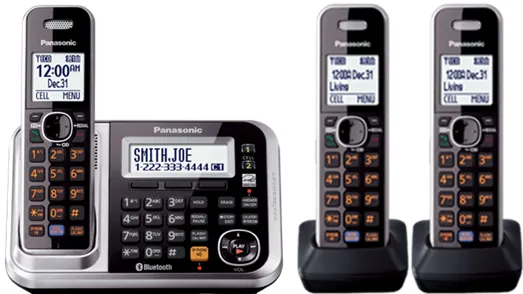
Unplug the power adapter from the wall outlet for 60 seconds to clear the base station memory. If the connection fails, verify the outlet itself by plugging in a lamp to ensure it’s receiving power.
Remove the rechargeable batteries from the handset and leave them out for 60 seconds to reset the internal circuits. Don’t skip this step even if the screen appears blank, as residual charge often keeps the error state active.
Plug the base power back into the wall outlet and wait for the indicator light to stop flashing. A steady light confirms the unit has established a handshake with your local network.
Reinsert the batteries into the handset and place it on the base unit to allow the devices to automatically re-establish their connection. If the handset displays “Searching” after this window, the batteries have likely reached the end of their chemical lifespan and require immediate replacement.
Why Your Phone Loses Its Signal
The primary reason for connection issues is a breakdown in the digital pairing between the handset and the base unit. These phones use a specific frequency, typically 1.9 GHz, to communicate. If the base loses power or the handset battery drops below a critical voltage, the digital “handshake” fails. When this happens, the handset can’t find the base, even if they’re only a few feet apart.
To reset this link, unplug the power adapter from the base unit and remove the batteries from the handset. Wait sixty seconds before reconnecting the power, then replace the batteries. If the handset displays “Searching” or “Out of Range” after this cycle, the internal registration has likely corrupted. You must then navigate the handset menu to re-register the device to the base station.
Interference from other wireless devices is another common cause. Wi-Fi routers, baby monitors, and microwave ovens can disrupt the signal if they operate near the base unit.
If you notice the problem occurs only when you’re in a specific room, move the base station to a central, open location at least three feet away from other electronic devices. Avoid placing the base on a metal surface, as this acts as a shield and reflects the radio waves back into the unit.
Battery degradation also mimics signal failure. Panasonic DECT 6.0 phones rely on Ni-MH rechargeable batteries that typically last 18 to 24 months with daily use. Once these cells lose their ability to hold a charge, the handset may power on but lack the energy to maintain a stable radio link.
If the handset screen dims or resets when you attempt to make a call, the battery is the culprit, not the signal. Replace the batteries if they fail to hold a charge for more than an hour off the cradle. If the battery feels warm to the touch or shows signs of leaking, stop using it immediately and dispose of it at a local recycling center.
Check These, Cheapest First
Start with the simplest fixes that require no money or tools before you consider replacing hardware.
Check the Battery Contacts
Look at the metal pins inside the battery compartment for dirt or corrosion. If they look dark or dusty, gently wipe them with a dry, clean cloth. Clean contacts ensure the power flows properly, which is necessary for the phone to maintain its signal.
Test the Power Supply
Verify the base station power cord is pushed all the way into the wall socket. If the base has no power, the handset will display a “No Link” error. Use a different wall outlet to confirm the problem isn’t with your home electrical circuit.
Verify the Base Placement
Move the base unit away from large metal objects, mirrors, or other cordless electronics. Metal surfaces reflect radio waves and create dead zones in your home. A clear line of sight often fixes intermittent audio or dropped calls.
Reset the Handset Registration
If the phone still doesn’t connect, follow the registration steps in your user manual. This forces the handset to re-identify itself to the base unit. If you have multiple handsets, ensure you aren’t trying to register a handset to a base that’s already full.
The Fix for Connection Errors
If the handset remains unresponsive, the most common fix is a full factory reset. First, disconnect the phone line cord from the base unit. Press and hold the “Locator” or “Page” button on the base station while you plug the power adapter back into the wall. Continue holding the button for about 10 seconds until the light on the base flashes in a specific pattern. This clears out old configuration data that might be causing a software conflict.
If the base light fails to flash after 15 seconds, unplug the unit for a few minutes before attempting the reset again. Don’t skip this wait, as residual power can prevent the system from clearing its memory registers.
Next, go to the handset menu and select the “Initial Setting” or “System Reset” option. Choose the “Base Unit” or “Handset” reset, depending on which device is failing to communicate. Once the devices reset, place the handset on the base and wait for the confirmation beep. This indicates that the handset has successfully registered to the base again.
If the screen shows a “Low Battery” icon even after hours of charging, the batteries have reached the end of their life. Replace them with the exact Ni-MH capacity (usually 550mAh or higher) specified in your manual. Using batteries with the wrong chemistry or voltage can damage the handset’s charging circuit.
If the fix holds, the signal bars will return to the display within two minutes. In this case, the base station is no longer viable and requires a complete replacement.
When to Seek Professional Help
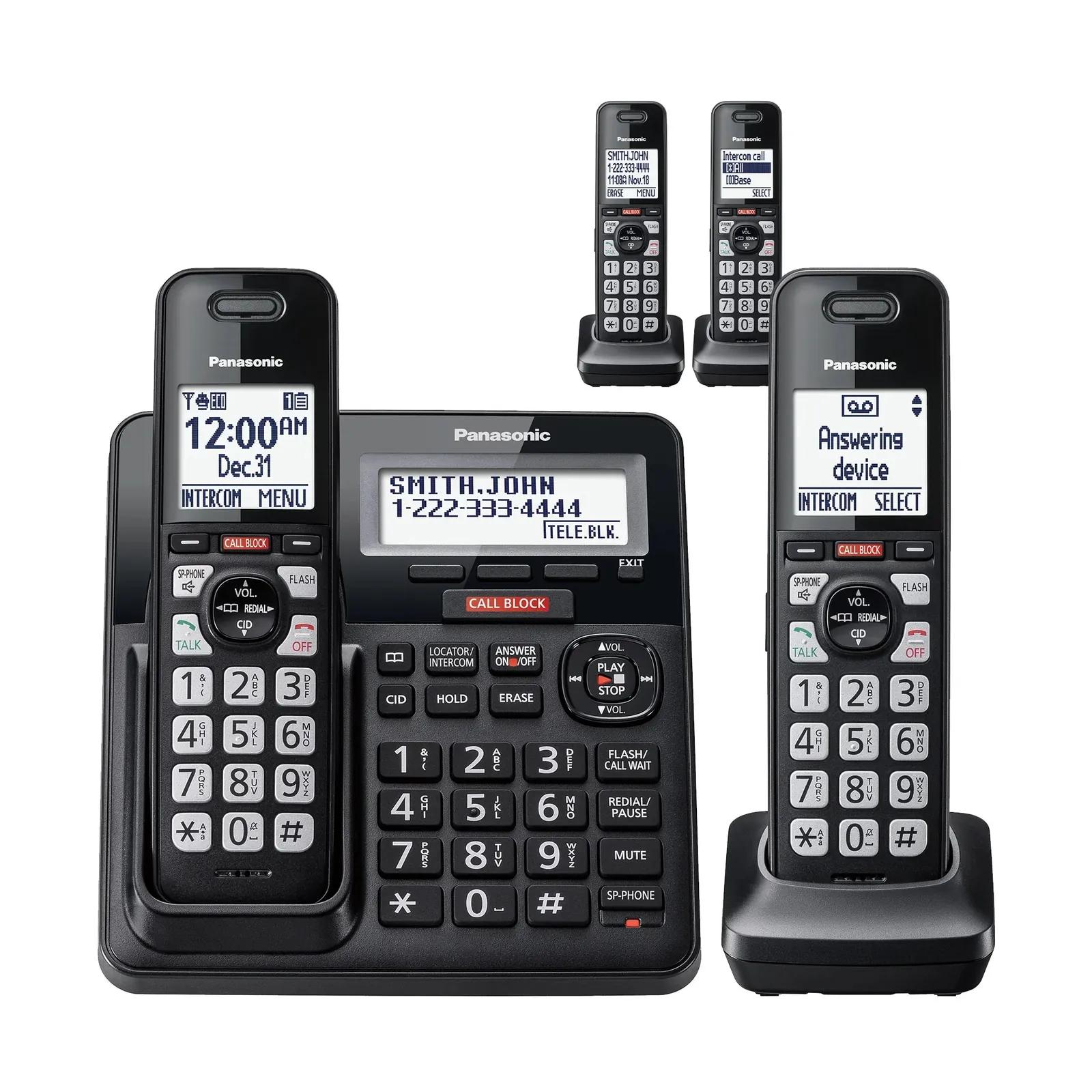
If you have performed a factory reset and installed new, compatible batteries, but the handset still fails to find the base, the internal radio transceiver may be damaged. This is a hardware failure that requires specialized tools to test and repair. You shouldn’t attempt to open the casing of the base station or the handset, as this can break the plastic clips or damage the delicate internal antenna.
If your phone is still within the manufacturer’s warranty period, contact the retailer or Panasonic customer service to discuss a replacement. If the unit is older, the cost of a professional repair usually exceeds the price of a new system.
When calling for support, have your model number ready—you can find this printed on the bottom of the base station. Explain that you have already performed a factory reset and tested the unit with fresh batteries, as this helps the representative rule out basic setup mistakes.
Check your purchase date before proceeding. If the device is aging, the cost of labor and shipping often exceeds the current market value of the hardware. In these cases, buying a modern replacement is the more economical choice.
If you notice the base station feels unusually hot to the touch or emits a faint buzzing sound, unplug the power adapter immediately. These are signs of a failing capacitor, which poses a fire risk. Don’t attempt further troubleshooting if you smell ozone or burning plastic.
Related guides
- Aqua Genie Skimmer Problems: 3 Common Causes and Fixes in 2026
- Pentair Globrite Problems: Top 10 Issues and Complaints in 2026
- 5 Best Cordless Backpack Vacuums for Efficient Cleaning in 2026
Frequently Asked Questions
Can I use any battery in my phone?
No, you must use the specific Ni-MH rechargeable battery type listed in your user manual. Using the wrong chemistry or voltage can damage the handset’s charging circuit or cause the battery to overheat. Always check the label on the old battery to match the voltage and capacity requirements of your model.
How long should the batteries last?
A standard set of Ni-MH batteries for these phones lasts about 18 to 24 months with daily use. If you notice the talk time decreasing significantly or the phone dies shortly after being removed from the base, the batteries are likely worn out. Replace them as soon as you notice these signs to avoid the risk of a total power failure during a call.
Is it safe to use the phone if the battery is leaking?
No, you must stop using the phone immediately if you see any liquid or white powder near the battery compartment. Leaking battery chemicals can cause skin irritation and permanent damage to the internal electronics of your handset. Carefully remove the batteries with gloves, place them in a sealed plastic bag, and take them to a battery recycling facility.
Why does my phone say “No Link”?
The “No Link” message means the handset and the base unit have lost their wireless connection. This often happens after a power outage or if the handset has been away from the base for a long time. You can usually fix this by power-cycling the base station and re-registering the handset according to your owner’s manual instructions.
Does the distance from the base matter?
Yes, the signal quality drops as you move further away from the base station. Most systems are designed for a range of about 300 feet in open air, but walls and floors will reduce this distance significantly. If you experience static or dropped calls in a specific part of your home, try moving the base to a more central location.
What happens if I reset the base?
Resetting the base station wipes all saved settings, including your custom ringtones and the registered handsets. You’ll need to re-register each handset to the base unit following the procedure in your manual. This is a final troubleshooting step that helps resolve persistent software errors that prevent the phones from connecting to the home line.
How do I know if the base is broken?
The base station is likely faulty if the indicator lights don’t turn on when plugged into a known working outlet. Before assuming it’s broken, test a different power cable if possible, or plug a different small appliance into the same outlet to ensure power is available. If the outlet works but the base remains dark, the internal power supply has failed.
Conclusion
Proper care of your charging contacts and using only the recommended battery type will keep your system running for years. If the connection issues persist after you follow these steps, the hardware has likely reached the end of its useful life.
