
A power supply failure is the most common reason for an lg tv flashing red light. This signal usually means the internal power board can’t send the correct voltage to the rest of the television components. You can confirm this by unplugging the device from the wall for 60 seconds and then plugging it directly into a different wall outlet to bypass any potential power strip issues. If the light continues to flash, the internal hardware requires professional inspection or repair to function safely again.
Why your TV light is flashing
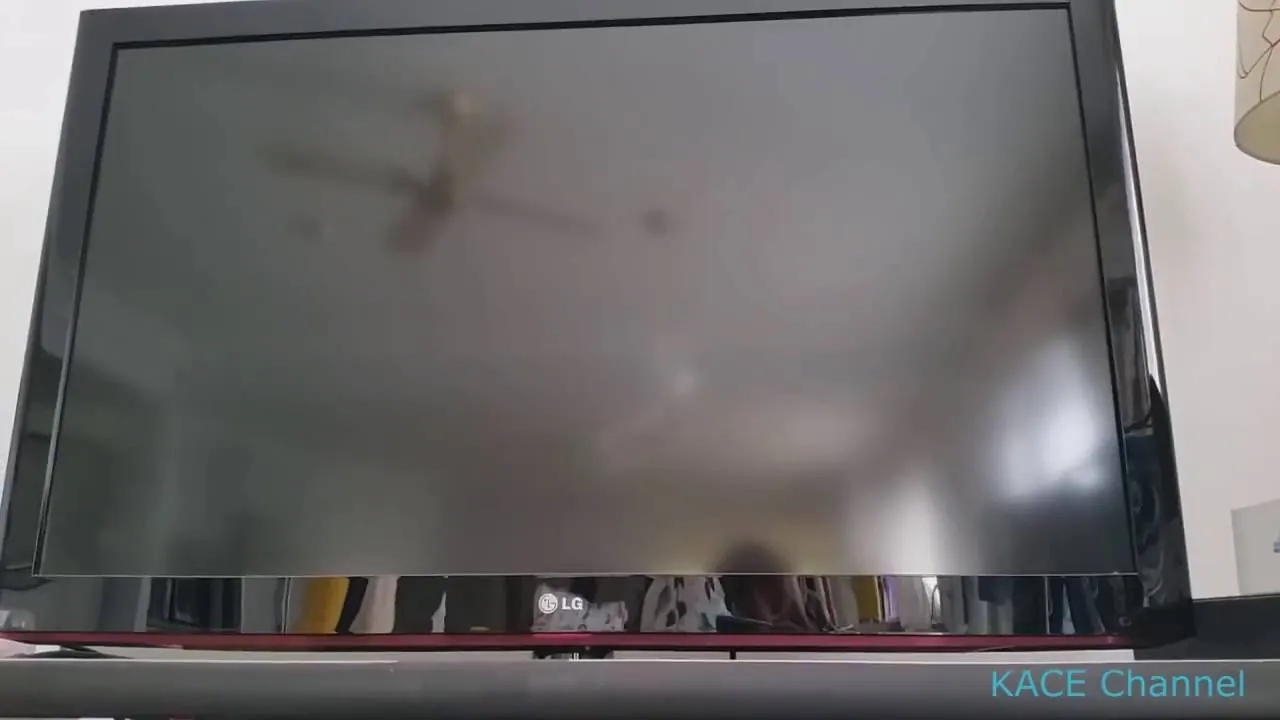
When your television screen stays dark but the indicator light blinks, the system is attempting to communicate a hardware fault. Most modern displays use this pattern as a diagnostic code to help technicians identify which internal module has lost power or connectivity.
If the light blinks in a rhythmic sequence, count the flashes before the pause. A repeating pattern of two or three flashes almost always points to a power board voltage error. In this case, unplug the set for exactly 60 seconds to drain the capacitors, then try a different wall outlet to rule out a faulty surge protector.
A solid red light usually indicates the set is trapped in standby mode. If the remote fails to wake the screen, disconnect the television from the wall and hold the physical power button on the chassis for 30 seconds. This clears the volatile memory that sometimes hangs during a firmware update.
If the screen flickers briefly before dying, the backlight inverter is likely failing. Lower your brightness and contrast settings to 50 percent immediately. If the television stays on at these lower levels, you have confirmed a failing inverter board rather than a total panel death.
When the light flashes indefinitely, the mainboard processor has likely lost its handshake with the display panel. If you see this during an update, never pull the plug. A forced power cut while the firmware is writing to the flash memory will permanently brick the motherboard, turning a simple software glitch into a total hardware replacement.
Power supply board malfunctions
The internal power board acts as the heart of your television, converting electricity from your wall into the specific voltages required by the motherboard and backlight. When this board degrades, it often fails to provide a steady current, which triggers the blinking red light as a safety feature. This prevents the television from attempting to start with insufficient power, which could damage sensitive microchips.
You can verify this by performing a hard reset. Unplug the television from the power source and wait for at least 60 seconds to allow all capacitors to discharge completely. Plug the power cord directly into a wall outlet, avoiding any surge protectors or extension cords, which may provide inconsistent power if they’re failing. If the television turns on normally, your previous power strip was likely the culprit.
If the flashing persists after this reset, it indicates a component failure on the board itself. If the light flashes rapidly, the issue is often a blown capacitor; if it flashes in a slow, rhythmic pattern, it may be a communication error between the power board and the main logic board.
Most users mistakenly assume that a flickering screen before the unit dies is a backlight issue. If the screen flickers for several minutes before the red light appears, the power board is failing to maintain the high-voltage draw required for the display.
If the TV remains dead but the red light is solid rather than blinking, the power board is likely providing standby voltage but failing to signal the main board to wake up. In this case, replacing the power cable or checking the internal ribbon connections often resolves the issue without needing a full board replacement.
Don’t open the television case to inspect these parts. High-voltage capacitors can hold a dangerous electrical charge even after the unit is unplugged from the wall.
Mainboard processing errors
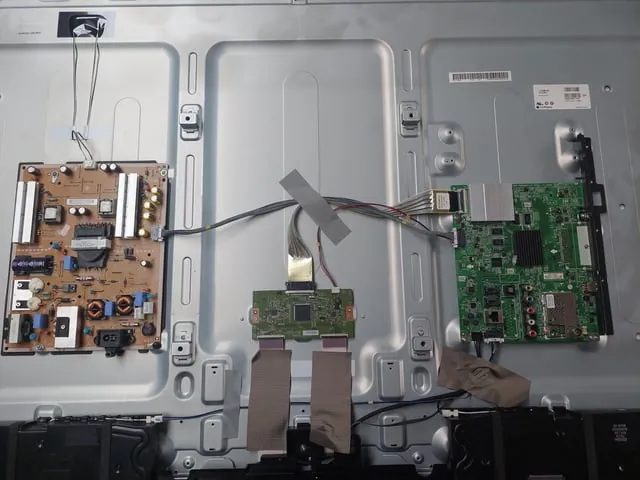
The mainboard is the brain of your television, handling all video inputs and software commands. If the software freezes during the boot process or if the processor fails to respond, the system will often hold the power light in a flashing state. This occurs because the mainboard can’t verify that the system is ready to display an image.
You can test for this by removing all external devices, such as gaming consoles, soundbars, or HDMI cables. Once the television is isolated, perform the same 60-second power cycle mentioned earlier. If the television starts up with the LG logo visible, one of your external devices is likely sending a corrupt signal that’s confusing the processor. Reconnect your devices one by one to isolate the specific cable or port causing the handshake failure.
If you still see the flashing light after removing all peripherals, the mainboard firmware may be corrupted. A common mistake is assuming the board is physically dead when the issue is actually a failed background update. Before replacing hardware, check if your model supports a forced USB firmware flash. This requires a formatted thumb drive containing the specific firmware file for your serial number.
Some models allow for a factory reset using physical buttons on the chassis, but this varies by model year. Consult the LG official support documentation to find the specific button combination for your serial number. If your television is under warranty, contact the manufacturer before attempting any software overrides to ensure you don’t void your coverage. If the unit remains unresponsive after a firmware attempt, the processor has likely suffered a permanent thermal failure, necessitating a full mainboard replacement.
Backlight or panel hardware failure
The LED backlight strips provide the illumination for your screen. If one or more strips fail, the television will detect a power draw imbalance and shut down immediately to prevent overheating or a short circuit. This is a common issue in televisions used for several years, as the LEDs naturally dim and eventually burn out.
You can tell if this is the cause by shining a bright flashlight directly at the screen while the television is powered on. If you see a faint image or menu text under the beam, the mainboard and processor are working, but the backlight system has failed. This confirms that the screen is receiving a signal, but the light source responsible for showing that image is broken.
If the screen remains completely black despite the flashlight test, the problem is likely a faulty T-con board or a failed panel driver rather than the backlights. In these cases, the internal logic isn’t processing the video signal correctly.
Unlike a power board issue, this is almost always a hardware-specific failure that requires replacement parts. There’s no software fix for a burnt-out LED strip. If you have confirmed the image is present using the flashlight test, you have identified a physical component failure.
The cost of replacing these strips is high because it requires disassembling the entire screen panel, a process that carries a high risk of cracking the glass. Many technicians refuse this repair because the panel is the most expensive component of the television, often making the repair cost-prohibitive.
If you attempt this yourself, use suction cups to lift the panel and store it vertically to prevent gravity from snapping the thin glass edges. If the screen has a vertical line or a dark patch that stays constant, the panel itself is physically damaged and can’t be repaired.
When to stop and seek professional help
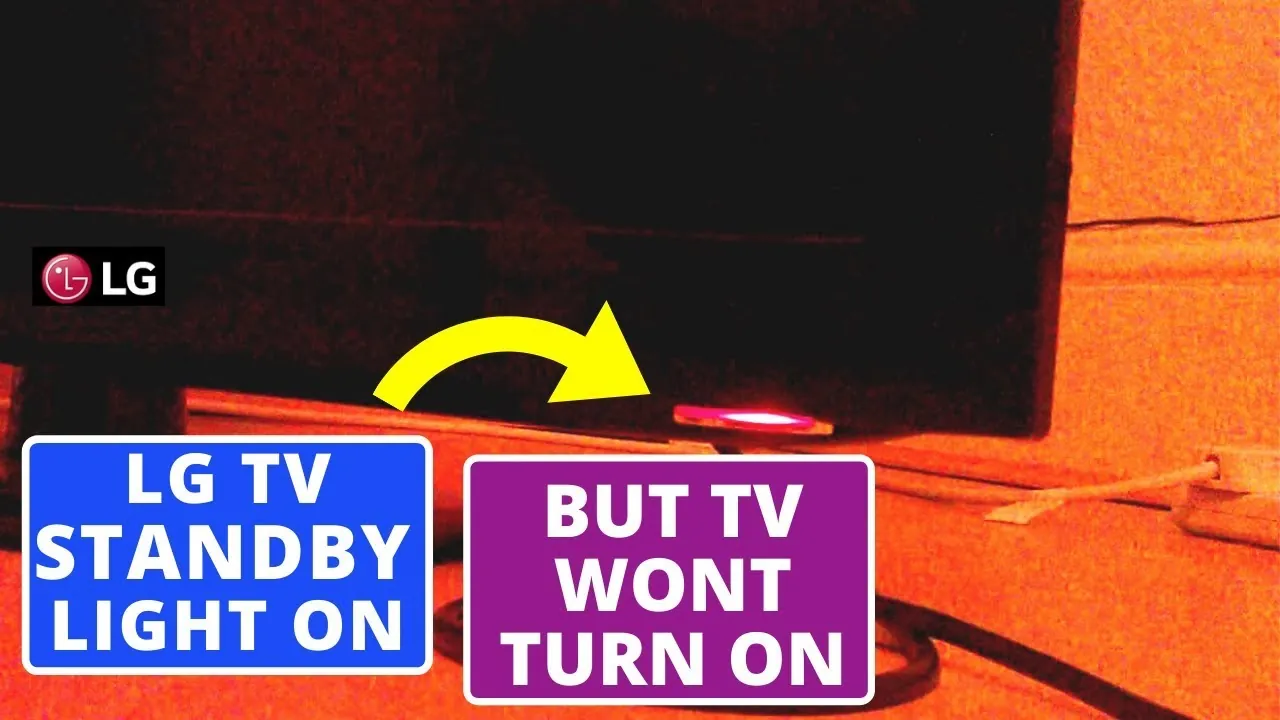
Television repairs involve high-voltage components that remain dangerous even when the power cord is disconnected. You should stop your troubleshooting and contact a certified technician if you encounter these signs:
- You hear a high-pitched buzzing or clicking sound coming from inside the back of the television.
- The television emits a burning plastic or metallic smell, which indicates an active electrical short.
- The screen shows physical cracks or dark blotches, suggesting the panel itself is damaged.
- You have already performed a hard power cycle and the flashing red light remains unchanged.
- The television was recently exposed to water or high humidity, which can cause internal corrosion.
If you aren’t comfortable using a multimeter to test internal components, don’t attempt to open the rear casing. Professional service centers have the equipment to safely discharge capacitors and test individual board circuits without risking damage to the delicate internal ribbon cables.
Related guides
- 10 Best Rechargeable Light Bulbs for Reliable Power Outages in 2026
- Best Power Station for Home in 2026
- 10 Best Dimmer Switches for Precise Light Control in 2026
Frequently Asked Questions
Can I fix a flashing red light by myself?
You can fix the issue yourself if it’s caused by a faulty power strip or a temporary software freeze. If the problem is caused by a failed power board, a dead LED strip, or a broken mainboard, you’ll need a professional technician to replace the internal hardware.
Is it safe to keep my television plugged in?
It isn’t safe to leave the television plugged in if you see a flashing red light and smell burning or hear clicking. Unplug the device immediately to prevent a potential fire hazard or further damage to the internal electronics while you wait for professional assistance.
How long should a hard reset take?
A hard reset requires you to leave the television unplugged for at least 60 seconds. This duration is necessary to ensure that the capacitors on the power board have enough time to completely discharge their stored energy, which clears the error memory.
Does a flashing light always mean the TV is broken?
A flashing light doesn’t always mean the television is broken, as it can sometimes indicate a simple communication error or a bad external connection. If the television works after you unplug all HDMI cables and perform a power cycle, the issue was likely external.
What happens if I keep trying to turn it on?
If you repeatedly attempt to power on a television with a hardware fault, you risk damaging other healthy components. A failing power board can send incorrect voltages to the mainboard, which might turn a simple power supply fix into a total system failure.
Why does the light blink in a specific pattern?
The light blinks in a specific pattern to act as a diagnostic code for service technicians. By counting the number of flashes before a pause, a professional can identify exactly which circuit or board is failing without needing to disassemble the entire unit.
Conclusion
If these simple checks don’t resolve the issue, it’s best to contact an authorized service center for help. Don’t try to open the television yourself, as internal parts can be dangerous. They’ll have the right tools to fix it properly, so you can get back to enjoying your favorite shows soon.
