
The built-in Ink management key on your machine’s front panel gives you the fastest way for how to check ink level in brother printer hardware. It’s completely safe to keep printing if your pages still look clear, though running a cartridge totally dry can pull air bubbles into the printhead nozzles. Press the physical Ink or Ink Management button on the control panel once, and four vertical bars appear on the display screen immediately.
What the sign is telling you
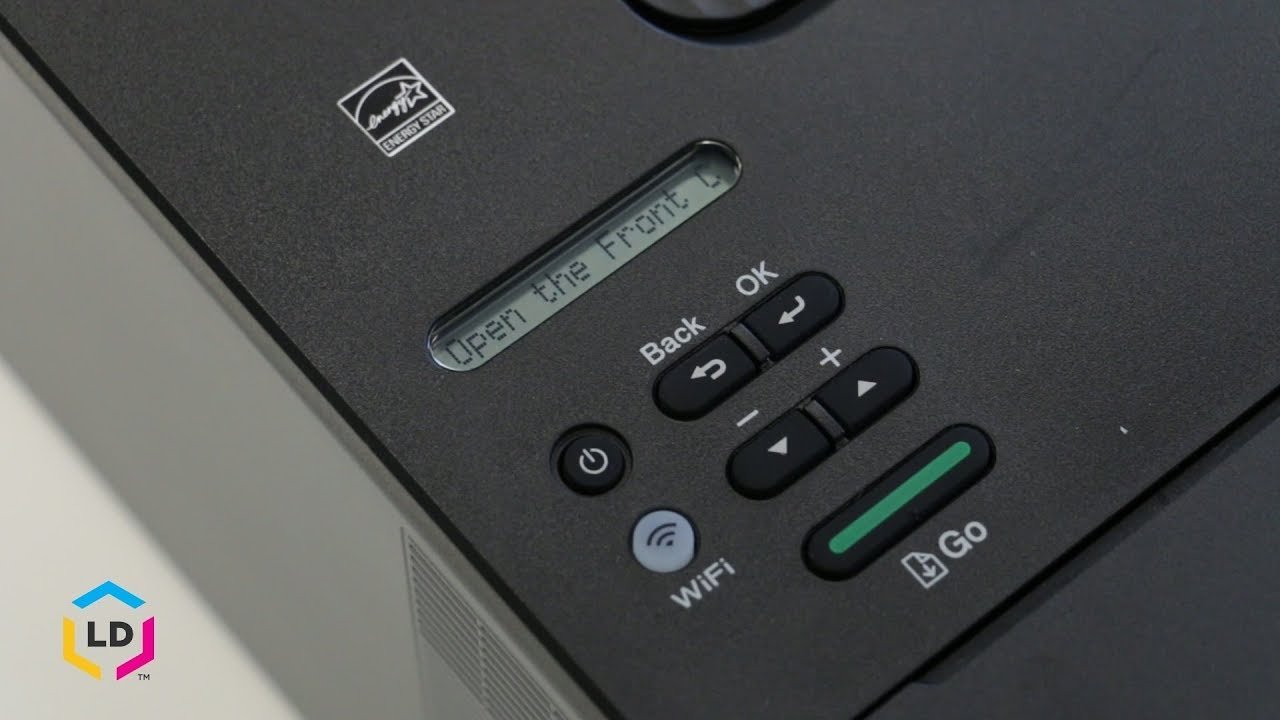 Photo: www.youtube.com on Google
Your printer uses visual screen prompts, LED lights, and software pop-ups to report ink volume.
| What you notice | What it usually means | What to do first |
|---|---|---|
| One bar empty on screen | Color is below twenty percent | Order a spare cartridge now |
| Ink icon flashes on panel | Ink volume is critically low | Finish small print jobs only |
| “Can’t Print” error message | At least one tank is dry | Replace the indicated color |
| Yellow exclamation point icon | Cartridge chip communication failed | Reseat cartridge until it clicks |
| Faded streaks across paper | Dried ink blocks printhead nozzles | Run a printhead cleaning cycle |
| Question mark over color bar | Unrecognized third-party cartridge used | Check cartridge smart-chip contact |
| Solid red warning LED | Machine stopped to protect printhead | Check display screen for color |
Checking levels on the printer screen
The front control panel provides instant readings without turning on a computer. If your printer has a touchscreen, tap the Ink icon; if your printer uses physical buttons, press the Ink or Settings key, select Ink, and choose Ink Volume. The display shows four columns representing Black (BK), Yellow (Y), Cyan (C), and Magenta (M). This check takes less than thirty seconds and requires no extra software.
A common mistake happens when people pull out an ink cartridge to weigh it by hand; doing this can introduce air into the fluid delivery system and disrupt proper cartridge seating. The trade-off of relying on the onboard screen is speed versus precision: it shows four visual blocks instead of an exact number. This guide isn’t for laser printer owners, since toner models track dry powder through entirely different mechanical sensors. When you close the menu, the home screen returns to its regular ready prompt, confirming the reading finished normally.
Checking through computer software
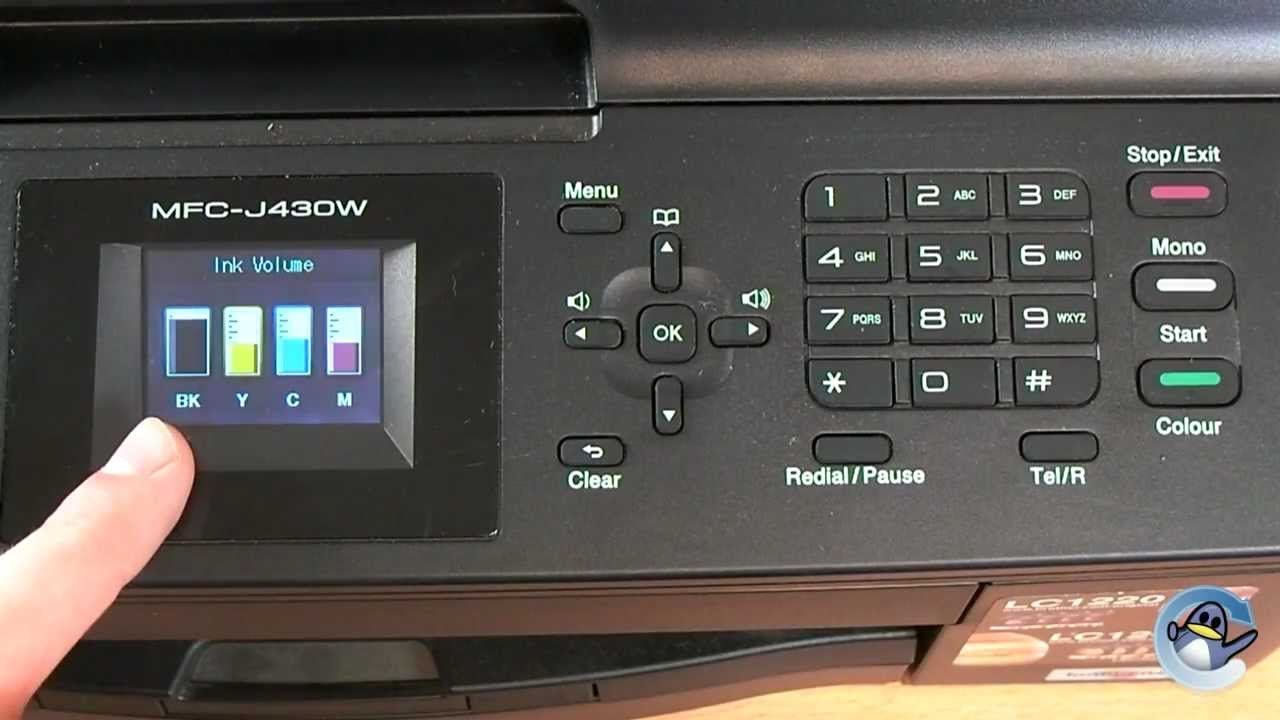 Photo: www.youtube.com on Google
Your computer checks fluid levels directly through the local printer driver across a USB cable or Wi-Fi connection. On Windows, double-click the small printer icon in the system tray near the clock to launch Brother Status Monitor, or search for the utility within your Start menu. On macOS, open System Settings, select Printers & Scanners, click your Brother unit, and open the Supply Levels tab.
This method differs from the built-in control panel because it reports estimated percentages and exact cartridge model numbers alongside the graphical bars. The test takes under one minute. If the software displays an offline error while the printer is running, your computer is looking at an outdated network address rather than a physical ink failure. If Status Monitor connects, you’ll see four distinct color gauges clearly. For driver utilities and software updates, refer directly to the Brother Solutions Center to download your model’s official package. The utility window closes smoothly once you click OK, leaving your normal settings untouched.
Checking clear ink tanks by sight
Continuous ink tank models, such as Brother INKvestment or refillable tank units, let you verify levels through direct visual inspection. Unlike traditional sealed plastic cartridges hidden behind latches, refillable models mount translucent fluid chambers directly on the right front corner of the machine. You tell this cause apart from software methods because the screen only estimates ink consumption using page-drop counts, whereas the clear window shows the real liquid volume.
Stand directly in front of the unit under good room lighting. Compare the liquid level inside each reservoir against the horizontal plastic molded lines on the case. The top mark indicates maximum capacity, while the lower line marks the absolute refill point. This varies by model — check the label stamped onto your tank housing for exact minimum fill lines. You know this physical inspection worked when you see the liquid meniscus resting safely between the lower and upper fill markers.
When to stop and get help
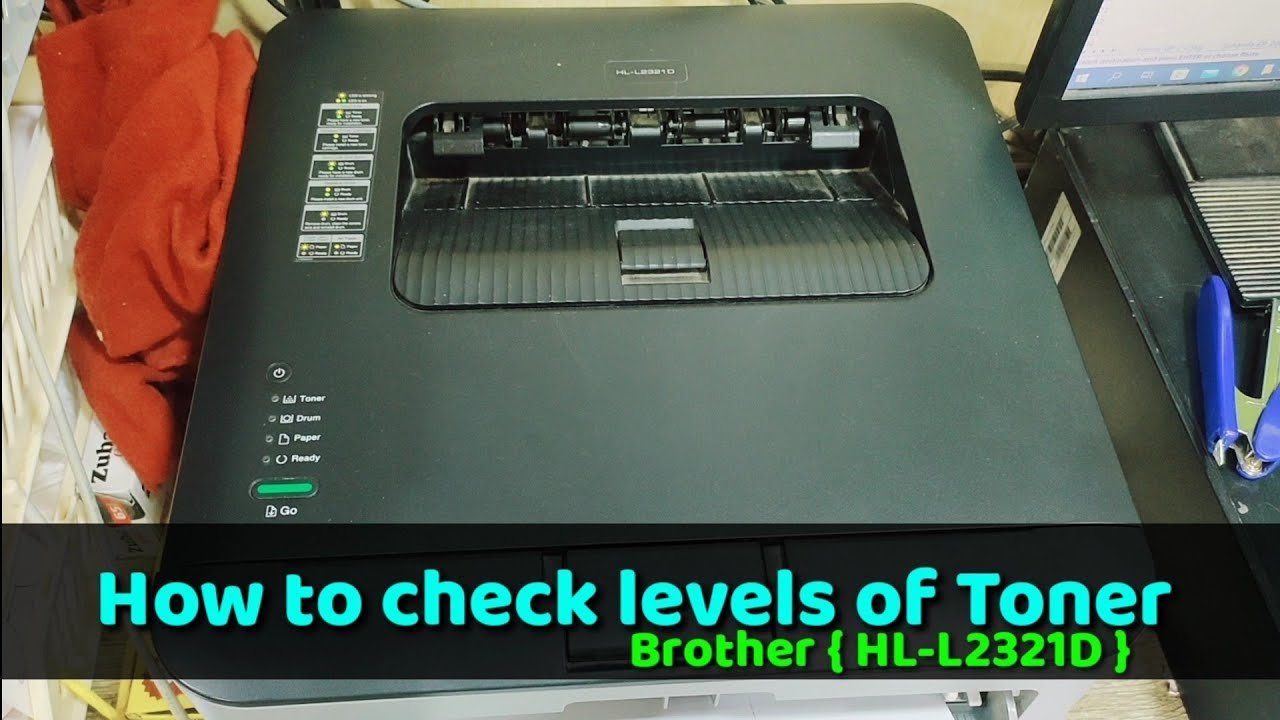 Photo: www.youtube.com on Google
- The display reports “No Cartridge” even after you push a full, genuine unit firmly into its slot until the mechanical lock snaps shut.
- Liquid pools inside the bottom tray or leaks out onto your desk, which indicates a cracked valve inside the internal fluid delivery system.
- Loud grinding noises happen when the print carriage attempts to move over the purge station during an ink cycle.
- The screen stays frozen on an internal machine error code like “Unable to Print 48” despite multiple power resets.
Don’t disassemble the internal tubing or purge pump yourself. That requires factory repair tools and risks permanent electrical damage from wet ink spills; contact an authorized Brother service center instead.
Frequently asked questions
Can I check ink levels from my smartphone?
Yes. Open the free Brother Mobile Connect app on your smartphone while connected to the same Wi-Fi network as your printer. The main dashboard displays your current ink status immediately across four graphic bars. If the printer drops off your home network, the app can’t poll the machine.
Why does my printer say ink is empty when liquid remains?
The internal sensor stops printing early to protect the piezo printhead nozzles from drawing in damaging air bubbles. A small reservoir of liquid always stays at the bottom of the casing as a safety margin. Brother machines do this intentionally to prevent expensive printhead burnouts during long print jobs.
How long does a standard ink cartridge last before drying up?
About six months after you snap it into the machine. Ink slowly evaporates through the cartridge vent holes once you remove the yellow protective tape. If you rarely print, run an automatic test print regularly so the nozzles don’t clog with dried liquid pigment.
What happens if I keep printing with low ink warnings?
Your text prints with missing lines, patchy colors, and streaked graphics. The machine will eventually trigger a hard stop to safeguard the internal print engine. Once that hard stop engages, the printer refuses all print, copy, and incoming fax tasks until you insert a replacement unit.
Does checking the ink levels use up any ink?
No. Reading the ink gauge on your control panel, computer software, or mobile app checks electronic memory counters without moving any internal valves. It uses zero liquid. Only running test prints or nozzle cleaning cycles expels fluid from the cartridges into the internal waste pad.
Is it safe to use third-party ink cartridges in my machine?
Yes, but print quality and level accuracy may drop. Generic cartridges often lack the proper microchip communication protocols, leaving your ink monitor screen showing question marks instead of accurate bars. If the replacement cartridge leaks inside the carriage bay, Brother warranty coverage won’t pay for the cleanup.
Related guides
