
Buying a dual-motor electric frame with programmable height presets is the best choice for a standing desk because it changes levels smoothly without shaking your screens. Manual crank models win only when your workspace has no wall outlet nearby.
Choosing between standing desk styles
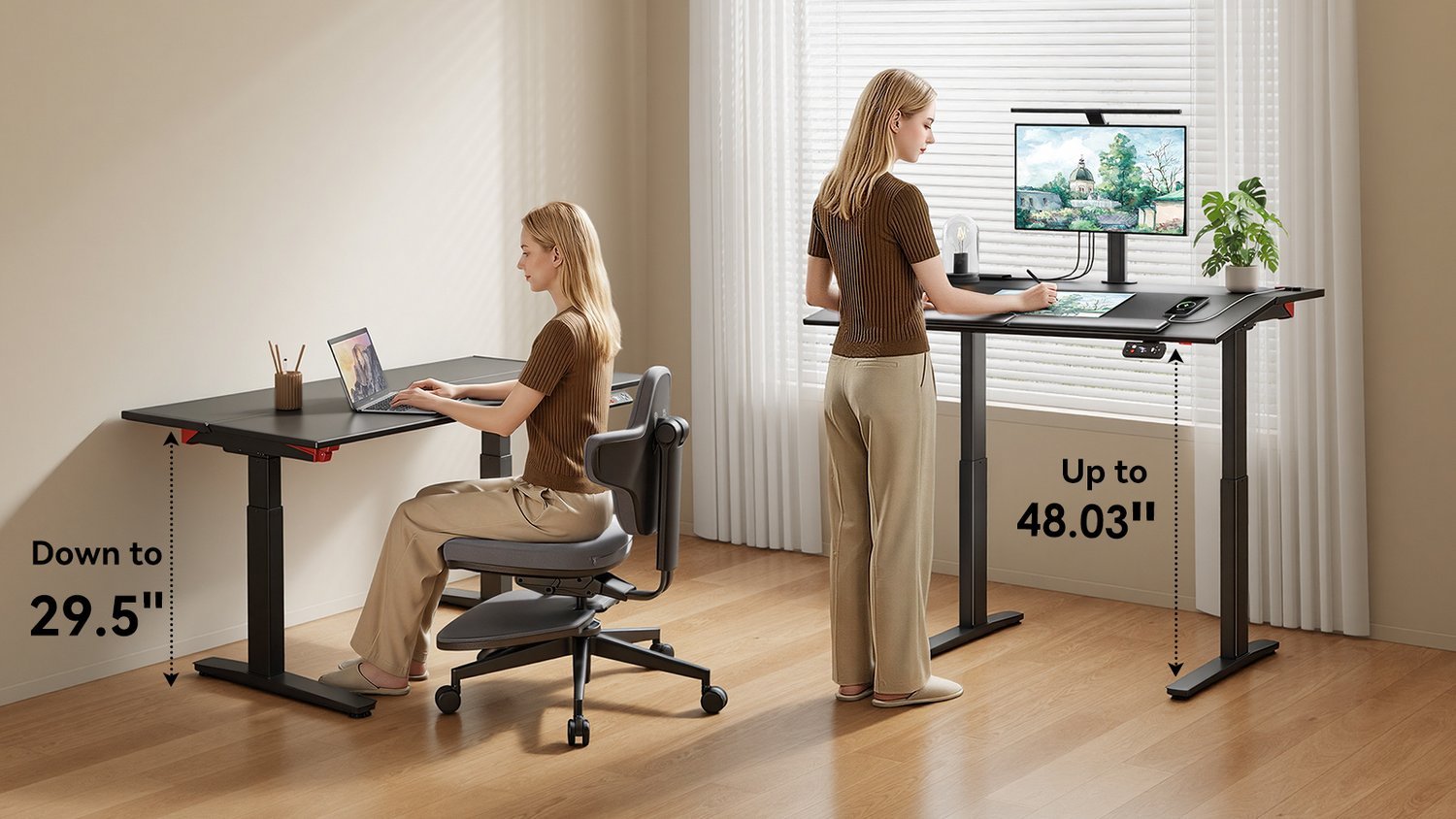 Photo: newtralchair.com on Google
Choosing the right desk type depends on your budget, physical effort, and workspace size.
| Method | How long | Effort | Cost | Best for |
|---|---|---|---|---|
| Dual-Motor Electric Desk | 10 to 15 seconds per switch | Low | High | Daily full-time work |
| Manual Crank Desk | 45 to 60 seconds per switch | Medium | Medium | Spaces without wall power |
| Desktop Riser Converter | 3 to 5 seconds per switch | Low | Low | Keeping an existing desk |
| Pneumatic Standing Desk | 2 to 4 seconds per switch | Low | High | Fast changes without cords |
Dual-motor electric desks
Motorized frames lift the entire work surface with an electric push-button keypad.
- Measure your seated elbow height and standing elbow height with shoes on before buying.
- Select a frame with a travel range that covers both numbers, plus three inches below your sitting height.
- Check the frame’s weight capacity to ensure it holds your desktop, monitor mounts, and PC tower.
- Program your exact sitting and standing levels into the memory buttons during initial setup.
Dual motors lift heavy gear without jerking, which keeps multiple monitors stable. They let you switch positions many times a day without interrupting your work rhythm. Their main drawback is weight, making the frame hard to move into another room later. This choice isn’t for renters who relocate often and need ultra-light gear.
Manual hand-crank desks
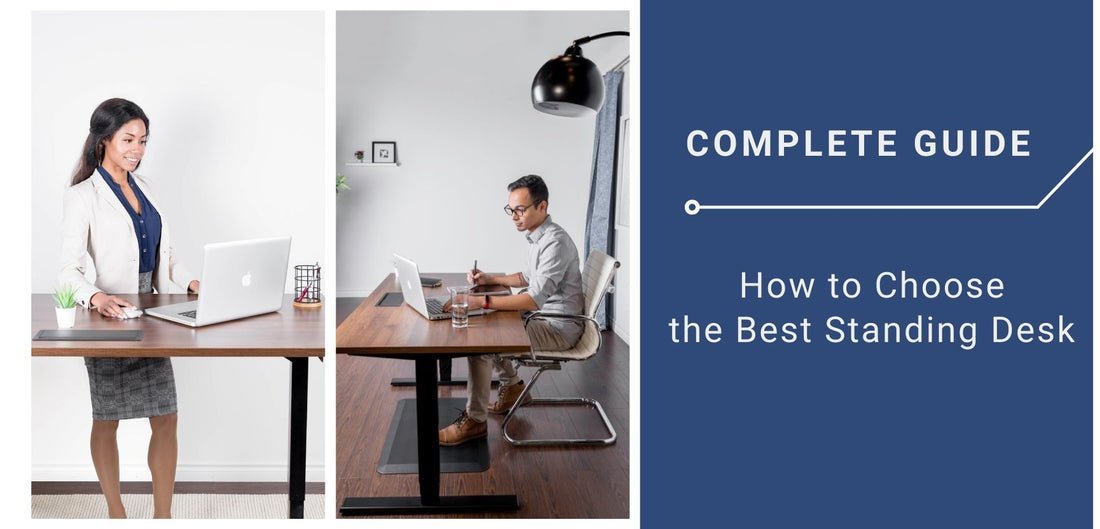 Photo: www.progressivedesk.com on Google
Crank models raise and lower through internal gears turned by a folding handle.
- Mount the crank handle on your dominant side during basic frame assembly.
- Clear loose drink containers from the tabletop surface before turning the handle.
- Turn the crank handle 30 to 50 rotations until your forearms rest parallel to the desktop.
- Fold the crank handle under the frame edge so your knees won’t bump it.
These frames don’t depend on electrical cords, so you can place them in the middle of a room. They also avoid electronic failure risks entirely. The main drawback is physical fatigue; cranking takes noticeable effort, so people often give up and remain seated.
Desktop risers
A converter sits directly on your existing furniture and lifts your screen and keyboard with gas springs.
- Measure your current desk surface to confirm the converter base fits entirely on top.
- Place the riser on the desk and attach the lower keyboard tray with the included screws.
- Squeeze the side release levers and guide the platform upward to your standing elbow level.
Converters cost less money and require no major room adjustments. They let you start standing right away while keeping your current furniture. Their main downside is reduced workspace, because the smaller surface steals usable space for writing pads. A pneumatic standing desk works similarly with gas cylinders, but its lift capacity drops sharply when you overload it with extra hardware.
Which one should you use?
If you’re in a hurry, pick a desktop riser because you can set it up in twenty minutes on your current furniture. If you’re doing this for the first time, choose a dual-motor frame because memory presets remove the guesswork of finding the correct height. If you want the best possible result whatever it takes, buy a commercial-grade dual-motor frame with a solid wood top.
Every option comes with a clear trade-off: spending less upfront usually means sacrificing stability, desktop space, or the ease of switching between postures throughout the day.
The rules that apply whichever way you choose
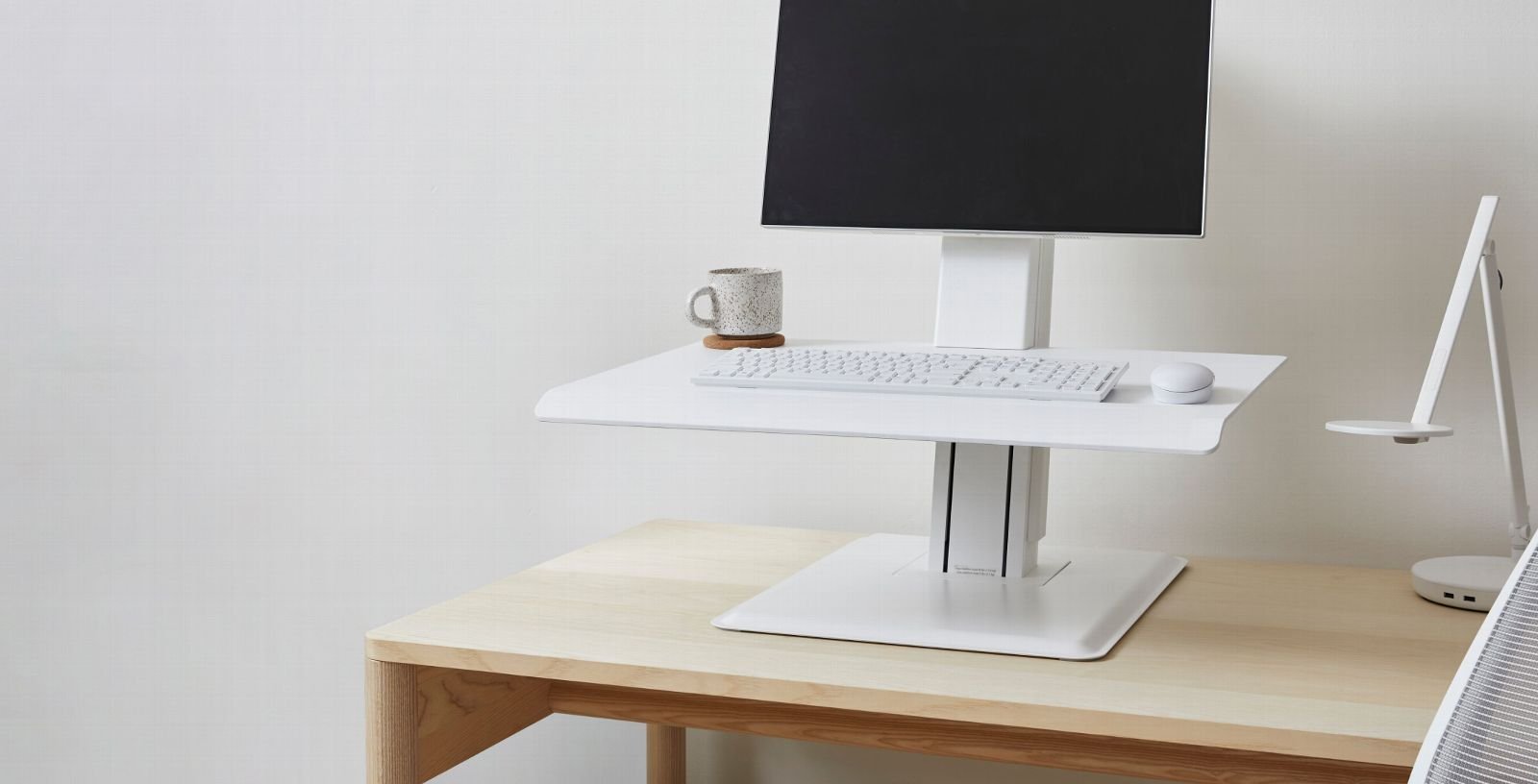 Photo: www.humanscale.com on Google
Your desk must support neutral joint angles while you work.
Prepare your space first by measuring clearance around wall outlets and window sills. Next, check the stability midway through assembly by shaking the frame at maximum height; this varies by model — check the label for structural limits. If you add heavy glass monitors later, don’t guess your remaining capacity.
A common mistake is buying cheap, loose cables that catch during lifting, which rips expensive electronics right off the desk. When your setup requires hardwired electrical drops or structural floor anchoring, hire a licensed electrician or facilities technician rather than wiring extensions yourself.
Frequently asked questions
Can a standing desk help with back pain?
Yes, changing your posture during the day reduces strain on your lower back. Standing takes pressure off spinal discs caused by prolonged sitting. However, standing all day creates leg strain, so alternating between sitting and standing every hour gives you the best physical relief.
Why does my standing desk wobble at full height?
Extension legs lose overlap inside the metal columns as they reach maximum height, which reduces frame rigidity. Uneven floor glides or loose frame bolts also make wobbling worse. You can reduce this motion by tightening hardware and lowering monitor arms closer to the desk surface.
How long should you stand at a desk each day?
Start by standing for 15 to 30 minutes during each two-hour work block. Don’t stand for several hours immediately. Building tolerance gradually keeps your feet and knees from getting sore, letting you balance your standing and sitting time evenly over the workday.
What happens if you exceed the desk weight limit?
The lifting motor overheats and shuts down automatically, or the mechanical gears strip. Straining the motor can cause uneven lifting, which tilts the desk surface and drops equipment. Always subtract the weight of your desktop wood from the total rating to find your real gear limit.
Is it safe to put a treadmill under a standing desk?
Yes, walking pads work safely under most electric desks if the lowest crossbar doesn’t block the belt. You must verify that the desk height reaches high enough to accommodate the treadmill platform height, which adds several inches to your standing elbow level.
Related guides
