
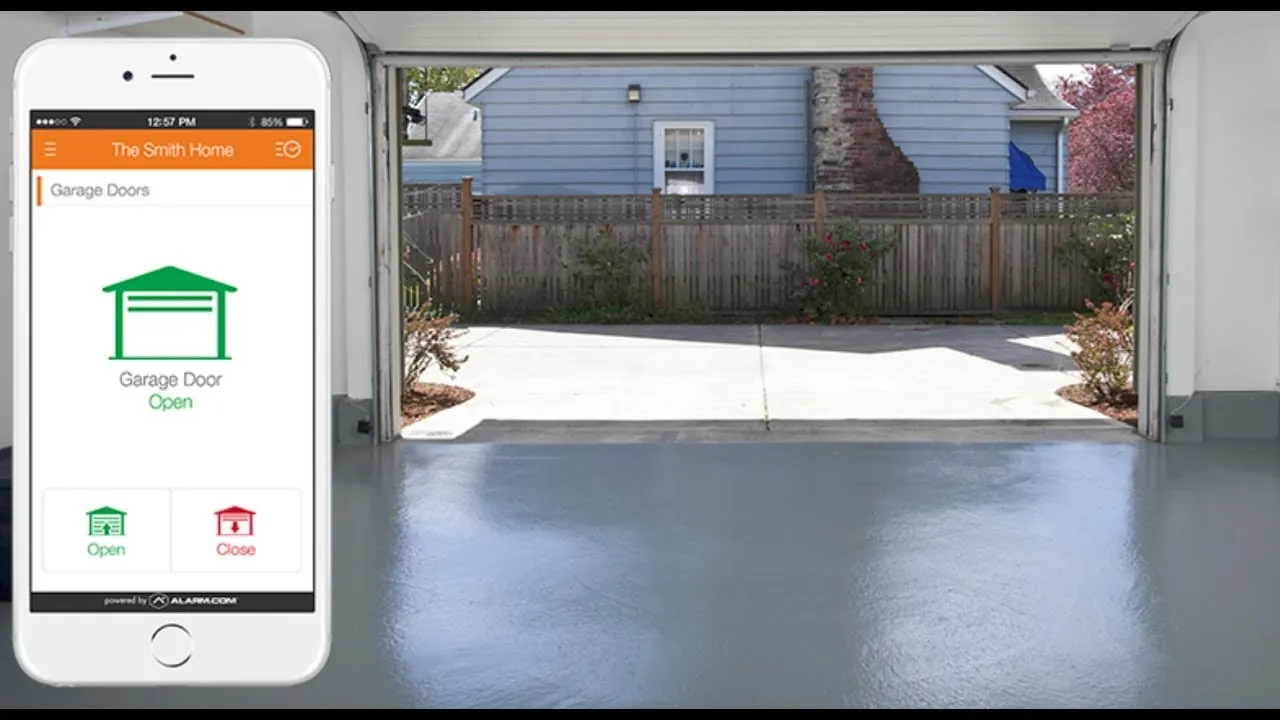
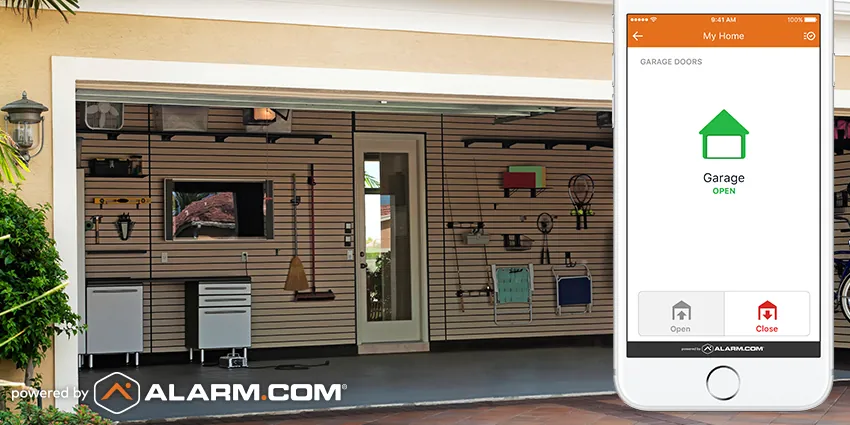
You can control your home entry points by using an alarm com garage door opener, which allows you to monitor and operate your door remotely through a mobile app. This system connects your existing door motor to a Z-Wave or Wi-Fi bridge, letting you see the open or closed status from anywhere. By integrating this technology, you gain the ability to receive alerts or set schedules to ensure your home remains secure even when you’re away.
How your garage door opener works
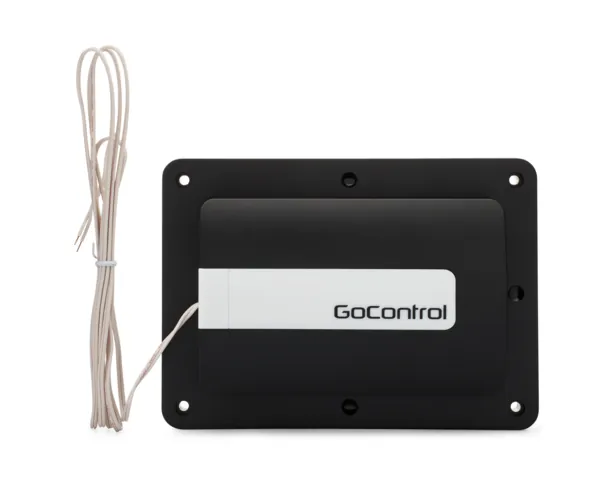
A smart garage controller acts as a bridge between your physical door motor and your home security panel. It doesn’t replace your current motor but instead attaches to it to mimic a wall-mounted button press. When you tap the app, the device sends a signal to your motor, triggering the door to move up or down.
This technology is designed for homeowners who already have a compatible security system and want to unify their home controls. A common misconception is that this device replaces the safety sensors on your door. In reality, the controller only adds a layer of remote access; your original safety sensors must remain installed and functional to prevent the door from closing on people or objects.
How to install the controller
Installing a smart controller involves connecting the device to your motor and pairing it with your security hub. You’ll need a standard screwdriver and a ladder to reach the motor housing.
- Unplug your garage door motor from the power outlet to avoid any electrical shocks while you work.
- Locate the two screw terminals on the back of your motor unit where the wall button wires attach.
- Attach the two wires from your smart controller to these same terminals, effectively piggybacking on your wall button.
- Mount the tilt sensor to the inside top panel of the garage door using the provided adhesive strips.
- Plug the motor back into the power outlet and wait for the status lights to blink.
- Open your security app and follow the prompts to “Add Device” to sync the controller to your panel.
- Test the system by opening and closing the door once to ensure the sensor status matches the door movement.
The most important judgement call is ensuring the tilt sensor is perfectly vertical when the door is closed. If it’s mounted at an angle, the app may report the door as “open” when it’s actually shut, which leads to false security alerts. If you’re uncomfortable working with electrical wiring or heights, contact a certified security installer to perform the setup.
Key settings for your system
| Situation | What to use | How long | What to watch for |
|---|---|---|---|
| Daily operation | Mobile app | 5 seconds | Connection status |
| Nightly security | Auto-close rule | 10 minutes | Obstructions |
| Vacation mode | Arming sequence | Constant | Battery levels |
| Alert setup | Push notifications | Instant | Door status changes |
If the connection icon turns amber, toggle your Wi-Fi immediately to avoid a manual override failure.
Any shorter, and you risk the door closing on a vehicle still pulling into the driveway.
If you’re using vacation mode, check your battery levels weekly.
A loose mounting bracket often triggers false positives, which eventually leads users to disable alerts entirely.
Getting the best performance
Experienced users always prioritize the placement of the wireless bridge. Because the motor housing is often metal, it can block radio signals. If your controller fails to connect, move the bridge closer to the security panel or add a signal repeater to your home network. Never rely on a weak signal, as it can cause the door to ignore commands or report incorrect status updates to your phone.
Preparation is equally important. Before you begin, check your motor brand’s manual to confirm it accepts “dry contact” inputs. Most residential motors built after 1993 support this, but some proprietary modern systems require a specific bridge to communicate with your security panel. Always check the status of your door in the app after any power outage to ensure the sensor re-synced correctly.
Common problems and fixes
| What you notice | What it usually means | What to do first |
|---|---|---|
| App shows “Error” | Lost signal | Power cycle the bridge |
| Door won’t close | Sensor blocked | Check safety eyes |
| Wrong door state | Sensor alignment | Re-mount tilt sensor |
| No notifications | Alert settings | Check app permissions |
If the bridge light flashes red after a power cycle, your router is likely blocking the device’s outbound traffic. Check your firewall logs for blocked MAC addresses before resetting the entire network.
When the door fails to close, look for spider webs or dust on the safety eyes. A single strand of silk can trigger the anti-crush mechanism. If the eyes are clear but the light stays off, the wire has likely snapped at the hinge.
If the app reports the door is open while it’s clearly shut, the tilt sensor has shifted. Ensure the sensor is mounted perfectly flat on the top panel. If the door has a slight rattle, the internal accelerometer may be misreading the angle. Use a rigid adhesive strip rather than the provided magnets to stop the jitter.
Finally, if you miss alerts, verify that your phone’s battery optimization settings aren’t killing the app’s background process.
Regulations and safety requirements
All smart door controllers must comply with safety standards set by the UL (Underwriters Laboratories). If your device lacks this certification, it may fail to trigger an automatic reversal when it encounters an obstruction. A simple test is to place a two-by-four piece of lumber in the door’s path; if the door doesn’t retract within two seconds of contact, the unit is unsafe and must be replaced immediately.
Remote operation carries a significant legal responsibility. While many local building codes mandate a clear line of sight to the door during operation, modern smart systems bypass this by using mandatory audible and visual alarms. If you’re renting, review your lease for clauses prohibiting hardware modifications.
Installing a controller without written consent can lead to the forfeiture of your security deposit or a lease violation notice. Always confirm that your specific model includes an integrated battery backup, as code often requires doors to function during a power outage.
Long-term maintenance
To keep your system running, replace the batteries in your wireless tilt sensor every 12 to 18 months. Most apps will send you a low-battery notification, but you should check the sensor physically if the app stops updating the door status. If the adhesive on the sensor fails, use high-strength double-sided mounting tape to re-attach it to the top panel.
Avoid painting over the sensor, as this can interfere with the internal tilt mechanism. Keep the tracks of your garage door lubricated with a silicone-based spray to ensure the motor doesn’t strain, which can cause the smart controller to lose its calibration. Use a dry lubricant rather than grease, as grease attracts grit that eventually gums up the rollers.
If you notice the door is slow to move, the issue is mechanical, not digital. Don’t attempt to adjust the tension springs yourself, as these are under extreme pressure and can cause severe injury. If the door hangs unevenly or makes a grinding noise, call a professional technician immediately. Ignoring these warning signs will eventually burn out the motor gear.
When to avoid this approach
Don’t use a smart controller if your garage door motor lacks functional safety sensors. If your door doesn’t automatically reverse when it hits an object, a smart app won’t fix this; you must replace the motor or the safety system first.
If your garage door is heavy, damaged, or makes grinding noises, fix the physical hardware before you attempt to add remote digital controls. Using a smart bridge on a failing door can lead to motor burnout or a door that gets stuck in the open position.
Test your door by placing a two-by-four in its path. If the door doesn’t retract immediately upon contact, the motor is unsafe for automation. A smart controller creates a false sense of security, often leading owners to operate the door while out of sight.
Related guides
- Chamberlain Garage Door Opener Troubleshooting: Easy Fixes
- LiftMaster vs Chamberlain: Which Garage Door Opener Is Best
- LiftMaster vs Overhead Door Garage Door Openers: The Verdict
Frequently asked questions
Can I control multiple doors with one bridge?
No, a single controller is typically designed to manage only one garage door motor. If you have two or three bays, you must purchase and install a separate controller for each individual motor unit to ensure each door reports its status accurately to your security app.
How do I know if my door is compatible?
Check if your motor has screw terminals for a manual wall button. If you see two wires connected to a wall button on your garage wall, your motor is compatible with most standard controllers that use a dry contact relay to trigger the door.
Is it safe to close the door remotely?
Yes, it’s safe as long as your door’s built-in safety sensors are working correctly. These sensors force the door to stop and reverse if they detect any obstruction, regardless of whether you triggered the door from your phone or the wall button.
How long does the battery last in the sensor?
The battery in your tilt sensor typically lasts between 12 and 18 months under normal daily use. You should replace it as soon as the app sends a low-battery alert to prevent the sensor from losing its connection to your home security system.
What happens if the internet goes down?
If your internet connection fails, the app will lose the ability to send commands to the controller. However, your wall button and physical remote controls will continue to work as normal, as they don’t rely on your home internet or the cloud to function.
Conclusion
The effectiveness of your system depends largely on the stability of your local Wi-Fi or Z-Wave network. If you find your system frequently goes offline, consider installing a dedicated range extender near the garage to ensure a consistent signal between the controller and your home hub.
