
You can usually fix maytag dishwasher control panel problems by performing a hard reset to clear a frozen interface or by checking the door latch for debris. Most issues with these control panels stem from a simple power glitch or a sensor that can’t detect the door is closed. If your buttons don’t respond, the first thing to do is disconnect the power for one minute to reset the internal board, then restore it.
Why Maytag dishwasher control panel problems occur
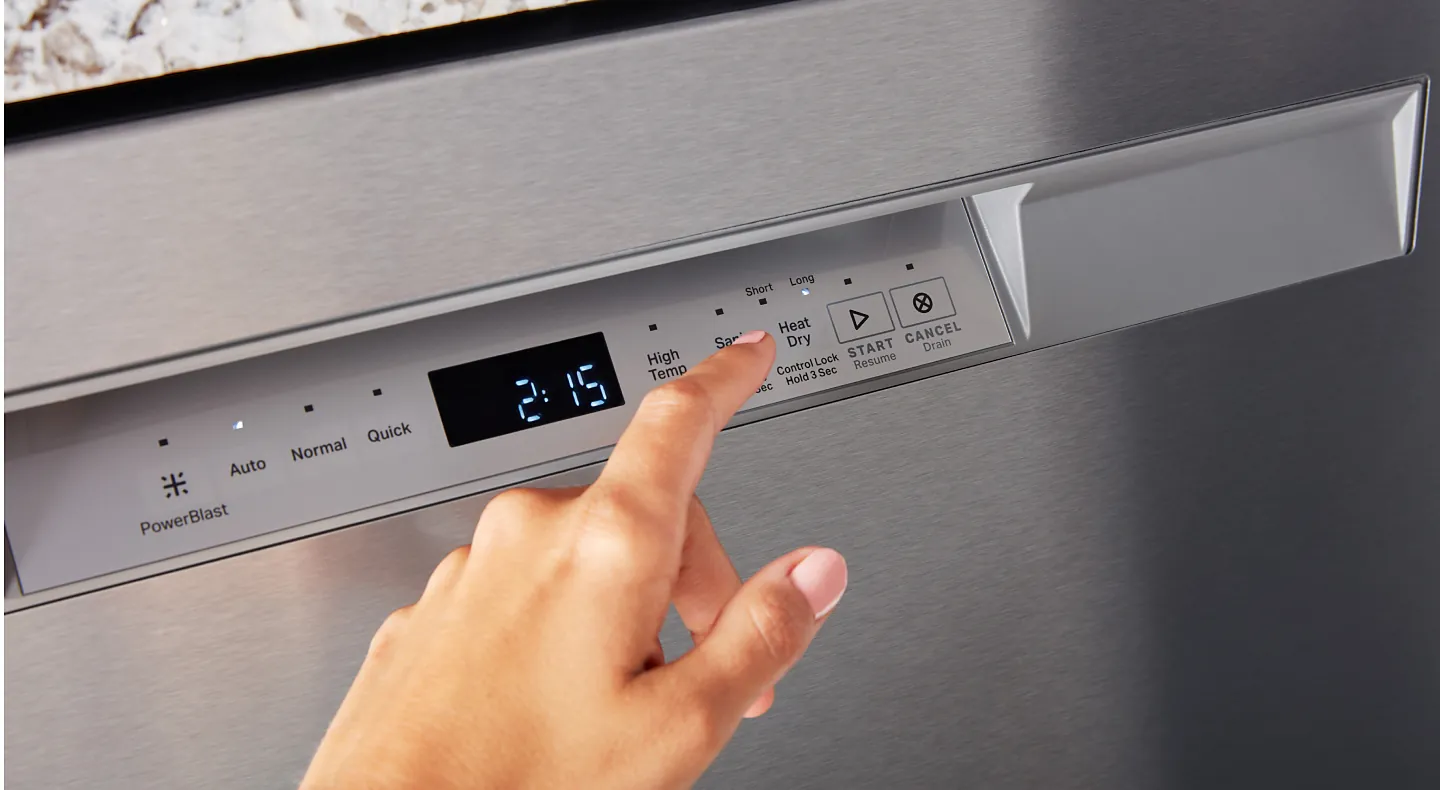
The main reason your unit becomes unresponsive is a temporary memory error on the control board. Like a computer, the machine’s software can freeze if it encounters a minor power surge or an interrupted cycle. When this happens, the electronics stop accepting input from the touch buttons because the board is stuck in a loop. You can often see this when the lights on the panel are blinking or completely dark despite the power being on.
Another common cause is a faulty door latch sensor. The control panel is programmed to disable all buttons once a cycle starts for safety reasons. If the door switch is dirty or broken, the machine thinks the door is still open or that a cycle is currently running. Because the control board sees the door as “active,” it locks the panel to prevent accidental changes. If the latch is loose, the connection fails, and the panel stays locked.
Finally, moisture inside the console can disrupt the ribbon cable. If steam gets behind the plastic overlay, it can cause a short circuit or corrosion on the connections. You can read the official Maytag dishwasher troubleshooting guide to see if your specific model has a known diagnostic sequence. If you see signs of water damage, the board may need a professional inspection to prevent further electrical issues.
Reset the dishwasher power
A hard power reset is the fastest way to clear a software lock. This method works if the panel is frozen or showing a random error code. You should never attempt to unscrew the control panel housing yourself, as the internal components can hold a dangerous electrical charge even when unplugged. If the reset doesn’t work, the issue is likely a hardware failure that requires a qualified technician.
Locate the circuit breaker in your home’s electrical panel that controls the kitchen. Flip the breaker to the “off” position and leave it for at least 60 seconds. This allows the capacitors on the control board to fully discharge their stored energy.
This ensures the circuit is completely dead.
After the time has passed, turn the breaker back on and wait for the dishwasher to reboot. Once the display lights up, try pressing the “Cancel” or “Drain” button to see if the panel responds. If the panel flashes lights, count the pulses.
A repeating sequence of three flashes often indicates a sensor fault, while a solid light suggests a stuck relay. Check your manual to see what those specific patterns mean for your unit. If the buttons remain unresponsive after a full power cycle, the control board has likely suffered a permanent short.
Clean the door latch assembly
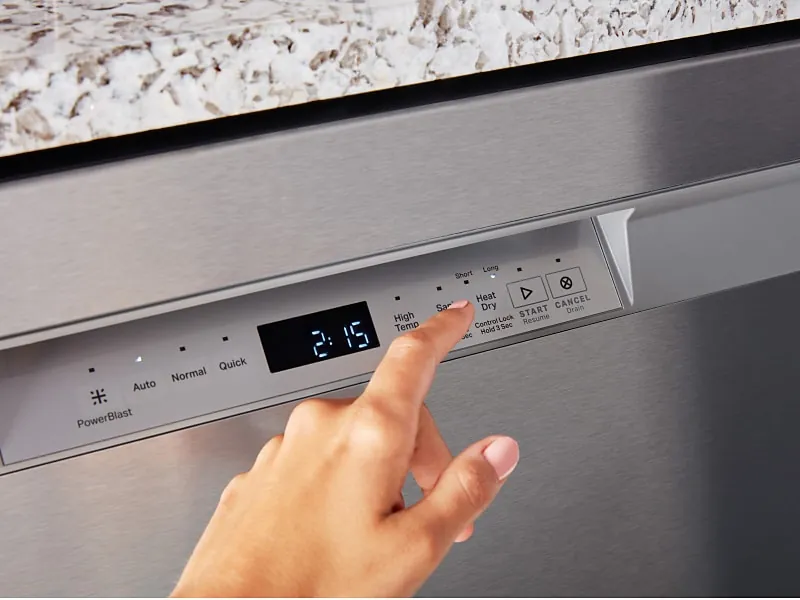
If the panel is still unresponsive after a power reset, inspect the door latch for physical obstructions. This is a common issue if food debris or soap buildup prevents the door from clicking firmly into place. If the door doesn’t latch, the control board won’t allow any buttons to be pressed. You can safely clean this area with a damp cloth and a mild soap to ensure nothing blocks the mechanism.
Use a flashlight to look into the latch pocket on the top of the door frame. Remove any hardened grease or food particles you see with a toothpick or a soft brush. Don’t use metal tools that could scratch the plastic or cause a short circuit in the door switch.
If the latch feels mushy or fails to spring back when you press it, the internal return spring has likely snapped. In this case, cleaning won’t solve the problem, and you must replace the entire latch assembly to restore electrical continuity.
Once the area is clean, close the door firmly and listen for a distinct click. If you don’t hear the latch engage, the switch might be misaligned. If the latch feels loose or broken, you must stop using the machine and contact a service professional. A faulty latch can lead to water leaks during operation, which often causes expensive damage to the kitchen floor or the subfloor beneath the appliance.
Check for ribbon cable issues
The ribbon cable connects the button interface to the main control board. Over time, heat and humidity in the kitchen can cause this cable to loosen or corrode at the connection point. This fix is for those comfortable with electronic housings, but it carries a risk of voiding your warranty. If you aren’t confident, don’t force the panel open.
If the dishwasher is out of warranty, remove the screws from the inner door panel to reveal the back of the control board. Look for the flat, multi-colored ribbon cable and ensure it’s fully seated in its plastic connector. If it looks loose, gently push it back in until it clicks.
Check the pins for green or white crusty buildup, which indicates oxidation. If you see this, the cable is corroded and needs a full replacement. A common mistake is using liquid contact cleaner; this often leaves a residue that traps more moisture, leading to faster failure. Instead, use a dry, soft-bristled brush to clear dust.
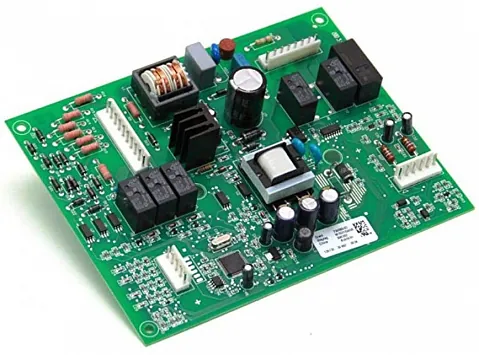
If the cable is secure and clean but the buttons remain unresponsive, the control board itself is likely dead. You can verify this by checking for a faint hum or a flickering light on the board when the door is closed. If no activity is detected, the component has failed. A failed board can’t be repaired by a home user and must be replaced by a certified Maytag service technician.
Common mistakes to avoid
Never spray water or chemical cleaners directly onto the control panel. Liquid seeps behind the buttons and ruins the delicate circuit board. If a surface is sticky, dampen a microfiber cloth with a tiny amount of mild dish soap and wipe gently.
Pressing buttons harder when they don’t respond will only crack the plastic overlay. This allows moisture to enter the electronics, which causes permanent short circuits. If a button feels stuck, use a soft-bristled toothbrush to clear debris from the edges.
Always flip the dedicated circuit breaker before opening the housing. Working while power is live risks a shock if you accidentally touch internal wiring. Use a non-contact voltage tester to confirm the power is off before touching any components.
Never tape or jam the door latch to trick the sensor. This bypasses a critical safety interlock, creating a significant fire and flood risk. If the latch fails to engage, replace the physical mechanism rather than overriding the system.
Preventing future control panel issues
| If you’re doing this | Do this instead | Why |
|---|---|---|
| Spraying cleaner on buttons | Wipe with a damp cloth | Prevents moisture from shorting the board |
| Slamming the dishwasher door | Close it gently until it clicks | Protects the door latch and sensor alignment |
| Ignoring small error lights | Run a diagnostic cycle | Catches hardware failure before it gets worse |
| Leaving the door cracked | Close it fully after loading | Keeps steam from entering the panel |
Never spray liquid directly onto the interface. Even a small amount of overspray can seep into the membrane switches, causing ghost inputs or permanent board failure.
Most users make the mistake of leaving the door unlatched to air out the interior. This allows hot, humid air to escape directly into the sensitive electronics located at the top of the door. If you must vent the unit, keep the door closed and rely on the machine’s internal drying cycle.
If your panel feels warm to the touch, check the door seal immediately. A brittle or misaligned gasket forces the control board to work harder, eventually melting the plastic housing. Replace any seal that shows visible cracking or fails the paper test by pulling easily when the door is shut.
Frequently asked questions
How long should I leave the power off to reset the board?
Leave the power off for at least 60 seconds to ensure the control board fully discharges. This duration clears the temporary memory holding the software’s frozen state. If the panel remains unresponsive, wait five minutes, as some boards hold a charge longer.
Is it safe to use a hair dryer to dry the control panel?
No, don’t use a hair dryer on the control panel, as concentrated heat can melt the plastic overlay or damage internal ribbon cables.
Why do the control panel lights flash?
The lights flash because the dishwasher has detected a specific error code that prevents it from starting a cycle. This is the machine’s way of telling you that a sensor, like the water level or door latch, isn’t reporting the correct data to the board. You can identify the specific problem by counting the number of flashes and comparing the sequence to the error code chart located in your owner’s manual.
Can I replace the control board myself?
Yes, you can replace the control board yourself if you have the correct replacement part for your model and basic hand tools. However, you must unplug the dishwasher from the wall or turn off the circuit breaker before starting any work. If you’re uncomfortable handling electrical components or if the unit is still under its manufacturer’s warranty, it’s better to call a professional to avoid damaging the new part.
What happens if the door latch is broken?
If the door latch is broken, the control panel will stay locked and the dishwasher will refuse to fill with water or start a cycle. The machine is designed this way to prevent water from spraying out of the unit while the door is open. If the latch is loose or fails to click, the safety switch remains open, and the control board will ignore all of your button inputs.
Conclusion
If these quick fixes don’t get your cycles running again, it’s time to reach out to a professional technician. Don’t hesitate to check your warranty status before calling for help, as you’ll want to save money whenever it’s possible. Getting your kitchen back to normal shouldn’t be a stressful chore.
