
You can fix most console errors by resetting your nordictrack treadmill, which involves unplugging the power cord for 60 seconds and then holding the stop button while you plug it back in. This simple power cycle often clears temporary software glitches that cause the screen to freeze or the belt to stop moving. This method works best for users who see a blank screen or an error code that prevents the machine from starting its workout program.
Items required to reset your NordicTrack treadmill
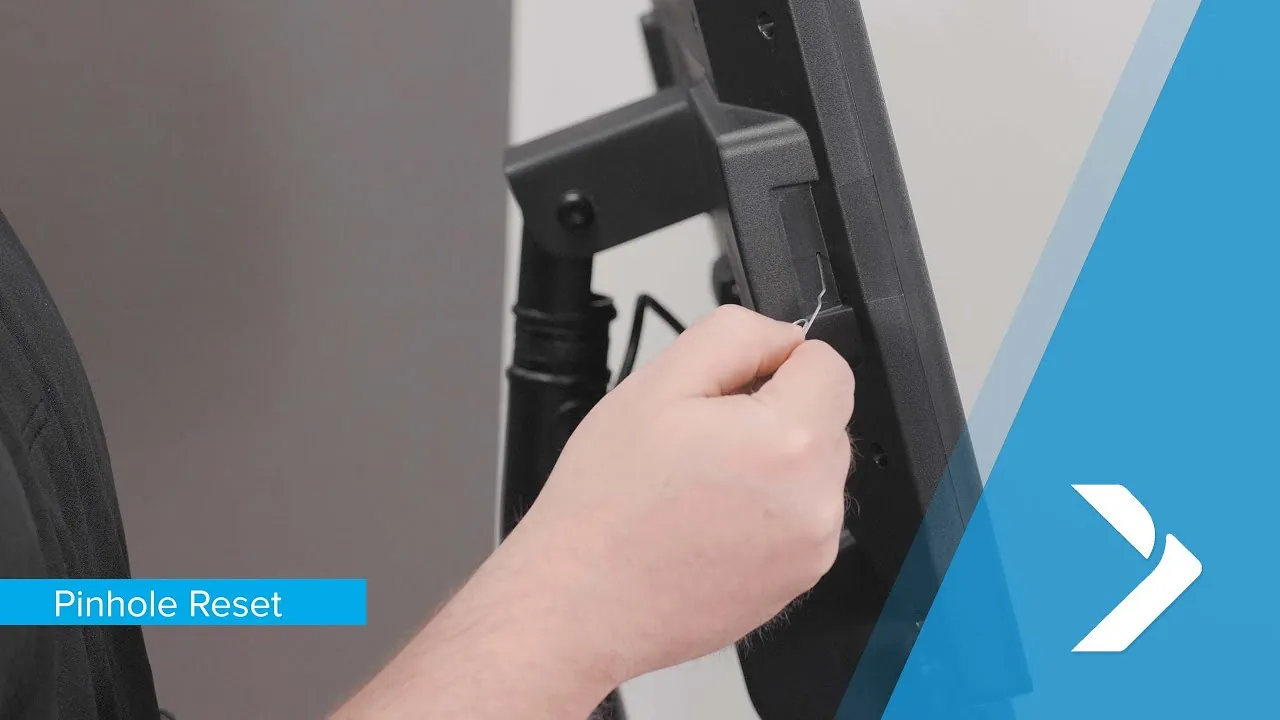
To perform this reset safely and effectively, ensure you have the following items ready. You don’t need professional tools, but you must have a clear workspace and proper access to the power source.
A steady step stool or chair is essential if your power switch is mounted high. Don’t use a swivel chair or a rolling stool, as these can shift unexpectedly while you’re overhead.
Keep a flashlight handy to inspect the power cord and the wall outlet for any signs of heat damage or fraying. If the cord feels warm to the touch before you begin, stop immediately; this indicates a wiring fault that a reset won’t fix.
Use a clean, dry cloth to wipe dust away from the sensor areas near the motor. Compressed air is tempting, but it often pushes dust deeper into the internal circuitry.
The original safety key is mandatory, as the system won’t boot without the physical key to close the safety circuit. If you have misplaced it, order a replacement from the manufacturer. Using a magnet or a makeshift object to bypass the circuit can permanently fry the console’s motherboard.
A small Phillips-head screwdriver is only necessary if you need to check for loose cables behind the console back panel. If the console remains dark after the reset, check the connection between the console wire harness and the frame. If the pins inside the plastic connector are bent, don’t force them; replace the entire cable to prevent a short circuit.
If you’re unsure whether the issue is power-related or mechanical, listen for a click when you toggle the switch. If you hear nothing, your problem is the power supply, not the software.
Steps for a full system reset
Follow these numbered steps to clear the memory of your machine and restore factory settings. If your model features a pinhole reset button on the side of the console, try pressing that with a paperclip for 5 seconds before you attempt the full power cycle.
- Turn the power switch to the off position and disconnect the power cord from the wall outlet.
- Wait at least 60 seconds to allow the internal capacitors to drain completely, which clears the volatile memory.
- Press and hold the stop button while you plug the power cord back into the wall outlet.
- Keep holding the stop button until the console lights up or you hear a beep, which signals that the system is entering its test mode.
- Release the stop button and press the incline up button to initiate the calibration sequence.
- Allow the treadmill to adjust its incline and speed automatically, which usually takes about 3 to 5 minutes.
- Wait for the machine to stop moving on its own before you pull the safety key and re-insert it to begin your workout.
Careful: Don’t step on the belt during the calibration phase, as the machine may move unexpectedly at high speeds.
Tip: If the console remains unresponsive after these steps, check that your wall outlet is providing power by plugging in a lamp.
Factors affecting your reset time
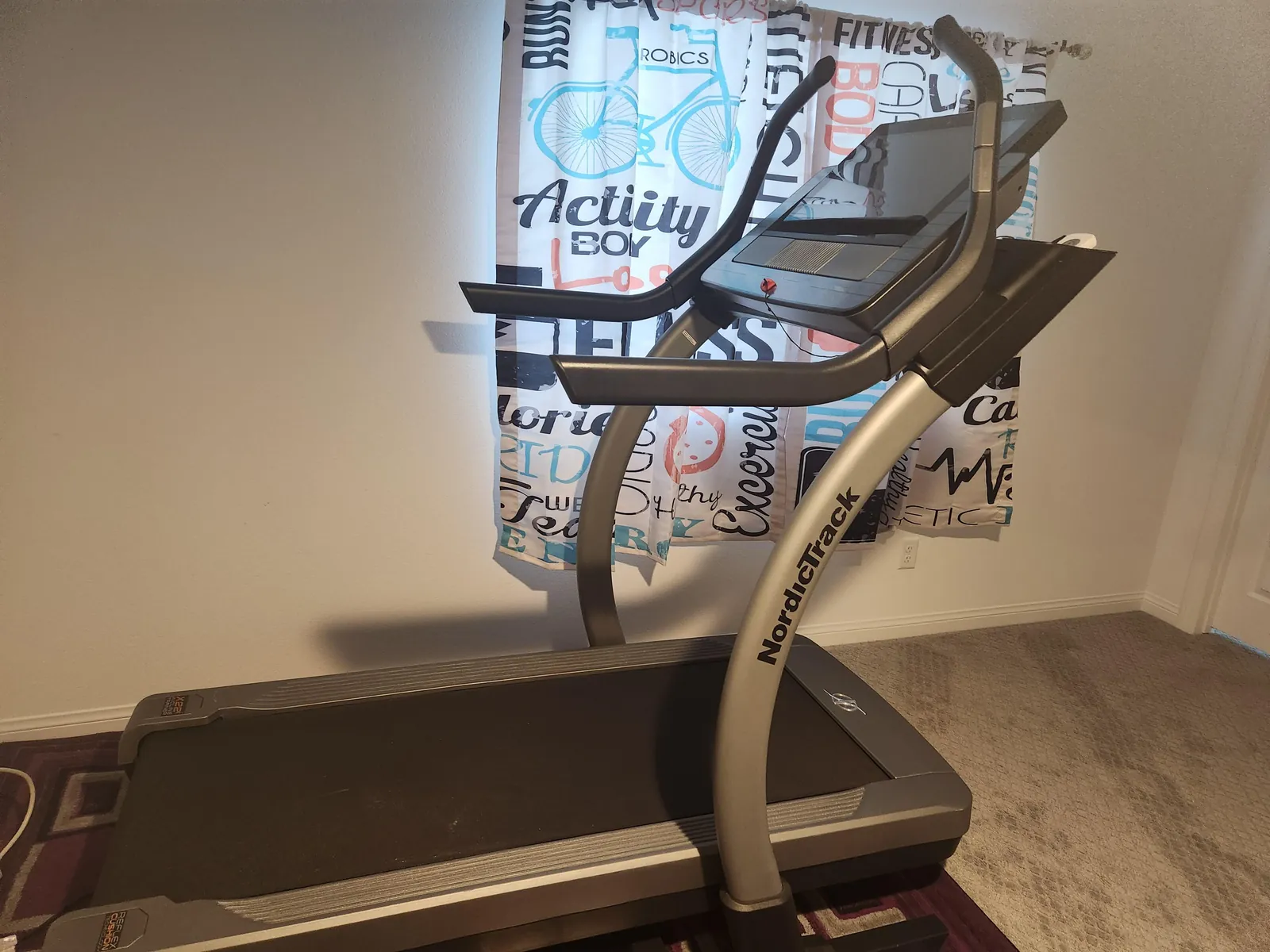
The time and effort required to clear your system vary based on the specific model and the type of error you’re facing. Starting with the basic power cycle is always the safest approach before you attempt more complex software updates.
| Situation | Time Needed | What Changes | Watch This |
|---|---|---|---|
| Simple power freeze | 2 minutes | Clears cache | Console lights |
| Calibration error | 10 minutes | Resets motors | Belt movement |
| Software update | 30 minutes | Installs firmware | Wi-Fi signal |
| Hardware failure | 60 minutes | Requires inspection | Burning smells |
If your system displays a blinking amber light, you’re dealing with a power freeze. Unplug the unit for exactly 120 seconds to drain the capacitors completely. If you skip this, the internal memory retains the error state, forcing you to repeat the entire process from the start.
Calibration errors require a different protocol. If the belt doesn’t center within 10 minutes, stop the process immediately. Check the drive pulley for debris or dust buildup.
Distinguish between software and hardware issues by observing the update progress bar. If the bar stalls at 99 percent for more than 30 minutes, your Wi-Fi signal is likely too weak to complete the handshake. Move the router closer rather than cycling the power again. Cutting power during a firmware write sequence can brick the mainboard, rendering the device permanently unresponsive. Always prioritize the shortest cycle first to avoid unnecessary wear on the internal components.
Confirming a successful reset
A successful reset shows a fully functional console that responds to your touch and displays the standard start screen without error codes. You should be able to press the start button and feel the motor engage smoothly without any hesitation or grinding noises. If the screen remains blank or the incline motor continues to click, the internal controller board may have a physical fault that a software reset can’t fix.
The most common quality problem is a “stuck” calibration where the belt moves but the incline doesn’t reach its full range. This usually happens if the sensor is blocked by debris or if the unit is on an uneven surface. You can prevent this by keeping the area under the motor hood clean and ensuring the treadmill sits level on a firm floor.
Verify the reset by checking the incline range. If the deck stops before reaching its maximum height, manually measure the gap between the frame and the floor. A variance of more than one inch indicates the calibration failed to register the deck’s true position.
If you encounter this discrepancy, don’t repeat the reset immediately. Instead, unplug the power cord for sixty seconds to force a full capacitor discharge. Most users mistakenly assume a soft reboot clears the memory, but a hard power cycle is required to fully clear the volatile memory. If the incline still fails after a hard cycle, the motor sensor itself is likely failing and requires a physical replacement.
Safety rules and maintenance
The treadmill should ideally be connected to a grounded outlet on a dedicated circuit to prevent power fluctuations that can trigger console errors. A shared circuit often causes the motor to stutter under load, shortening the lifespan of your control board.
After a reset, always record your current odometer reading if you track your maintenance schedule. You should perform a full system check after every 50 hours of use to ensure the walking belt remains centered and lubricated. If the belt drifts more than a half-inch toward either rail, tighten the rear tension bolts by a quarter-turn only. Over-tightening will snap the drive belt or burn out the motor bearings.
If you notice a burnt smell or hear irregular clicking during calibration, stop the machine immediately and contact a certified technician. These symptoms indicate a failing capacitor or a fraying drive belt that could seize during a workout.
Attempting to repair electrical components inside the motor hood carries a risk of electric shock and can void your manufacturer warranty. If you aren’t comfortable opening the console or motor housing, seek help from a professional who handles electronic fitness equipment repairs.
If the machine feels sluggish when you step on, check the deck for dry friction before assuming the motor is dead. A simple application of silicone lubricant often resolves the issue for a modest cost compared to professional service.
Alternative troubleshooting routes
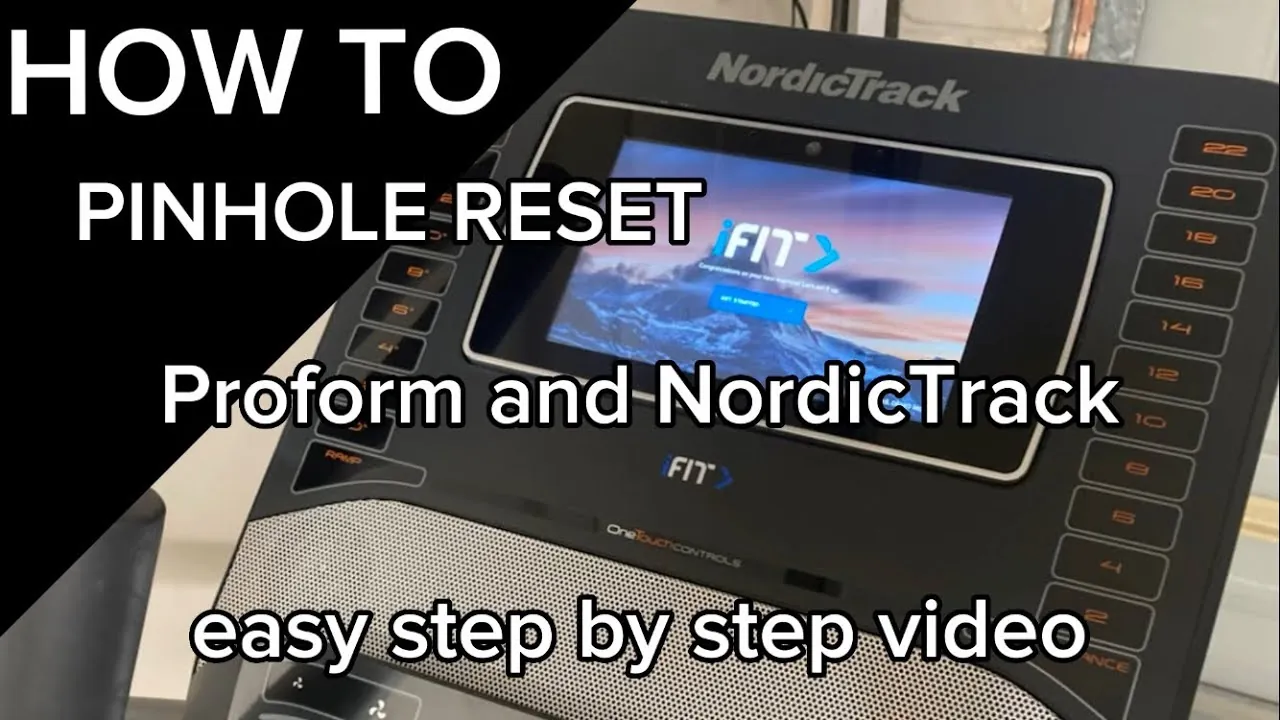
Software firmware update
If your treadmill has a touchscreen, check the settings menu for a software update. This often fixes connectivity bugs that a standard reset misses. It takes about 20 minutes and requires a stable Wi-Fi connection.
Motor sensor adjustment
Sometimes the treadmill stops because the speed sensor is misaligned. You can manually check the sensor near the front roller. This requires opening the motor hood and might take 30 minutes.
Controller board bypass
If the console is dead but the wall outlet works, the main controller board may be failing. This is a hardware replacement job. Only attempt this if you have experience with electrical components.
Frequently asked questions
Can I reset the treadmill without the safety key?
No, you can’t perform a full system reset without the safety key inserted, as the machine won’t engage the power to the motor or console. The key acts as a physical bridge in the circuit. If you have lost yours, you must purchase a compatible replacement from the manufacturer before you can proceed with any troubleshooting steps.
Why does my treadmill show an E1 error code?
An E1 error code typically indicates a communication failure between the console and the motor controller. You should start by checking that all cables behind the console are plugged in tightly and aren’t pinched. If the cables look fine, perform the power reset steps to see if the software can re-establish the connection.
How long should I wait between resets?
You should wait at least 5 minutes between reset attempts to prevent the motor controller from overheating. Rapidly cycling the power can strain the electrical components and may cause the control board to trip its internal breaker. If the machine doesn’t work after two tries, stop and check your power source or wiring.
Is it safe to leave the treadmill unplugged?
Yes, it’s perfectly safe and actually recommended to leave the treadmill unplugged when you aren’t using it for long periods. This protects the sensitive electronics from power surges and saves a small amount of electricity. Always make sure the cord is tucked away so it doesn’t become a tripping hazard.
What happens if the treadmill won’t calibrate?
If the machine fails to calibrate, it usually means the incline or speed sensors aren’t sending a signal to the console. First, clear any debris from under the frame that might block the incline path. If it still fails, the motor or the sensor itself may be damaged and will require a professional inspection.
Conclusion
If your machine still doesn’t respond after trying this, don’t worry. You should check the safety key to ensure it’s firmly in place, as a loose connection is a common culprit. If you’re still having trouble, it’s best to contact the manufacturer’s support team so they can help you get moving again.
