
The main reason an intellibrite controller not working is usually a tripped GFCI outlet or a blown fuse in the equipment pad. Most units stop responding when power is cut at the source, not because the board itself failed. You can often fix this by resetting the outdoor breaker or replacing a 3-amp fuse.
Power loss and communication errors between the pump and the panel are the two things that change how you solve this. This guide covers the safe checks you can do yourself before calling a technician for internal repairs.
Who needs this Intellibrite controller working guide
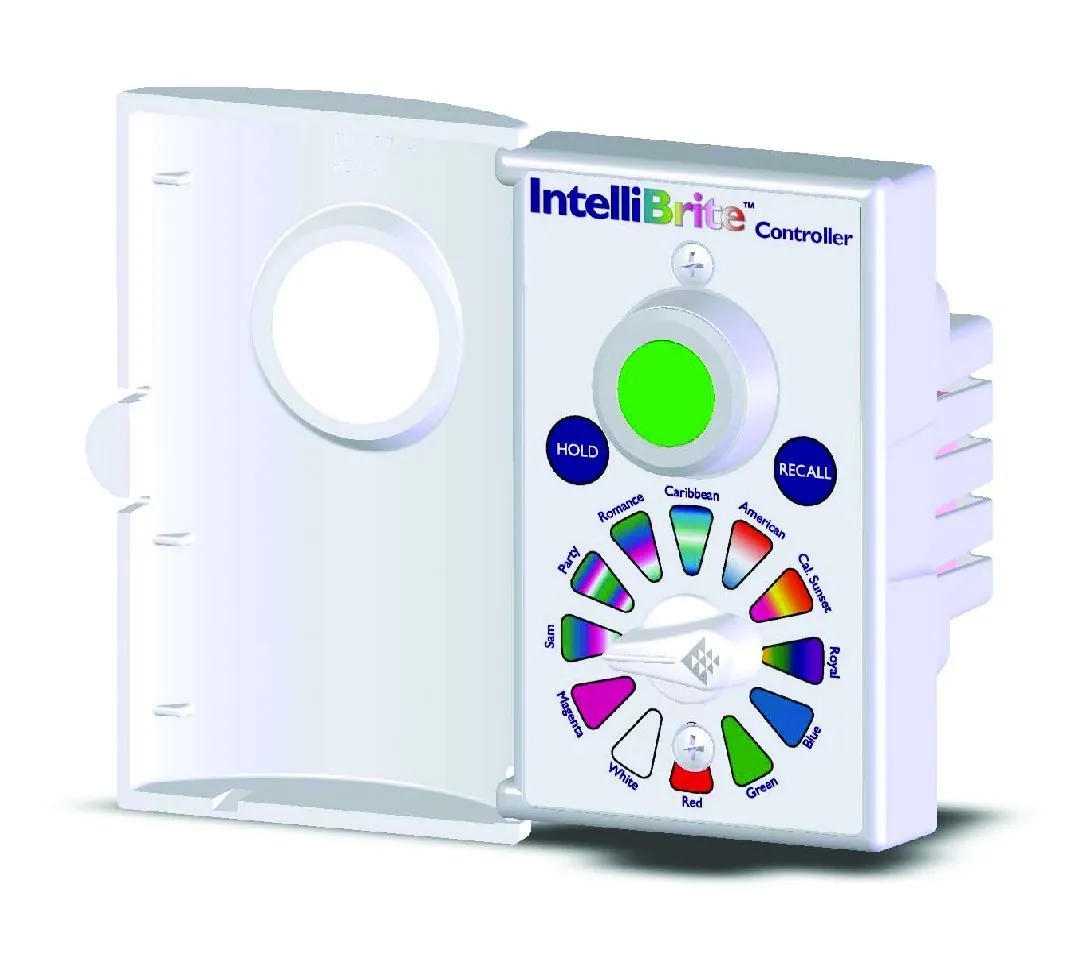
This page serves pool owners who see a blank screen or unresponsive buttons on their Intellibrite control panel. You likely have a standard residential saltwater or chlorine generator system installed in your backyard. You need to know which simple steps restore power without opening any electrical boxes. Most failures happen when the GFCI outlet trips after a heavy rain or a hose spray, cutting power instantly.
This guide is NOT for technicians looking for schematic diagrams or capacitor replacement instructions. If you’re a professional installer needing wiring specs, read the official manual instead. We assume you have access to the outdoor equipment pad and the indoor breaker box. Trying to bypass safety switches to force a restart can void your warranty and create a shock hazard. Never attempt to open the main junction box if you don’t see a clear “Reset” button on the faceplate.
If your system uses a custom hardwired setup from a commercial builder, these steps might differ. Homeowners with standard plug-in or fused setups will find the most value here. We focus on the common failure points that happen to regular users every summer. If the breaker trips immediately upon reset, stop and call an electrician, as this signals a serious electrical fault such as a short circuit or ground fault.
What stops the unit starting
Power delivery is the single biggest factor that decides if your system runs. If the outdoor disconnect switch is off or the GFCI has tripped, the controller can’t turn on no matter what you press. Check the small red light on the GFCI button; if it’s out, power is blocked.
Communication links between the pump and the controller come second. The system sends signals over wires to tell the pump to speed up or slow down. If a wire is loose at the terminal block, the screen shows error codes instead of running normally. People often get this wrong by assuming the pump is broken when the connection just needs tightening.
Fuses inside the equipment pad are the third cause. A 3-amp fuse protects the low-voltage electronics from surges. If lightning hits nearby or a surge happens, the internal metal strip melts and cuts power to the board. You can see this by checking the clear plastic holder near the transformer.
Software glitches are less common but possible. Sometimes the logic board freezes after a storm or power flicker. A full power cycle clears this memory, but only if the hardware is still intact. Always check the physical connections before blaming the software.
Steps to restore power safely
- Go to your outdoor equipment pad and look for the grey disconnect switch. Flip it to the OFF position, wait ten seconds, then flip it back ON. Listen for a click.
- Find the GFCI outlet near the pump. Press the “Test” button, then immediately press the “Reset” button until it clicks firmly into place.
- Open the clear cover on the fuse holder near the transformer. Pull out the fuse and look through the glass. If the metal strip inside is broken, replace it with a new 3-amp fuse.
- Check the main circuit breaker in your home’s electrical panel. Ensure the switch labeled “Pool Pump” or “Spa” is fully in the ON position.
- Wait two minutes for the controller to boot up. The screen should light up with the default display showing temperature or time.
- Press any button to see if the response returns. If the screen stays black, the issue is likely deeper than a simple reset.
The key judgement call is knowing when to stop. If the fuse blows again immediately after you replace it, don’t try another one. This means a short circuit exists inside the wiring or pump, and forcing power could start a fire. Call a licensed electrician or pool pro at this exact point.
Common scenarios at a glance
| Situation | Action to take | Time needed | Watch for |
|---|---|---|---|
| Blank screen | Reset GFCI and check fuses | 5 minutes | Tripped breaker |
| Error code E01 | Check pump communication wires | 10 minutes | Loose terminals |
| No lights at all | Verify main breaker is ON | 2 minutes | Blown house fuse |
| Screen frozen | Cycle power at disconnect switch | 3 minutes | Delayed startup |
| Intermittent shutdown | Inspect for water in junction box | 15 minutes | Wet wires |
| No heat output | Confirm heater bypass valve is open | 5 minutes | Closed valve handle |
| Pump won’t run | Check pump lock-up manually | 10 minutes | Seized motor |
Signs of a real repair job
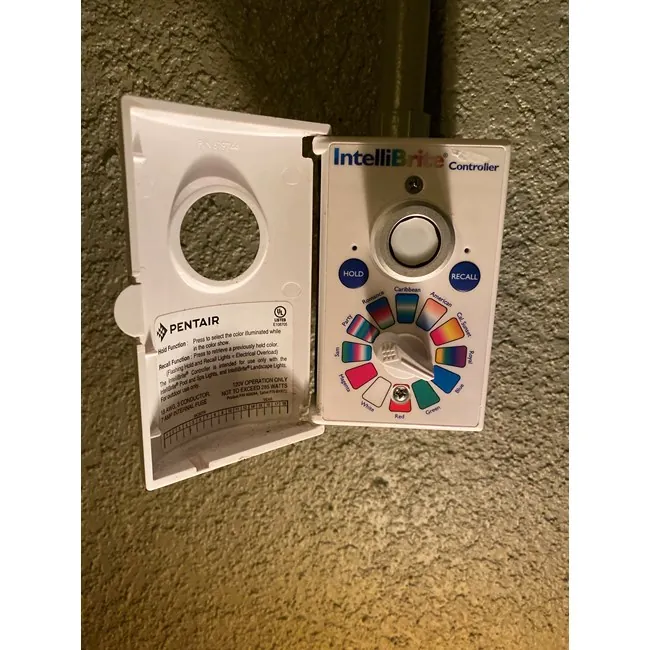
Power issues vs board failure
Experienced users know that a dead board rarely happens without a visible sign first. If you have checked the GFCI, the main breaker, and the 3-amp fuse, and the screen is still dark, the internal power supply is likely gone. Beginners often keep replacing fuses hoping for a fix, which wastes money and time. Look for a burnt smell coming from the controller housing; this confirms a component failure.
Communication errors and wiring
A blinking error code usually means the pump and controller can’t talk. Pros check the tightness of the screw terminals first. They ensure the green ground wire is secure and the signal wires aren’t corroded. Amateurs often ignore corrosion under the wire nuts, leading to repeated failures. If the code persists after tightening, the receiver module inside the pump may be bad.
Troubleshooting table for symptoms
| What you notice | What it usually means | What to do first | How to stop it happening again |
|---|---|---|---|
| Screen is black | No power reaching board | Reset GFCI and check fuses | Install surge protector |
| Code E01 or E02 | Lost pump signal | Tighten wire terminals | Use dielectric grease on wires |
| Buttons unresponsive | Software freeze | Cycle power at disconnect | Avoid frequent power cuts |
| Heater won’t fire | Flow sensor error | Check filter pressure gauge | Clean filter regularly |
| Pump hums but stops | Overheating or seized | Let motor cool down | Lubricate shaft seal annually |
| Random restarts | Voltage drop | Check main breaker rating | Upgrade service if needed |
| Water in box | Moisture damage | Dry area and inspect | Seal conduit entries properly |
Rules for safety and compliance
Local electrical codes dictate how pool equipment must be wired and protected. The National Electrical Code (NEC) requires a dedicated disconnect switch within sight of the equipment. It also mandates GFCI protection for all outlets serving the pool area to prevent shock. These rules exist to save lives, not just to pass inspection.
You must never bypass the GFCI or use a higher-rated fuse than specified. Using a 10-amp fuse where a 3-amp is required removes the safety barrier against surges. If you’re unsure about your local amendments to the NEC, check your state’s building department website.
Working on live circuits carries a high risk of severe injury or death. If you must open the disconnect box to check wiring, turn off the main power first. Only a licensed electrician should work on the high-voltage side of the transformer. Don’t attempt to repair the internal circuit board yourself.
Money and effort involved
Most power fixes cost nothing if you already have spare fuses. A small fuse costs very little at any hardware store. Your main investment is time, usually 10 to 20 minutes to check the breakers and reset the system.
If the controller board itself fails, the cost jumps significantly. Replacing an Intellibrite logic board is expensive depending on the model. Labor charges add another substantial amount if you hire a pro. Prices vary by region and whether you buy OEM parts or generic replacements.
Preventative maintenance keeps costs low. Cleaning the pump strainer basket and checking the salt cell monthly prevents overheating. Ignoring small warnings like flickering lights leads to expensive board failures later. Always compare today’s prices online or call local suppliers for current rates.
The real expense often hides in misdiagnosis. Many owners replace a costly board when the issue was simply a corroded wire connection costing almost nothing to fix. If your lights flicker but the breaker holds, have a technician check the terminal block before ordering new electronics. A low reading points to a wiring fault, not a dead board. Swapping parts blindly doubles your bill and delays the repair by days while waiting for shipping.
Timing also dictates your final price. Emergency calls after 6 PM or on weekends trigger premium labor rates that can be very high per hour. Schedule non-critical diagnostics during standard business hours to avoid these surcharges. If the system fails on a Friday night, wait until Monday morning unless the pool is completely dark and unsafe; most boards will survive a few hours of inactivity without damage.
Generic replacements offer savings but carry hidden risks. Third-party boards may lack the specific firmware updates needed for newer LED fixtures, causing them to fail within months. If your system is less than three years old, stick with original equipment manufacturer parts to protect your warranty. For older units over five years, a high-quality generic option makes financial sense, provided you verify compatibility with your specific light models first.
Maintaining the system long term
Keep the equipment pad dry and free of debris. Leaves and dirt can trap moisture against the controller housing, causing corrosion. Wipe the exterior with a damp cloth once a month. Check the fuse holder window for cracks or discoloration during your weekly pool check.
Clear at least eighteen inches around the controller on every side. Landscaping that looks fine in spring often crowds the unit by late summer. Blocked airflow makes internal components run hotter than their rated limits.
Monitor the system logs for recurring error codes. If the same code appears twice, record the date and conditions. This information helps a technician diagnose the root cause quickly. Don’t ignore a warning light thinking it will go away on its own.
A fault logged only during heavy rain points to water intrusion rather than a failing board. Note the weather alongside the timestamp. That single detail separates a minor gasket repair from an unnecessary component swap.
Replace the 3-amp fuse if it looks cloudy or the metal strip is thin. Even if it hasn’t blown yet, old fuses can fail unexpectedly. Keep a spare pack in a waterproof container near the equipment pad.
Never substitute a higher-rated fuse to stop repeated blowing. A 5-amp fuse will let enough current through to melt the traces on the circuit board. You trade a cheap fuse for a replacement controller.
Inspect the wiring terminals every six months using a small screwdriver. Thermal cycling loosens connections over time even when nothing has been touched. A loose wire creates resistance, generating heat that eventually chars the terminal block.
If you find green oxidation on copper contacts, clean it with a fiberglass brush. Sandpaper leaves embedded grit that accelerates future corrosion.
When to call a pro
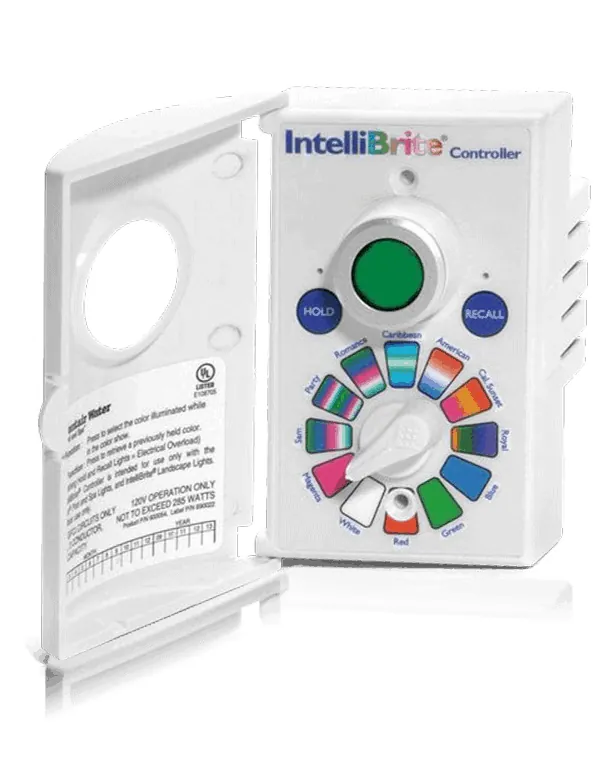
This guide doesn’t apply if you see smoke, sparks, or hear popping sounds from the controller. Stop immediately and shut off the main breaker. These signs mean a dangerous short circuit is active. Call a licensed pool technician or electrician right away. Don’t attempt to reset the breaker yourself; doing so can cause an arc flash that burns your face or hands.
Don’t try this approach if your system is under warranty. Opening the controller case voids the manufacturer’s guarantee. Contact Intellibrite support or your installer for authorized service. They can verify the issue without risking your coverage. If the unit is less than three years old, the repair is likely free. Ignoring this rule costs you thousands in parts that would otherwise be covered.
If the problem involves the pump motor itself, such as a seized impeller, this is beyond basic troubleshooting. Hire a professional to confirm whether the part has failed. You can’t fix a burnt winding alone. If the motor hums but the shaft won’t turn by hand, the bearings have failed. Forcing it breaks the housing.
Watch for water inside the junction box. If moisture has pooled around the terminals, the seal has failed. This requires a full gasket replacement and dielectric grease application. A pro will also check the voltage drop across long wire runs. If the reading is too low at the pump, the wiring gauge is too small. Upgrading the wire prevents future motor burnout.
Know when to stop. If you have checked the fuses, verified the power source, and confirmed the timer settings, yet the light still fails, the internal logic board is dead. Replacing a board requires matching the exact firmware version. Installing the wrong revision bricks the entire system. In this specific case, the cost of a new board often exceeds half the price of a new controller.
Frequently asked questions
Can I reset the controller myself?
Yes, you can reset it by turning off the disconnect switch for ten seconds and turning it back on. This clears temporary software glitches without opening the unit.
Why does the screen show E01?
This code means the controller lost contact with the pump. Check the wire terminals for looseness or corrosion before assuming the pump is broken.
How long does a fuse last?
A good 3-amp fuse lasts the life of the system unless a power surge occurs. Replace it immediately if the metal strip inside looks broken or melted.
Is it safe to touch the wires?
No, never touch wires inside the equipment pad while power is on. Turn off the main breaker before inspecting any connections to avoid electrocution.
What happens if I use a bigger fuse?
Using a larger fuse removes protection and can cause a fire if a short circuit occurs. Always use the exact amperage rated for your specific model.
Does rain affect the controller?
Rain can trigger the GFCI if water enters the outlet box. Ensure the weatherproof cover is sealed tightly to prevent false trips.
Next steps for your pool
Start by checking the GFCI outlet and the 3-amp fuse at your equipment pad. Press the reset button firmly; if it trips again immediately, don’t force it, as this signals a short circuit in the wiring or pump motor that requires professional repair.
You should see the screen light up within two minutes if power is restored. If the display flickers but shows error codes like “E1” or “PUMP,” inspect the pump basket for debris first before assuming a mechanical failure. A clogged impeller often mimics a dead system, costing you an unnecessary service call.
If the screen remains dark after these checks, stop and call a licensed professional for help. Don’t attempt to bypass the safety switch or open the control panel yourself, since pool electronics carry lethal voltage even when the main breaker is off.