
Indium tin oxide is a thin, clear ceramic film that conducts electricity, allowing for the creation of transparent electronics in modern touchscreens and displays. By combining indium oxide and tin oxide, engineers produce a material that transmits light while conducting electrons. This substance functions as an invisible bridge for power, enabling phone screens to operate without obstructing the view.
How indium tin oxide makes electronics transparent
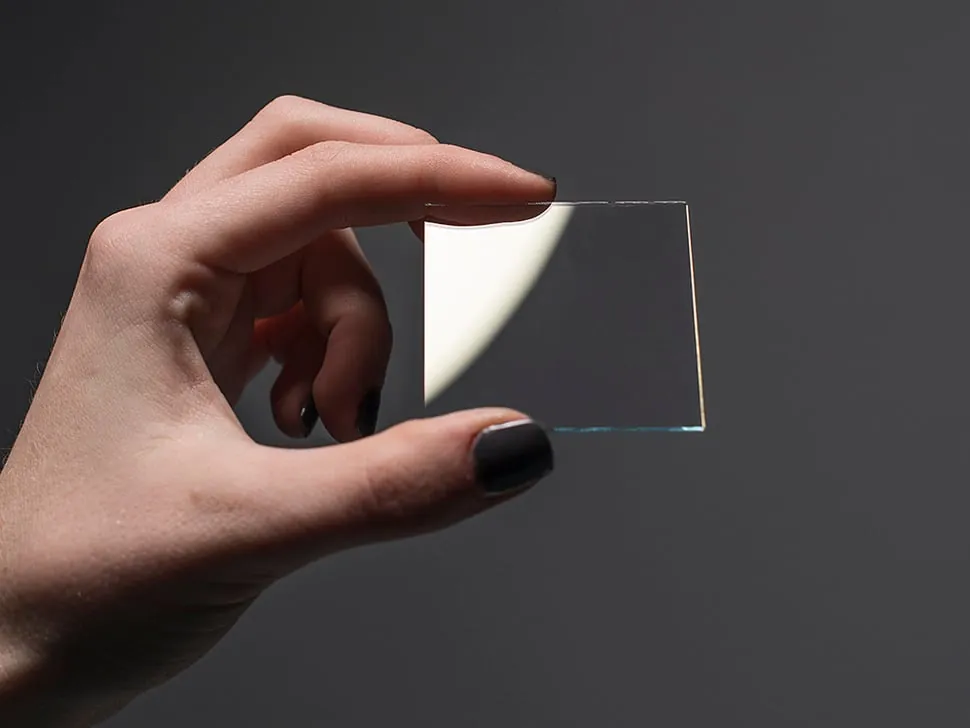
The performance of this ceramic film depends on specific inputs and conditions. When these parts are balanced correctly, you get a clear screen that reacts to your touch. If the balance is off, the screen may become dim or stop responding to your finger.
| Part or input | What it does | What you notice when it goes wrong |
|---|---|---|
| Indium oxide | Acts as the main base | Screen looks cloudy or dark |
| Tin oxide | Improves electrical flow | Touch input becomes very slow |
| Vacuum chamber | Deposits the thin film | Coating is uneven or patchy |
| Glass substrate | Holds the electronic layer | Screen cracks or breaks easily |
| Heat treatment | Hardens the final layer | Coating peels off the glass |
Deviating from this speed forces the molecules to cluster, which creates micro-fissures invisible to the naked eye but fatal to conductivity.
If your screen registers ghost touches, check the heat treatment duration first. You likely over-cured the layer, causing internal stress that mimics physical input.
Most technicians mistakenly prioritize the vacuum seal over temperature consistency. Always calibrate your thermal sensors before starting a new batch. If the coating appears milky, stop immediately. That indicates moisture contamination, and the entire substrate must be discarded to prevent permanent oxidation.
Steps for creating transparent layers
The process of turning these raw oxides into a functional electronic layer requires precise control in a laboratory or factory setting. This cycle typically takes 2 to 4 hours, depending on the thickness of the film needed for the specific device.
- Clean the glass surface using high-grade solvents to remove dust, as any tiny particle will ruin the connection. This stage usually takes 20 minutes for a standard panel.
- Place the glass inside a vacuum chamber and pump out the air until the pressure is extremely low. This ensures the film settles evenly without oxygen interference.
- Use a process called sputtering to knock atoms off the indium tin oxide target. These atoms travel through the vacuum and land on the glass surface to build the film.
- Monitor the thickness of the layer, which is typically 100 to 200 nanometers for most smartphone screens. If the layer is too thin, it can’t carry enough power.
- Bake the glass in an oven at roughly 300 degrees Celsius to lock the structure into place. This heating step makes the film stable for daily use in your device.
- Test the conductivity of the finished screen using a multimeter to ensure the electricity flows across the entire surface. This final check confirms the screen will work properly.
Why this material works for screens
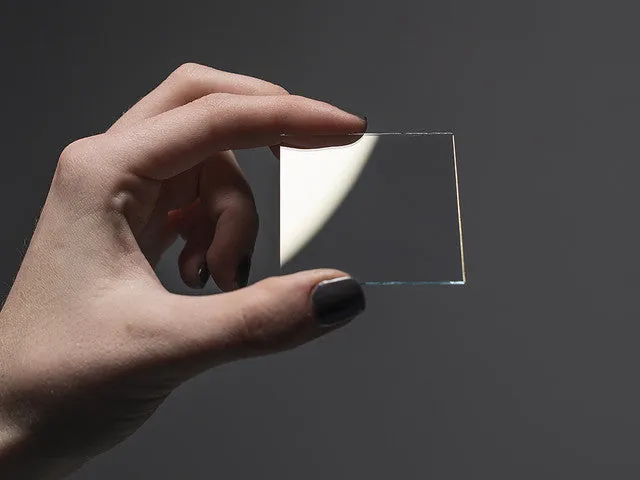
The unique ability to conduct electricity while remaining invisible is the reason this material is the industry standard. Most metals, like copper or aluminum, are opaque because they absorb or reflect light.
Indium tin oxide is different because its atoms are arranged in a way that allows visible light to pass through the gaps in its structure, while its electrons remain mobile enough to move current. The National Institute of Standards and Technology tracks the optical and electrical properties of these materials to ensure they meet the requirements for modern technology.
If the film is too thick, it starts to absorb light and looks like a dark tint. If it’s too thin, it can’t carry enough electricity to register your touch. Engineers must find the perfect middle ground where the film is invisible but still conductive. This trade-off is the main challenge in making screens larger or more responsive.
When a screen stops working, it’s often because this layer has developed a microscopic crack, which breaks the electrical path. Because the layer is so thin, you can’t see the break with your eyes, but the screen will no longer sense your touch.
Constraints of the technology
Things you can control
- The thickness of the coating during the production phase.
- The temperature used to bake the glass during manufacturing.
- The purity level of the gases inside the vacuum chamber.
- The shape and pattern etched into the final film layer.
Things fixed by design
- The inherent transparency limit of the ceramic material.
- The brittle nature of the glass used as a base.
- The cost of indium, which is a rare metal.
Repairing a broken touch layer requires specialized equipment and clean-room conditions to prevent dust. If you attempt to open a device, you risk damaging the battery or voiding your warranty, so leave these repairs to professional technicians.
Habits for long-lasting displays
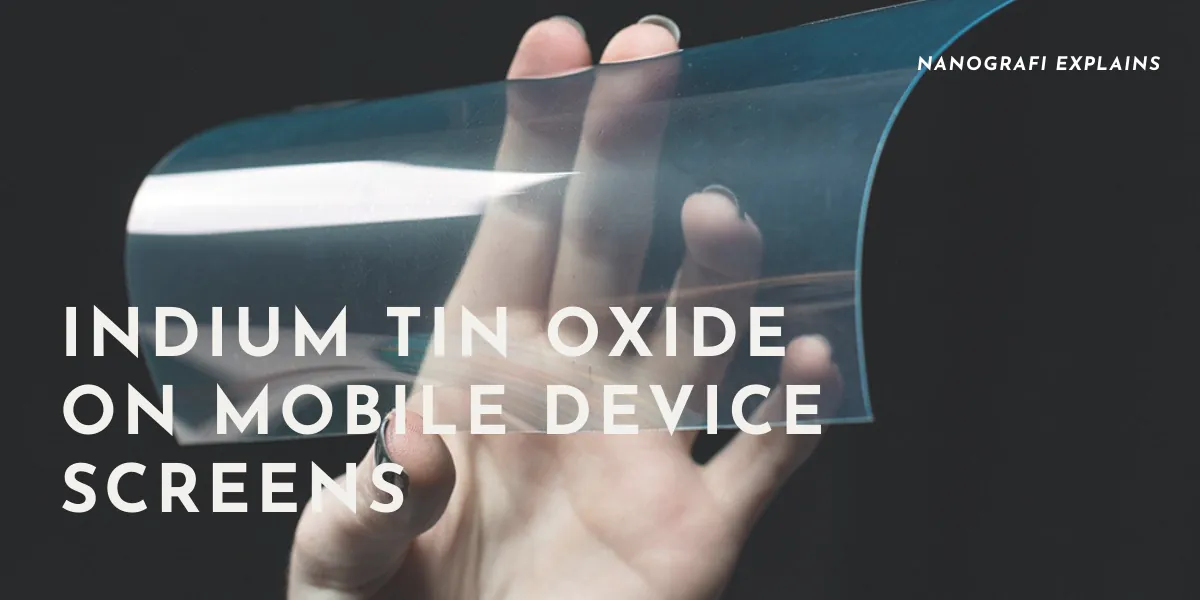
Keeping your screen in good shape starts with understanding how the delicate film inside reacts to your environment. Avoid using harsh chemical cleaners, as they can slowly etch the glass and reach the sensitive layer underneath. Ammonia and alcohol-based solvents are the most common culprits, often stripping away the anti-reflective coating within just a few months of regular use.
Use a soft, dry microfiber cloth to wipe away oils, as excessive moisture can seep into the edges and corrode the internal connections. If you live in a very humid area, keep your devices in a case to prevent water vapor from building up near the screen edges.
Always use a screen protector to absorb physical shocks, because the brittle glass base is the main weakness of the entire assembly. If you notice a hairline crack, replace the protector immediately; a compromised shield stops distributing force evenly, which allows pressure to reach the underlying pixels. A high-quality protector adds a layer of safety without changing how the electrical signal moves through the screen.
Related guides
- 10 Best TOTO Washlet C5 Electronic Bidet Seat Reviews in 2026
- SmartBidet SB 1000WE Electronic Review: 10 Best Bidet Picks in 2026
- 10 Best TOTO SW2034 01 C100 Electronic Reviews and Features in 2026
Frequently asked questions
Can I repair a cracked touch layer myself?
You can’t repair a cracked layer yourself because it requires a vacuum chamber and high heat to bond the material to the glass. Any attempt to fix a broken internal circuit will likely destroy the screen beyond repair, so you should take the device to an authorized service center for a full replacement.
How long does the material last?
The layer lasts for the entire life of the device, assuming the glass isn’t physically broken. The material itself doesn’t degrade from normal use, so your screen will continue to work until the glass base suffers a structural failure or the electrical connections corrode.
Is it safe to touch a broken screen?
It isn’t safe to touch a broken screen if the glass is splintering, as the sharp edges can easily cut your skin. While the electronic film itself is inert and non-toxic, the glass shards present a physical hazard, so you should cover the screen with tape and seek a professional repair.
What happens if the screen gets wet?
Water can cause the electrical signal to short-circuit, which makes the screen jump or fail to register your touch. If your device gets wet, turn it off immediately and let it dry for at least 24 hours in a cool place before you try to use the touch functions again.
Does the temperature affect the screen?
Extreme heat can cause the glass to expand and potentially crack the thin, brittle film of indium tin oxide. Keep your device away from direct sunlight or hot surfaces, as temperatures above 60 degrees Celsius can cause the internal connections to warp and lead to permanent touch failure.
How many layers are in a touchscreen?
A typical screen has 2 to 3 layers of this material, which work together to detect the exact point where your finger touches the glass. Each layer is etched with a specific grid pattern that allows the device to calculate your finger’s position with high accuracy across the entire display surface.
Conclusion
As we demand thinner and more flexible gadgets, researchers are already testing new materials that could eventually replace this ceramic film. You’ll likely see these innovations in foldable devices and wearable tech very soon. It’s an exciting time, and we can’t wait to see how these invisible circuits change our lives.
