
The simplest way on how to choose a desk lamp is to match the lamp style to your main task: an adjustable swing-arm LED lamp works best for general desk work because you can aim the beam and change the brightness. A monitor light bar wins instead if your desk has no free surface space.
The options compared
 Photo: desky.com on Google
Here is how the three main desk lighting setups compare across basic setup needs:
| Method | How long | Effort | Cost | Best for |
|---|---|---|---|---|
| Swing-arm LED lamp | 5 to 10 minutes | Low | Medium | Writing and detailed paperwork |
| Monitor light bar | 2 to 3 minutes | Low | Medium | Small desks with computer screens |
| Fixed-base craft lamp | 5 to 10 minutes | Low | High | Large art drafting tables |
Swing-arm LED task lamp
A swing-arm lamp clamps to the edge of your desk or sits on a weighted base, giving you direct control over beam placement.
- Measure your desktop thickness before buying; standard edge clamps fit surfaces up to 2 inches thick.
- Clamp the base to the side opposite your writing hand so your arm doesn’t cast a shadow over your work.
- Position the lamp head 15 to 36 inches above your paper or keyboard.
- Set the brightness between 400 and 800 lumens for typical office work, using 4,000 Kelvin for daytime focus.
This method gives you wide movement across large surfaces. It lets you swing bright light directly over paperwork without changing your seat. Its main weakness is mechanical: budget arm joints loosen over time, causing the heavy head to droop. This design isn’t for glass-top tables, as clamp pressure can crack the surface.
Monitor light bar
 Photo: www.odinlake.com on Google
A monitor light bar perches directly on top of your computer screen using a counterweight clip, directing light downward onto your keyboard.
- Place the counterweight mount on the top bezel of your flat monitor, checking that it rests level.
- Have a technician plug the USB power cable into a wall adapter or computer port providing sufficient power.
- Rotate the barrel until the light hits your desk mat without shining into your eyes or reflecting off the glass panel.
- Tap the touch control to select a neutral 3,500 Kelvin white light for general computer work.
It keeps your desktop entirely clear of cords and bases. It also avoids screen glare by casting an asymmetrical beam forward. The genuine weakness is limited coverage: it can’t swing out to illuminate physical books placed to the side.
Fixed-base craft lamp
A heavy base craft lamp sits directly on the desk corner, using a wide shade to flood the entire work zone with high-color-accuracy light.
- Clear a flat 8-inch circle on your desk corner to seat the heavy steel base securely.
- Insert an LED bulb rated at 90 or higher on the Color Rendering Index (CRI) scale to see true pigments.
- Angle the wide shade at roughly 45 degrees downward to wash light evenly across your materials.
- Dial the dimmer to 1,000 lumens if your room lacks overhead fixtures during night hours.
This setup offers sturdy balance that won’t wobble when you bump the desk. It lights broad sketchpads evenly without harsh beam edges. The big weakness is its large desk footprint. Floor lamps can work as a fourth option, but they sit too far away to deliver intense task light.
Which one should you use?
Your choice depends on your daily setup and work style.
- When you’re in a hurry: Pick a monitor light bar because it clips directly to your screen frame in two minutes without clearing desk space or assembling joints.
- When you’re doing this for the first time: Buy an adjustable swing-arm lamp because it adapts to both laptop use and paper reading without complex setup.
- When you want the best possible result whatever it takes: Choose a high-CRI fixed craft lamp because it delivers broad, even color accuracy across large drafting sheets.
The central trade-off is between physical reach and open space: wide-reaching arms let you point light anywhere, but their hardware clutters your work area.
The rules that apply whichever way you choose
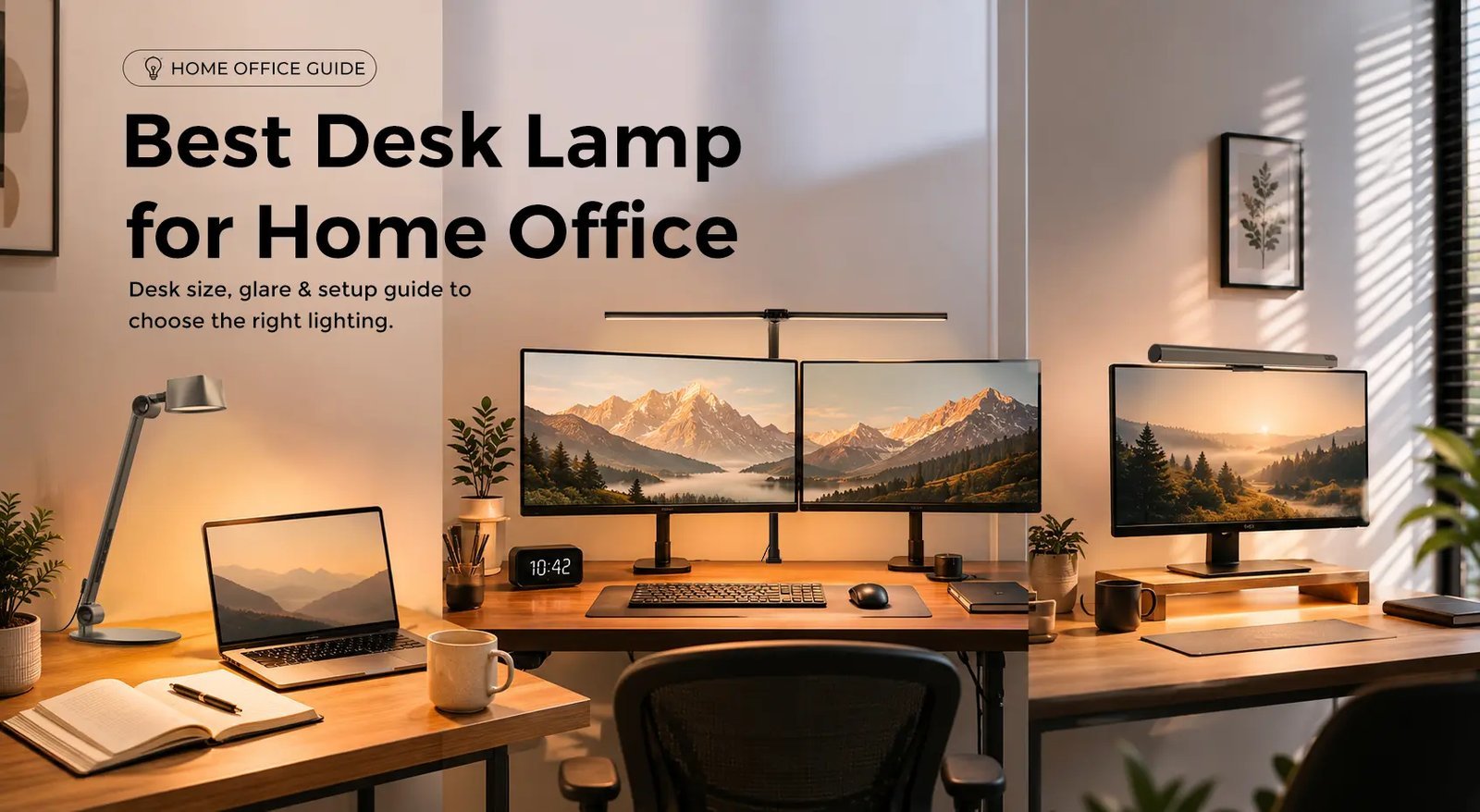 Photo: neriusshop.com on Google
Always follow standard lighting guidelines to protect your eyes.
Prepare your space first by identifying your primary hand: if you write with your right hand, place the light source on your left; if you write with your left hand, place it on the right. During setup, check for glare by turning on your computer display; if you see bright reflections on the glass, tilt the fixture head down.
At the end, turn on your room’s background light alongside your new lamp. Buying an overly bright desk lamp and using it in a totally dark room is a mistake that causes eye strain, leading to headaches and fatigue.
Frequently asked questions
How many lumens do I need for a desk lamp?
About 450 lumens works well for reading and normal office work. This assumes standard desk height; for detailed craftwork or model painting, allow 800 to 1,000 lumens instead. Check the product box, as brightness limits vary by model.
Is warm or cool light better for studying?
Cool white light near 4,000 Kelvin is better for studying because it boosts alertness during reading sessions. Warm light around 2,700 Kelvin feels cozier, but it can make you feel sleepy over long evening study hours.
What happens if my desk lamp flickers?
Flickering usually happens when your LED driver fails or your lamp connects to an incompatible dimmer switch. If the bulb is removable, swap it out first. If an integrated LED unit keeps flickering, replace the fixture to avoid eye fatigue.
Can a desk lamp replace my ceiling light?
No, a desk lamp shouldn’t be your only light source. Relying solely on a small task beam creates sharp contrast between your desk and dark walls, which causes headaches over long shifts. Always keep low ambient room lighting switched on.
Is a high CRI rating necessary for office work?
No, a standard CRI of 80 is plenty for writing emails and reading paperwork. You only need a CRI of 90 or higher if your work involves graphic design, photo editing, miniature painting, or fabric color matching.
Related guides
