
A millimeter wave radar sends out tiny radio waves, bounces them off objects, and reads what comes back to measure distance, speed, and shape. The whole idea behind how millimeter wave radar works and where it’s used is that short wavelengths catch small details other sensors miss. You put in a pulse of energy, it hits something solid, and you get a map of your surroundings. It’s like shouting in a canyon and timing the echo, but with radio waves instead of sound.
Parts of a millimeter wave radar
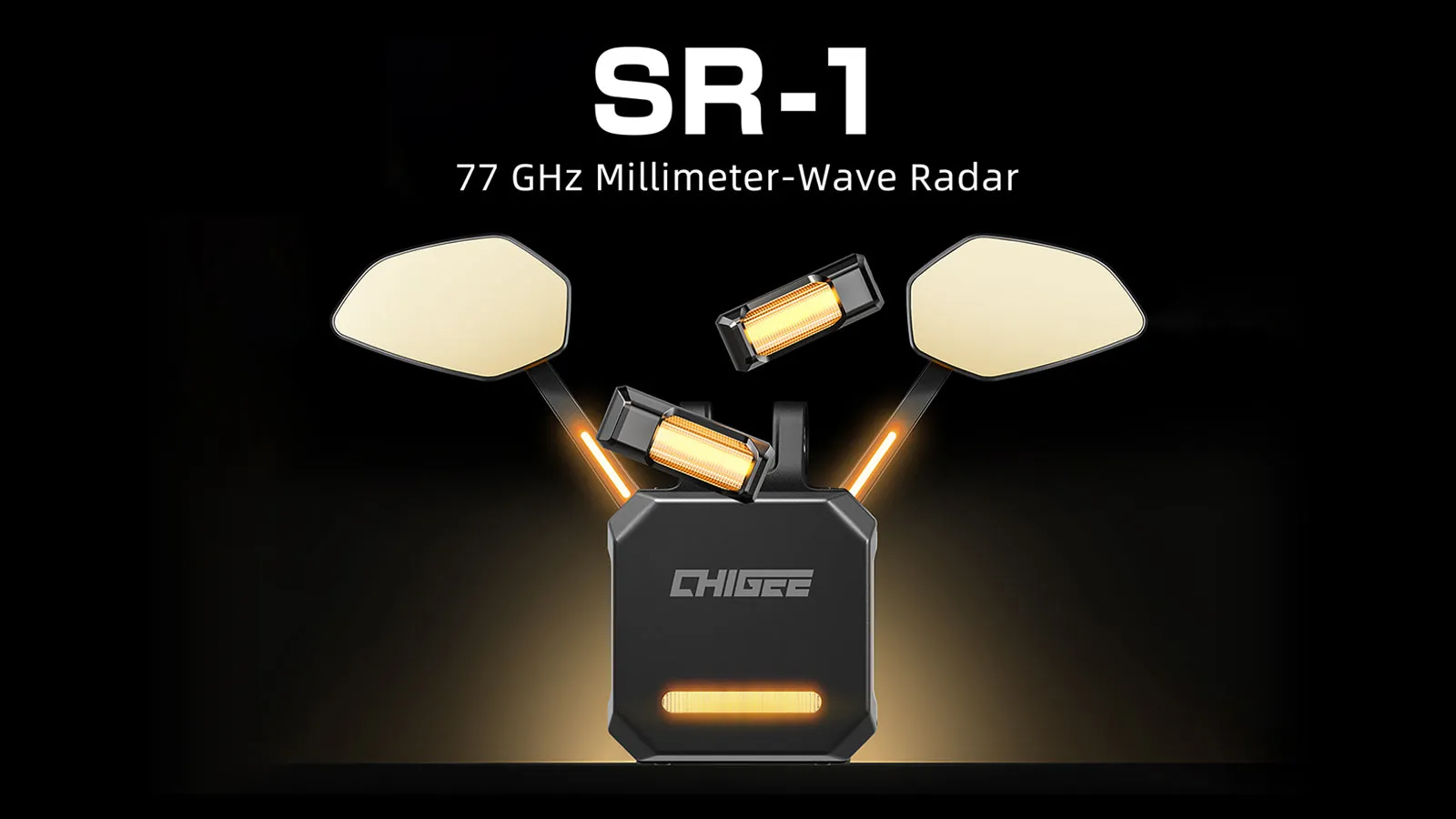
Every sensor has pieces that do one job each, and this technology is no different. A transmitter pushes the signal out, while a receiver listens for the return. If any part fails, the whole picture goes blank or fills with noise.
| Part or input | What it does | What you notice when it goes wrong |
|---|---|---|
| Transmitter | Sends high-frequency radio pulses | No signal leaves the device |
| Receiver | Catches returning echoes | Objects disappear from the display |
| Antenna | Focuses the beam direction | Detection angle shrinks or scatters |
| Signal processor | Calculates distance and speed | Readings jump or freeze entirely |
| Power supply | Feeds electricity to all parts | Device won’t turn on at all |
| Housing | Shields electronics from weather | Moisture ruins circuits over time |
The antenna matters more than people think. Because these wavelengths are so short, even a small scratch on the cover changes how the beam spreads. You’ll find the exact operating frequency printed on the device label or in its manual; don’t guess it, since 60 GHz and 77 GHz sensors need completely different antennas.
How a millimeter wave radar cycle runs
One full sweep happens fast, usually in a few milliseconds. The steps repeat constantly while the power stays on.
- The transmitter generates a radio signal between 30 GHz and 300 GHz, which takes less than a microsecond to start. This assumes a standard automotive or industrial chip; older military units might operate slightly differently.
- The antenna shapes that raw signal into a narrow beam and pushes it outward. For a typical car sensor, this beam covers about 15 degrees horizontally.
- The radio wave travels at the speed of light until it hits a solid object. Hitting a pedestrian 30 meters away takes roughly 100 nanoseconds.
- The object reflects a portion of the energy straight back toward the sensor. Hard metals bounce almost everything back, while soft clothing absorbs some.
- The receiver catches the faint returning echo and converts it into an electrical signal. This step requires heavy amplification because the return is thousands of times weaker.
- The signal processor compares the outgoing wave to the returning one. It measures the time delay to find distance and the frequency shift to calculate speed.
- The system outputs a data point, telling the main computer exactly where the object sits. One full cycle finishes in under 50 milliseconds for most modern setups.
Check your specific model’s documentation to confirm which method it uses, as the processing math changes entirely.
Why millimeter wave radar readings fail
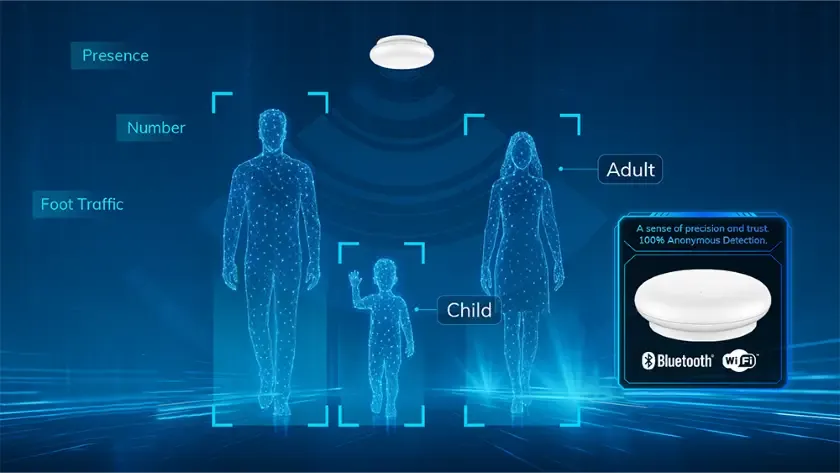
A weak echo doesn’t always mean nothing is there. Heavy rain or thick fog scatters short radio waves before they reach their target, making a clear road look full of obstacles. The signal processor sees hundreds of tiny reflections and can’t separate the real car from the falling water. That’s why self-driving systems slow down during storms.
Doppler shift tells the sensor if something moves toward it or away from it. When a person walks across the street, their speed changes the returning wave’s pitch slightly. If the processor expects a fast-moving car but gets a slow walking pace, it might ignore the person entirely. This trade-off between filtering out noise and missing slow targets is built into the software.
If the object stands still, use the time delay to find it; if it moves, rely on the Doppler shift. Mixing those two up causes false alarms. A parked truck gives a strong time delay but zero Doppler shift, while a flying bird gives both.
Angle estimation relies on multiple receiving antennas spaced apart. If dirt covers just one antenna element, the math breaks down. The system thinks an object is ten feet to the left of where it actually sits. In a factory setting, that error means a robotic arm swings into a worker instead of a box.
This kind of sensing isn’t for underwater work. Water absorbs these frequencies almost instantly, killing the signal within centimeters. If you need to see through deep water, you’ll need sonar instead. You can read more about approved frequency bands on the FCC’s millimeter wave rules.
What you control on a millimeter wave radar
You can change several settings to fit your space, but the hardware itself sets hard limits. Pushing past those limits breaks the sensor or violates local laws.
Settings you can adjust
- Mounting height and tilt angle, which changes the blind spot directly below the unit.
- Detection range thresholds in the software, letting you ignore things past 50 meters.
- Sensitivity levels to filter out background noise from vibrating metal walls.
- Update rate, choosing between 10 Hz for slow traffic or 20 Hz for fast machines.
- Output format, switching between raw data points or processed object lists.
Limits fixed by the hardware
- Operating frequency, which is locked to the physical size of the internal antenna.
- Maximum transmit power, set by the amplifier chip soldered onto the board.
- Field of view, determined by the lens or array shape molded into the plastic case.
- Minimum detection distance, restricted by how fast the receiver recovers after transmitting.
Changing the transmit power yourself requires specialized radio testing equipment. Broadcasting too loudly on these bands interferes with airport security scanners or cellular networks. If you need a longer range than your current model offers, buy a higher-power unit certified for your region instead of modifying the circuit board.
Getting better results from millimeter wave radar
Keep the front cover clean. Dust and dried mud act like frosted glass for radio waves, scattering the beam before it even leaves the housing. Wipe it with a damp cloth every week if it sits outdoors.
Mount the sensor rigidly. Even a millimeter of vibration from a nearby motor shakes the beam enough to blur slow-moving targets. Use thick rubber washers between the bracket and the wall to absorb shaking.
Point it away from flat metal walls when possible. A large steel door directly beside the unit creates mirror images of real objects, confusing the tracking software. Angling it just five degrees inward stops most of those ghost reflections.
Check your firmware version against the manufacturer’s release notes twice a year. They often update the signal processing math to handle new types of clutter better. Running old code on a new chip wastes the hardware’s actual capability.
Match the update rate to your target’s speed. Setting a parking lot sensor to 20 Hz burns power and floods your network with useless data, while a highway sensor running at 5 Hz misses cars changing lanes.
Related guides
- What Is Nomex Honeycomb and What Is It Used For
- How Patch Antennas Work and Where Theyre Used Explained
- What Is PVDC and Why Is It Used in Packaging for Shelf Life
Frequently asked questions
Can millimeter wave radar see through walls?
No, it can’t see through thick concrete or brick walls. Drywall and wood let some signals pass, but the reflection loses too much strength to be reliable. Metal walls block it completely. Don’t buy this sensor expecting to track people inside another room.
Why does rain mess up radar readings?
Raindrops are close in size to the wavelength being used, so they scatter the energy everywhere. The receiver catches thousands of tiny echoes from the storm instead of the real target. Heavier rain causes worse interference, forcing safety systems to reduce their maximum trusted range.
How long does one radar sweep take?
A single sweep takes between 10 and 50 milliseconds for most commercial units, assuming standard automotive or industrial chips. Faster sweeps require more expensive processors. Check your specific model’s datasheet for the exact cycle time, as it varies by brand.
Is it safe to stand near these sensors?
Yes, the power output is far too low to heat human tissue. Consumer and automotive models transmit at fractions of a watt. Regulatory bodies strictly limit how much energy they can push out. You’re exposed to stronger radio waves holding a cell phone to your ear.
What happens if the antenna gets scratched?
A deep scratch changes how the beam focuses, spreading the energy out instead of keeping it tight. You’ll notice shorter range and fuzzier direction readings. Minor surface scuffs on the plastic cover usually don’t matter, but damage to the metal traces underneath ruins the unit.
Does temperature affect detection distance?
Extreme heat or cold shifts the electronic components’ behavior slightly, changing the signal strength. Most industrial sensors work fine between -40°C and 85°C. Outside that range, the maximum reliable distance drops. Your owner’s manual lists the exact tested temperature limits for your specific model.
How far can a standard unit detect?
Automotive sensors typically reach 150 to 250 meters, assuming a large metal target like a truck in clear weather. Smaller objects like pedestrians drop that range to about 70 meters. Industrial versions vary wildly based on their chosen frequency band and allowed transmit power.
Conclusion
Picking the right setup means matching the sensor’s physical limits to your actual environment. A unit built for highway speeds will struggle in a dusty warehouse, while a short-range industrial model won’t see far enough for traffic control. Read the spec sheet for your exact model, check the mounting conditions, and test it in the weather you expect it to face.
