
You can fix a proform treadmill incline not working by performing a simple console reset, which clears out minor software errors that prevent the motor from responding. The most common cause for this issue is a communication error between the console and the incline motor, often triggered by a power surge or a loose cable connection. If a basic reset doesn’t restore movement, you’ll need to inspect the external cables for visible damage.
Reasons your ProForm treadmill incline stops working
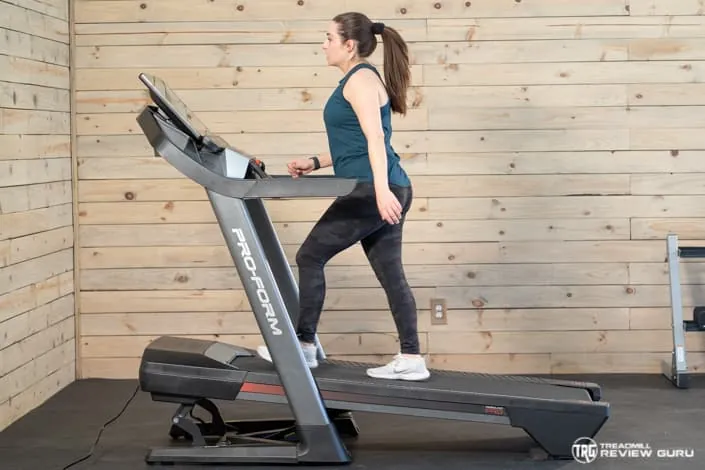
When your treadmill fails to change its angle, it’s usually because the main control board has lost its signal to the incline motor. This often happens because of a software glitch in the console that confuses the motor’s position. You can think of it like a computer that needs a reboot to recognize a peripheral device; once the connection is refreshed, the motor often begins to function normally again.
Another frequent cause is a physical blockage or debris under the frame. Over time, dust, pet hair, or small objects can get wedged near the lift mechanism. If the motor senses too much resistance, it will automatically stop moving to prevent damage to its internal gears. This is a safety feature designed to protect the machine from burning out its own motor when it hits an obstruction.
Finally, power fluctuations can cause the control board to enter a protective state. If the treadmill was recently moved, plugged into a different outlet, or experienced a power flicker, the board might have disabled the incline function as a safety precaution.
Perform a console calibration
If your incline motor is stuck, you should first try a calibration sequence to reset the motor’s range of motion. This process tells the console exactly where the lowest and highest points of the incline are. Start by standing off the treadmill and ensuring the safety key is inserted into the console. Most models allow you to enter the calibration mode by holding down specific buttons, such as the “Stop” and “Speed Up” keys, while plugging in the machine.
If your specific model lacks a dedicated “Cal” mode, check the underside of the console for a small pinhole reset button. Pressing this with a paperclip for three seconds often triggers the same diagnostic routine. Don’t attempt this while anyone is standing on the belt, as the sudden movement can cause a fall.
Once the console enters the setup mode, it will typically display a version number or a “Cal” indicator. Press the “Incline Up” button to start the test. The treadmill will then move to its maximum height and return to the floor.
If the incline completes this full cycle, the software has successfully recalibrated the motor limits. If it stops halfway or shows an error code, the problem likely involves the internal wiring or the motor itself. In these cases, stop immediately to avoid stripping the elevation gears.
Check for external obstructions
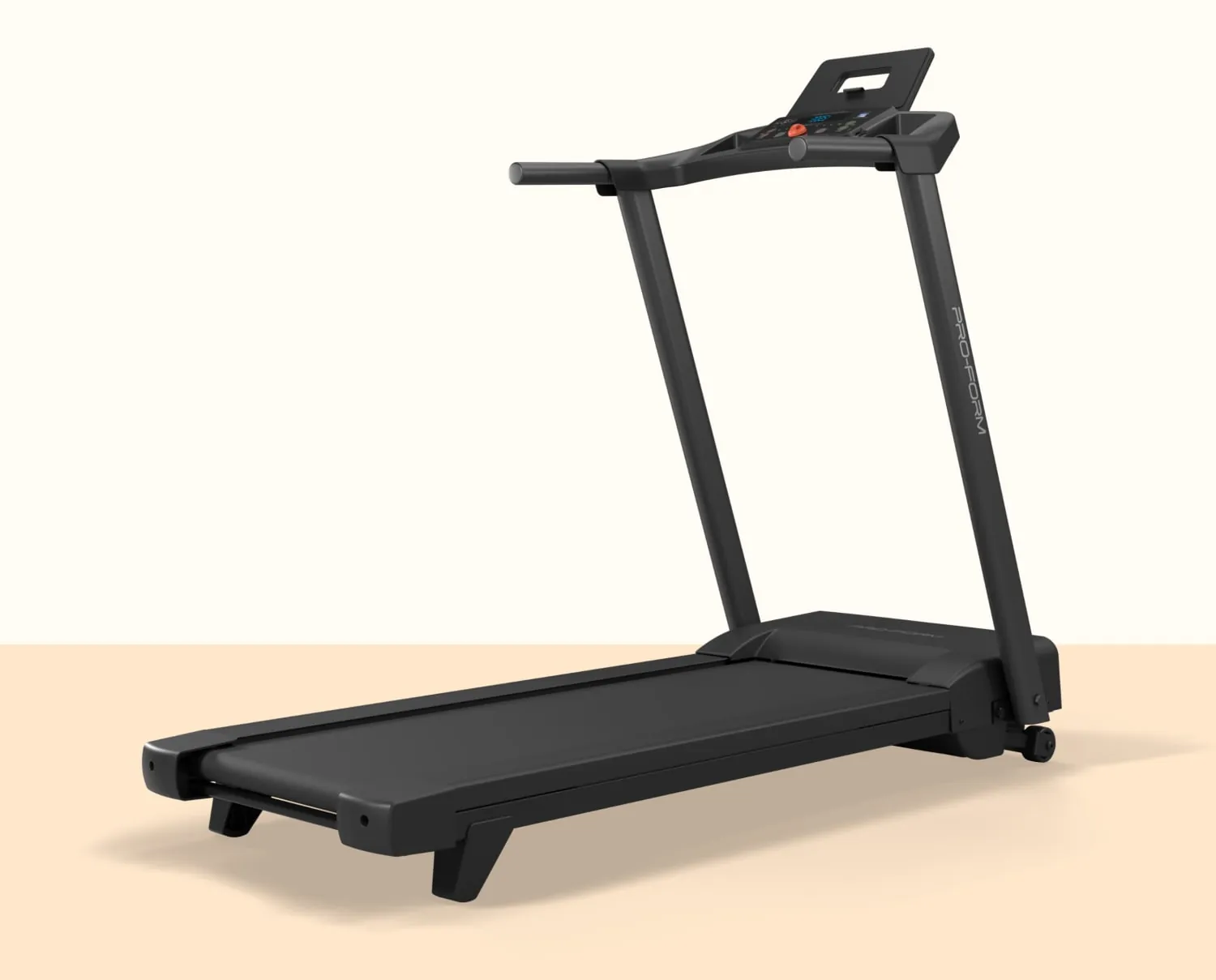
Sometimes the fix is as simple as removing a physical object that’s preventing the lift frame from moving. Inspect the area underneath the treadmill where the incline motor connects to the frame. Look for any loose carpet fibers, workout mats, or small items that may have fallen into the track. If you see anything, carefully pull it away while the treadmill is unplugged.
If the frame remains stuck after clearing debris, check the power cable and the communication wire running from the console to the base. Look for signs of pinching, fraying, or loose connections near the pivot points. A common mistake is assuming a cable is secure because it looks intact, but internal wire fatigue often causes intermittent signal loss. If the cable housing shows a sharp crease or a localized bulge, the internal copper strands are likely severed.
If you find a cable that looks damaged or disconnected, contact a professional technician. Never attempt to open the motor housing or the console casing, as this can lead to electrical shock or void your manufacturer’s warranty. If the treadmill makes a grinding noise while attempting to incline, stop immediately. This indicates a stripped gear, which requires a full motor assembly replacement rather than a simple cable repair.
When to seek professional repair
If you have tried the console calibration and cleared any debris but the motor remains silent, you have reached the limit of what you can safely do at home. A persistent failure usually points to a faulty incline motor or a burnt-out control board. These parts require specialized diagnostic tools to test, and replacing them involves working with high-voltage electrical components located inside the motor cover.
If your machine is still covered by the manufacturer’s warranty, reach out to their support team before hiring an outside repair service. They can send you the correct replacement parts or arrange for a certified technician to visit your home. If the warranty has expired, look for a local fitness equipment repair specialist.
Don’t continue to use the treadmill if you hear grinding noises or smell burning plastic, as these are clear signs of a mechanical failure that requires immediate attention. If the belt slips while you’re walking but the motor still hums, you likely only need a tension adjustment rather than a full repair.
However, if the console displays an E1 or E2 error code, stop immediately. These codes indicate a communication breakdown between the motor and the motherboard, which rarely resolves without professional intervention. Attempting to force the motor to run in this state will likely fry the control board, turning a simple sensor fix into a costly total system replacement.
Common myths about incline repairs
Spraying lubricant on the motor is a common mistake. People often believe grease fixes a stuck incline, but the lubricant collects dust and debris. This buildup creates friction, causing the motor to overheat or fail prematurely. If your motor is whining, clean the housing with compressed air rather than adding oil.
Forcefully lifting the frame to “help” the motor move is another error. Pushing the deck can strip the plastic gears or bend the lift screw. This turns a minor software calibration issue into a permanent mechanical failure. If the incline is stuck, check the console for an E1 or E6 error code first. These codes signal a communication break rather than a physical jam.
Replacing the fuse rarely restores incline function. If the treadmill console lights up but the lift doesn’t move, the fuse isn’t your culprit. You’re likely dealing with a disconnected limit switch or a faulty motor controller.
How to stop it happening again
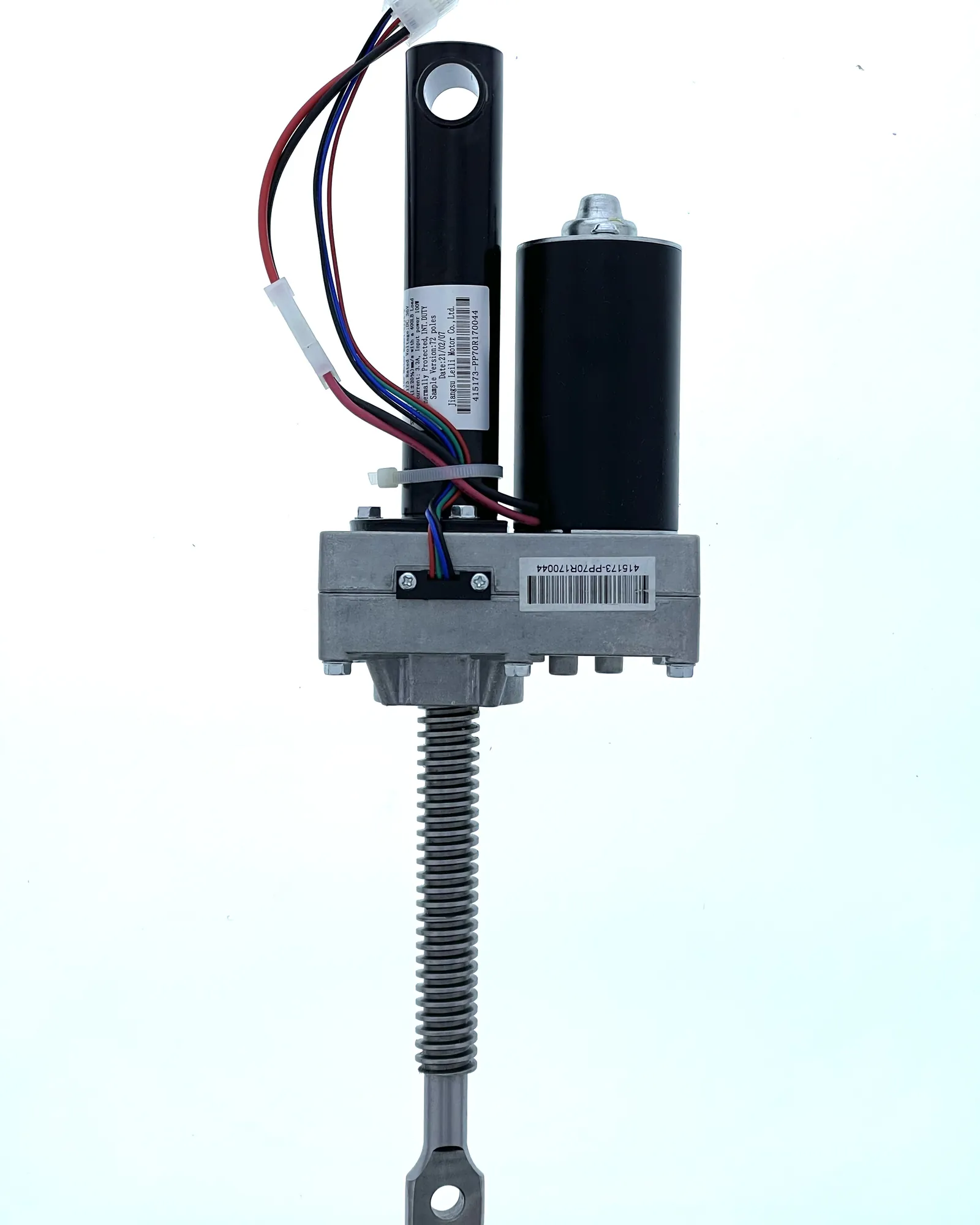
To keep your incline motor running smoothly, maintain a clear workspace and shield the electronics from power surges. Most failures stem from irregular power delivery or internal dust buildup.
Never connect your treadmill to an extension cord or power strip. These devices often cause voltage drops that force the motor to draw excess current, eventually burning out the internal circuit board. Plug the machine directly into a dedicated, grounded wall outlet.
Place the unit on a rigid, flat surface rather than thick carpet. Carpet fibers act as a filter, trapping heat and pulling debris directly into the motor housing. If you must use carpet, lay down a solid equipment mat to create a stable, dust-free barrier.
If your console flashes an error code, stop usage immediately. Attempting to force an incline cycle while the motor is struggling causes permanent gear stripping. Note the specific code and cross-reference it with your manual before resetting the power. A quick diagnostic check at the first sign of hesitation can save you a full motor replacement later.
Related guides
Frequently asked questions
Can I fix a stuck incline by unplugging it?
Unplugging the machine for 10 minutes can force the console to reset and clear temporary communication errors. This is the first step to take whenever the incline stops responding. If the motor remains stuck after plugging it back in, the issue is likely a hardware failure.
How long does an incline motor last?
Regularly using maximum incline settings increases wear and tear on the motor. Vacuuming the area under your treadmill monthly can help prevent dust from causing the gears to bind.
Is it safe to open the motor cover?
It isn’t safe for a non-technician to open the motor housing, as it contains components that can hold a dangerous electrical charge. Opening the cover also risks voiding your warranty and causing further mechanical damage. Contact a professional if you suspect a fault inside the housing.
What happens if I keep using the treadmill with a stuck incline?
Using a treadmill with a stuck incline risks burning out the motor or damaging the control board. A motor that can’t move will draw excess current and overheat the internal wiring. If you hear a humming sound when pressing the incline button, stop using the machine immediately.
How do I know if the incline motor is burnt out?
You can suspect the motor is burnt out if you hear a clicking sound or the console shows an error code when changing height. A burnt-out motor often produces a faint smell of ozone or burning plastic. If a reset fails, the motor has likely reached its end.
Conclusion
If these checks don’t get your machine moving again, don’t worry. You shouldn’t hesitate to reach out to the manufacturer’s support team for further guidance or replacement parts. They’ll help you determine if a motor component has failed, so you can get back to your regular walking routine as soon as possible.
