
Is your Pentair Intellicenter WiFi not working when you need it most? You rely on this system to keep your pool running smoothly, so when the connection drops, it can be frustrating and confusing.
Don’t worry—you’re not alone, and there are simple steps you can take to fix it. You’ll discover easy solutions to get your Intellicenter back online quickly. Keep reading to regain control and enjoy your pool without interruptions.
Common Causes Of Wifi Issues
Wifi issues with the Pentair Intellicenter can be frustrating. Many users face this problem without knowing why. Understanding common causes helps fix the issue quickly. The causes often relate to power, connection, router, firmware, or interference.
Power And Connection Problems
The Pentair Intellicenter needs steady power to work well. Loose or unplugged power cords stop the unit from connecting to wifi. Check the power source and cables first. Sometimes, restarting the device solves connection glitches. Also, verify the internet connection is active and stable.
Router Compatibility
Not all routers work well with Pentair Intellicenter. Some older routers use outdated technology. The device may fail to connect if the router is incompatible. Ensure your router supports the wifi standards required by the Intellicenter. Updating the router or changing settings might help.
Firmware Glitches
Firmware controls how the Intellicenter communicates with your network. Bugs or outdated firmware can cause wifi problems. Check for updates from Pentair regularly. Installing the latest firmware fixes known issues and improves performance. Always follow update instructions carefully.
Interference And Range
Wifi signals weaken with distance and obstacles. Thick walls, metal objects, and other electronics cause interference. This interference reduces signal strength and causes drops. Place the Intellicenter close to the router for a better connection. Avoid physical barriers and other devices that use the same wifi band.

Credit: www.youtube.com
Basic Troubleshooting Steps
Basic troubleshooting steps can fix many common issues with the Pentair Intellicenter Wifi connection. These steps help identify simple problems before trying more complex solutions. Follow each step carefully to restore your device’s wifi functionality.
Restarting The Intellicenter
Restart the Intellicenter to clear temporary glitches. Turn off the device and wait for about 30 seconds. Power it back on and check the wifi connection. This simple step often resolves minor software errors.
Checking Wifi Settings
Verify the Intellicenter’s wifi settings. Make sure it is set to connect to the correct network. Check if the wifi signal is strong enough. Weak signals can cause connection problems.
Verifying Network Credentials
Confirm that the wifi network name and password are correct. Incorrect credentials prevent the Intellicenter from connecting. Re-enter the network information carefully to avoid typos.
Resetting The Router
Reset your router to fix network issues. Unplug the router’s power cable and wait 60 seconds. Plug it back in and wait for the router to fully restart. This refreshes the network and can restore connectivity.
Advanced Fixes
Advanced fixes can solve persistent Pentair Intellicenter WiFi issues. These steps require more care but often bring good results. Follow the instructions carefully for the best outcome.
Updating Firmware
Firmware controls your Intellicenter’s performance. Outdated firmware may cause WiFi problems. Visit the Pentair website for the latest firmware version. Download and install it according to the instructions. Keep your device powered during the update to avoid damage. Updated firmware can fix bugs and improve connectivity.
Adjusting Network Channels
WiFi signals may clash with nearby networks. Changing the channel can reduce interference. Use a WiFi analyzer app to find the least crowded channel. Access your router’s settings and switch to that channel. This step can boost your Intellicenter’s connection speed and stability.
Reconfiguring Wifi Network
Sometimes, your Intellicenter might lose connection due to wrong settings. Delete the current WiFi network from your device. Re-enter the network name and password carefully. Make sure the network uses a compatible frequency, like 2.4 GHz. This refreshes the connection and fixes common errors.
Factory Reset
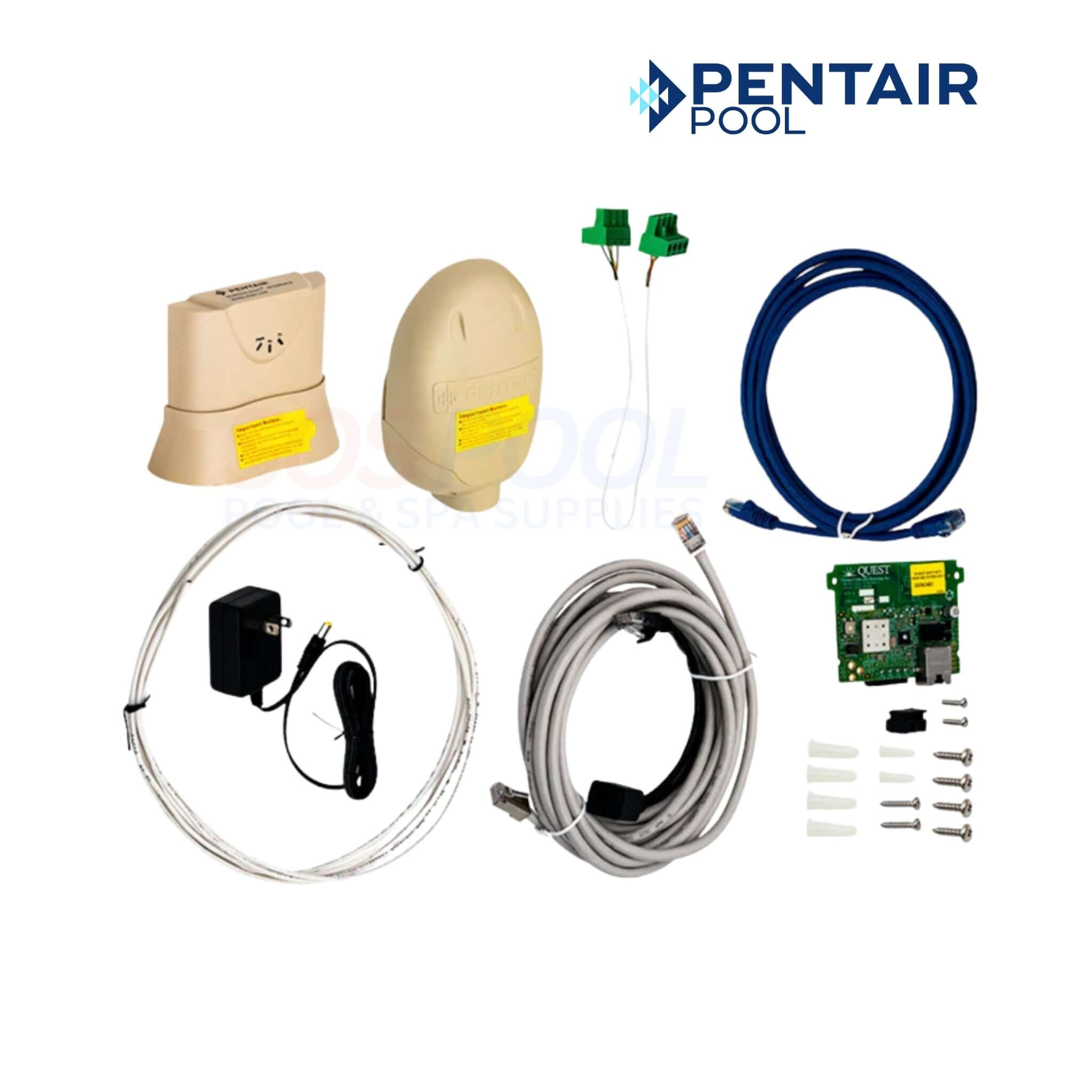
If nothing works, a factory reset can restore your Intellicenter’s default settings. Locate the reset button on your device. Press and hold it for about 10 seconds until the lights blink. Set up the WiFi connection again from scratch. This erases all custom settings but often solves deep issues.
Credit: www.sospool.com
Tips To Improve Wifi Stability
Wifi stability is key to keeping your Pentair Intellicenter working smoothly. Poor connections cause delays and frustration. Improving your wifi can fix many common issues.
Follow these simple tips to make your wifi signal stronger and more reliable. A steady connection means better control and fewer interruptions.
Optimizing Router Placement
Place your router in a central spot in your home. Avoid corners or behind large objects. Higher locations like shelves work best. Clear line of sight helps the signal travel better.
Keep the router away from walls and metal surfaces. These block the wifi signal. Also, avoid placing it near microwaves or cordless phones. They create interference that weakens the signal.
Using Wifi Extenders
Wifi extenders boost your signal in weak areas. Place them halfway between the router and Intellicenter. They catch and spread the signal further. This helps cover dead zones in your home.
Choose extenders that support your router’s wifi standard. Match speeds for better performance. Extenders work well in large spaces or homes with thick walls.
Reducing Signal Interference
Other electronics can cause wifi interference. Keep your router away from devices like baby monitors or Bluetooth gadgets. These use similar frequencies and disrupt the signal.
Switch your router to a less crowded channel. Many routers have an auto channel feature. Manually changing channels can improve your connection in busy areas.
When To Contact Support
Knowing when to contact support for your Pentair Intellicenter WiFi issues saves time and effort. Some problems require expert help beyond basic troubleshooting. Recognizing these moments helps you avoid frustration and keeps your system running smoothly.
Identifying Hardware Issues
Hardware problems often cause WiFi failures. Check for broken wires, loose connections, or damaged parts. If your device shows no signs of power or strange noises, it might be a hardware fault. Also, if your unit overheats or smells burnt, stop using it and call support. Hardware issues cannot be fixed with software tricks. Professional help is necessary to avoid further damage.
Warranty And Service Options
Review your Pentair Intellicenter warranty before contacting support. Many repairs or replacements are covered under warranty terms. If your device is still under warranty, service might be free or low cost. Support can guide you through the claims process and service centers. Knowing your warranty status speeds up repairs and reduces expenses.
Credit: www.pentair.com
Frequently Asked Questions
Why Is My Pentair Intellicenter Wifi Not Connecting?
Check your WiFi signal strength and router settings. Weak signals or wrong passwords often cause connection problems.
How To Reset Pentair Intellicenter Wifi Module?
Press and hold the reset button for 10 seconds. This clears old settings and may fix connection issues.
Can Router Settings Affect Intellicenter Wifi Performance?
Yes, certain security or firewall settings can block the device. Ensure your router allows the Intellicenter to connect.
What Should I Do If Intellicenter Shows Offline?
Restart your Intellicenter and router. This simple step often restores the connection quickly.
How To Update Pentair Intellicenter Firmware For Wifi Issues?
Visit the Pentair website to download the latest firmware. Follow instructions carefully to install updates and improve stability.
Does Distance From Router Impact Intellicenter Wifi?
Yes, greater distance weakens the signal. Keep the Intellicenter closer to the router for better WiFi connection.
What To Check If Intellicenter Wifi Keeps Dropping?
Look for WiFi interference from other devices. Also, ensure your router firmware is up to date and stable.
Conclusion
Pentair Intellicenter WiFi issues can be frustrating to fix. Start by checking your internet connection and router settings. Restarting the device often helps clear temporary glitches. Make sure the firmware is up to date for better performance. Resetting the Intellicenter might solve deeper problems.
Keep your passwords and network info handy to avoid delays. If problems persist, contact Pentair support for guidance. With patience and these steps, your WiFi should work smoothly again. Don’t give up—small fixes often solve big issues.