
Are you having trouble with your Blue Works salt cell? When your pool’s salt cell isn’t working right, it can mess up your whole swimming experience.
You might notice cloudy water, low chlorine levels, or error messages that leave you frustrated. But don’t worry—this guide will help you quickly spot common problems and fix them. By understanding what’s going wrong and how to troubleshoot it, you can get your salt cell back to peak performance and enjoy a clean, sparkling pool without the hassle.
Keep reading to discover simple solutions that save you time and money.
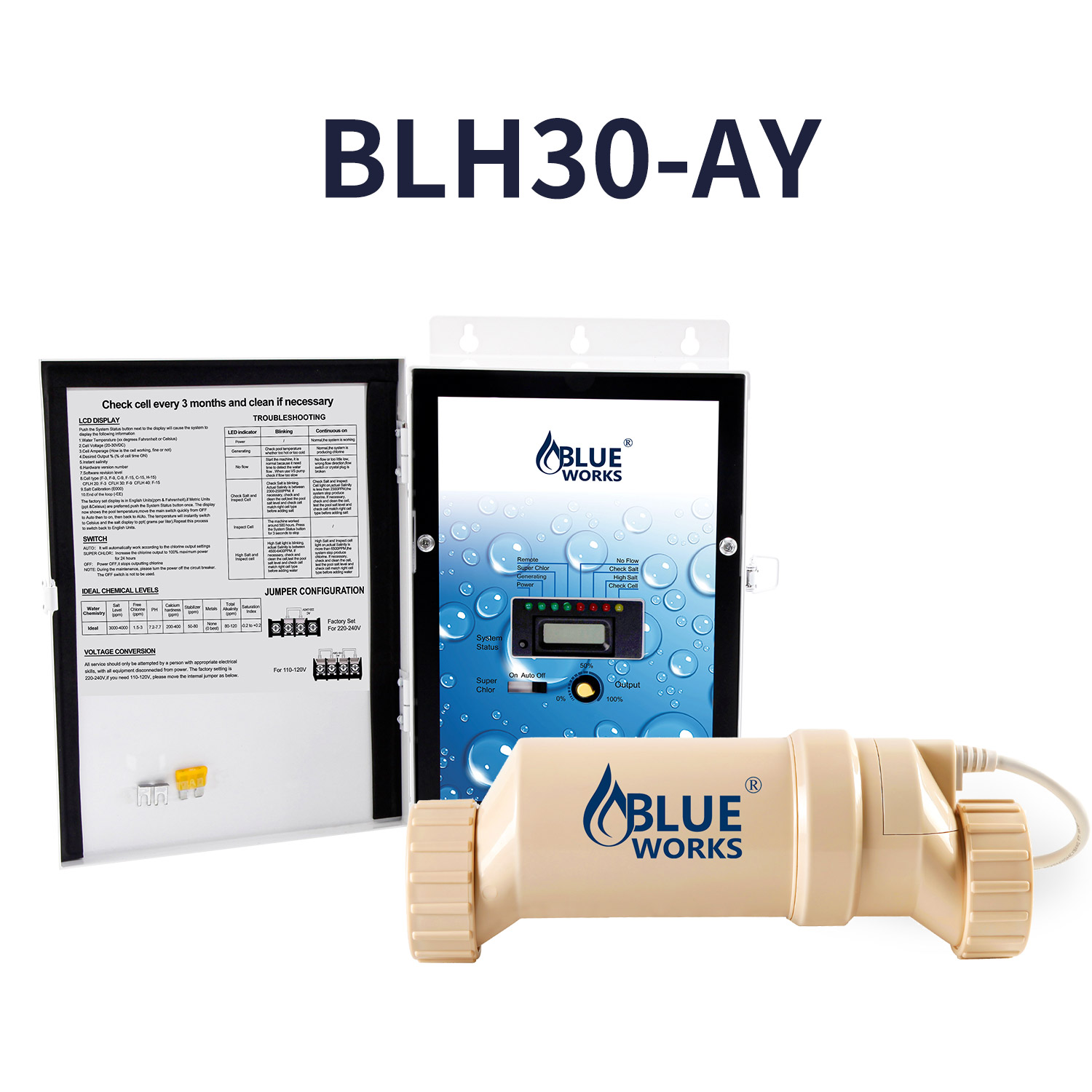
Credit: www.blueworkspool.com
Common Blue Works Salt Cell Issues
Blue Works salt cells face some common problems that can stop them from working well. These issues affect pool water quality and require quick fixes. Knowing these problems helps keep your pool clean and safe.
Salt Cell Not Producing Chlorine
The salt cell may stop making chlorine. This happens if the cell is dirty or covered in scale. Cleaning the cell can fix this issue. Sometimes, the cell itself might be old and need replacement.
Low Salt Levels Detected
The system shows low salt levels even after adding salt. This error can occur if the salt is unevenly spread. Testing the water with a salt meter helps confirm the actual salt level. Adding salt slowly and retesting ensures proper balance.
Salt Cell Display Errors
Errors on the salt cell display can confuse users. These errors might indicate wiring problems or a faulty control board. Checking connections and power supply often solves the issue. If errors continue, professional help may be needed.
Unusual Noise Or Vibration
Strange sounds or shaking can come from the salt cell. This may result from debris caught inside or a loose part. Inspecting and cleaning the cell usually stops the noise. Tightening any loose screws also helps maintain quiet operation.
Quick Fixes For Salt Cell Problems
Salt cell problems can disrupt your pool’s cleaning system. Quick fixes often solve common issues fast. These simple steps help keep your salt cell working well. Follow easy tips to avoid costly repairs.
Cleaning The Salt Cell
Salt cells collect minerals and debris over time. This buildup lowers the cell’s efficiency. Turn off the power before cleaning. Remove the cell from the pool system. Soak it in a mild acid solution for 15-30 minutes. Rinse thoroughly with fresh water. Reinstall the cell and check for better performance.
Checking Salt Concentration
Salt level affects the salt cell’s ability to produce chlorine. Use a salt test kit to measure salt concentration. The ideal range is usually 2700 to 3400 ppm. Add salt if levels are low. Avoid over-salting, as it can damage the cell. Regularly monitor salt levels to keep the system balanced.
Inspecting Electrical Connections
Poor electrical connections cause power issues and cell failure. Turn off the power before inspecting. Check all wires for corrosion or loose ends. Tighten any loose connections carefully. Replace damaged wires to prevent short circuits. Proper wiring ensures consistent power to the salt cell.
Resetting The Control Panel
The control panel controls salt cell operation. Sometimes, a reset fixes minor glitches. Turn off the system completely. Wait for 30 seconds, then turn it back on. Watch for error codes and clear them if possible. This simple reset often restores normal function.
Preventive Maintenance Tips
Keeping your Blue Works salt cell in good shape needs regular care. Preventive maintenance stops many common problems. It helps your pool stay clean and your equipment last longer. Small actions done often save time and money over time. Follow these tips to keep your salt cell working well.
Regular Cell Cleaning Schedule
Clean the salt cell every 3 to 6 months. Use a gentle acid wash to remove dirt and debris. Avoid harsh chemicals that can damage the cell. Rinse the cell thoroughly after cleaning. Regular cleaning keeps the cell efficient and extends its life.
Monitoring Salt Levels
Check the salt level in your pool weekly. The ideal range is usually between 2700 and 3400 ppm. Too low salt can stop the cell from producing chlorine. Too high salt can cause corrosion. Use a good salt test kit to keep levels balanced.
Avoiding Scale Buildup
Scale buildup reduces the cell’s power and efficiency. To prevent scale, keep the pool’s pH between 7.2 and 7.6. Use a scale control product if you have hard water. Regular cleaning also helps reduce scale deposits. Scale-free cells last longer and work better.
Protecting The Cell From Damage
Handle the salt cell carefully during maintenance. Avoid dropping or hitting the cell. Turn off the power before cleaning or inspecting. Keep debris and dirt away from the cell area. Proper care prevents costly damage and keeps your pool running smoothly.
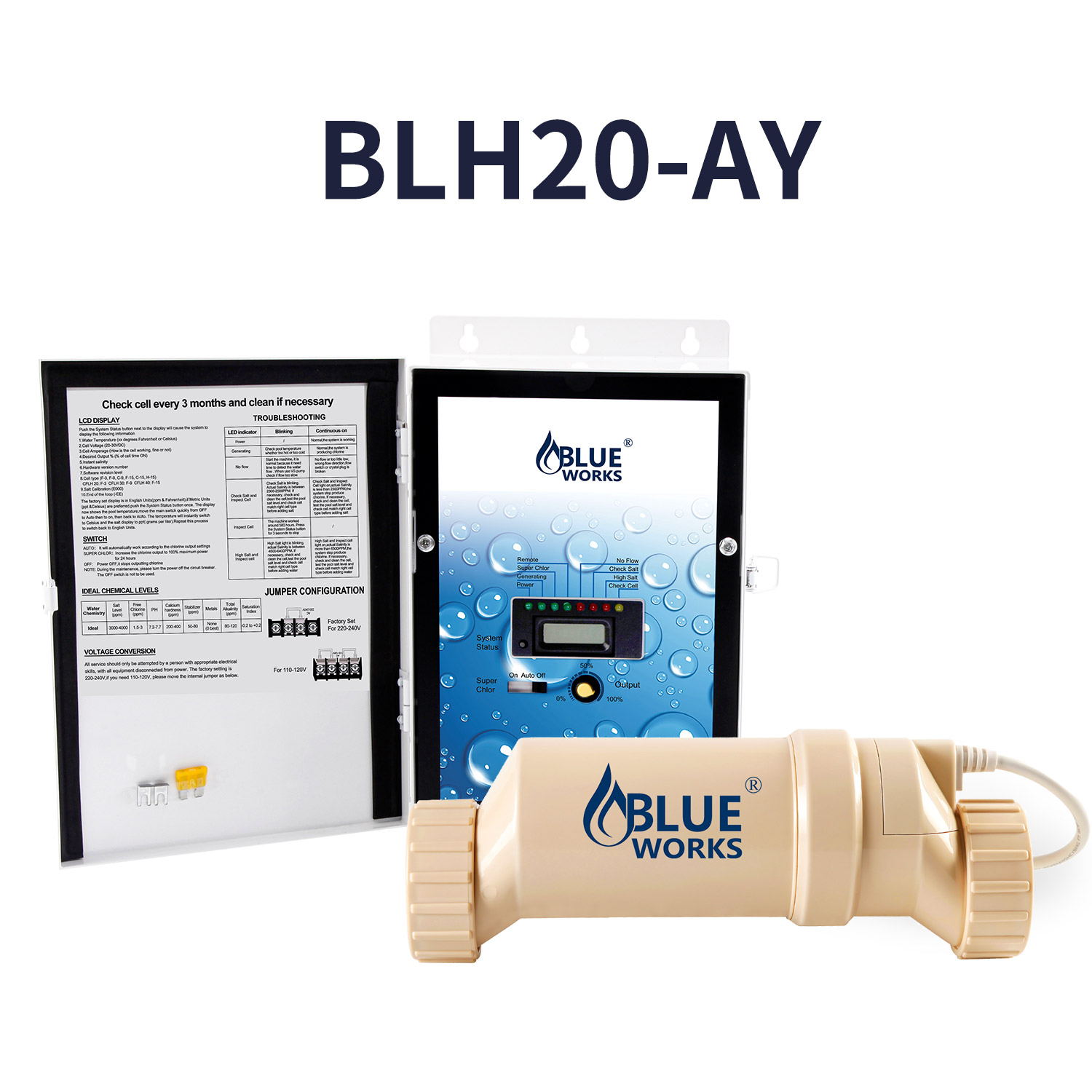
Credit: www.blueworkspool.com
When To Replace The Salt Cell
Knowing when to replace the salt cell in your Blue Works system is key to keeping your pool water clean and clear. A salt cell wears out over time and loses its ability to produce chlorine efficiently. Replacing it at the right time ensures your pool stays safe and reduces repair costs.
Signs Of Cell Wear And Tear
Look for white or green buildup on the cell plates. This buildup can block chlorine production. A sudden drop in chlorine levels is a clear sign of cell failure. The system may also show error codes or stop working completely. Frequent cleaning may not fix these issues anymore.
Lifespan Expectations
Most salt cells last between 3 and 5 years. The exact life depends on pool usage and water quality. Heavy use or poor water conditions can shorten the lifespan. Regular maintenance helps but cannot prevent eventual wear. Plan to replace the cell within this period to avoid problems.
Choosing The Right Replacement Cell
Match the new cell with your Blue Works model number. Using the wrong cell can damage your system. Buy cells made for your specific salt chlorinator. Check the warranty and quality before purchase. Proper installation by a professional can extend the new cell’s life.
Expert Advice For Optimal Performance
Maintaining your Blue Works salt cell for the best performance requires clear and practical advice. Understanding key factors can help prevent common issues. Proper care ensures your pool stays clean and your system runs smoothly. Follow expert tips to keep everything in top shape.
Ideal Salt Levels For Efficiency
Salt levels must be just right for your system to work well. Check the salt concentration regularly. Aim for the range recommended by Blue Works, usually between 2700 and 3400 ppm. Too low or too high salt harms the cell and reduces chlorine output. Use a good salt test kit to measure accurately. Adjust salt carefully to avoid damage.
Balancing Pool Chemistry
Pool water chemistry affects your salt cell’s performance strongly. Keep pH between 7.2 and 7.8 for best results. Total alkalinity should stay between 80 and 120 ppm. Calcium hardness levels around 200 to 400 ppm help protect equipment. Poor chemistry causes scale buildup or corrosion on the cell. Test water weekly and adjust chemicals as needed. Balanced water means longer cell life and clearer water.
Troubleshooting Tips From Pros
Cleaning the cell regularly removes scale and extends its life. Use a mild acid wash or follow Blue Works instructions. Check for error codes on the control panel to spot issues fast. Inspect wiring and connections for damage or corrosion. Reset the system after cleaning or repairs. Replace the cell if chlorine production drops drastically. Regular maintenance keeps your salt cell running without problems.

Credit: www.amazon.ae
Frequently Asked Questions
How Do I Clean A Blue Works Salt Cell?
Turn off the system and remove the cell carefully. Soak it in a mild acid solution like diluted muriatic acid for 15-20 minutes. Rinse with fresh water before reinstalling.
Why Is My Blue Works Salt Cell Showing Low Salt Levels?
Low salt readings often mean the salt level in the pool is below the recommended range. Test the pool water and add salt if needed. Ensure the salt distributes evenly by running the pump.
What Causes A Blue Works Salt Cell To Stop Producing Chlorine?
Build-up of calcium or debris on the cell plates can block chlorine production. Clean the cell regularly to prevent this. Also, check the cell’s age; old cells may need replacement.
How Often Should I Replace My Blue Works Salt Cell?
Typically, salt cells last between 3 to 5 years. Signs of wear or reduced chlorine output signal it’s time for replacement. Regular maintenance can extend the cell’s life.
Can Air Bubbles Affect Blue Works Salt Cell Performance?
Yes. Air bubbles can reduce chlorine production by disrupting the cell’s electrical flow. Make sure the pump and plumbing are properly primed to avoid air in the system.
What Does A Flashing Light On My Blue Works Salt Cell Mean?
A flashing light usually signals an error or fault in the system. Check the user manual for specific codes. Common issues include low salt, high temperature, or cell failure.
How Do I Test The Salt Level For Blue Works Salt Cell?
Use a salt test kit or digital salt meter for accurate readings. The ideal range is usually between 2700 and 3400 ppm. Test regularly to keep the salt cell working well.
Conclusion
Blue Works salt cell problems can be fixed with simple steps. Check the cell for dirt or buildup often. Clean the cell gently to keep it working well. Watch for error codes and follow the manual’s advice. Regular care helps the salt cell last longer.
Don’t ignore small issues; they can become big problems. Keep your pool water balanced to protect the cell. With some attention, your Blue Works salt cell will run smoothly. Troubleshooting becomes easier with practice and patience. Your pool will stay clean and inviting all season.