
If your resmed airsense 11 screen not working, the most effective first step is to perform a full power cycle by unplugging the power cord from both the wall outlet and the device, waiting 60 seconds, and then plugging it back in to force a system reset. This common issue often stems from a simple software freeze or a loose power connection rather than a hardware failure. If the screen remains dark after this reset, you must check that the power brick indicator light is glowing green.
Why your AirSense screen isn’t working
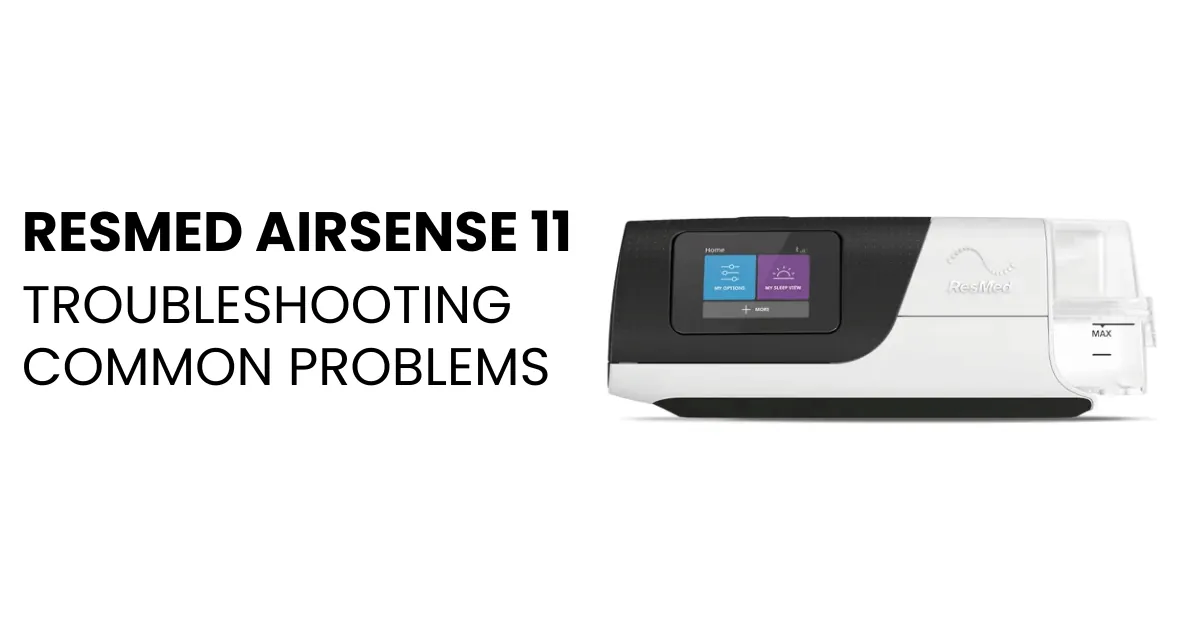
When you notice your device display is unresponsive, the issue is typically related to power delivery, software status, or display backlight failure. The most frequent cause is an interruption in the power supply chain, which can happen if the plug isn’t seated firmly in the back of the unit. Even if the device seems to have power, a loose connection at the barrel jack can prevent the screen from lighting up while still allowing the motor to run.
Another common source of this problem is a software glitch. Like any modern computer, the device relies on internal code to manage the touch interface. If the operating system encounters a minor error during sleep or wake cycles, the display might remain powered off even when the machine is technically operational. This is similar to a smartphone that has a frozen screen but is still receiving notifications.
Finally, the screen backlight itself can suffer from a mechanical failure. If the device is making its normal operating sounds and the green power light is steady, but the screen is completely black, the LED panel behind the glass may have reached the end of its life. While rare in newer units, this hardware fault requires professional assessment. You can verify your device’s current status and troubleshooting steps by visiting the ResMed online support center.
Safety: Inside a mains-powered machine, the parts behind the outer cover can hold a dangerous electrical charge even after it has been unplugged — that’s why they sit behind a cover. Opening the housing, or testing or replacing anything behind it, is a job for a qualified technician, never a home repair.
Reseat the Power Cables
If your device is failing to show any information, start by checking the physical integrity of your power setup. Ensure the power cord is pushed fully into the power supply unit and that the barrel end is firmly inserted into the back of your machine.
A common mistake is assuming the cable is connected when it’s actually resting just outside the port. This often results in a machine that runs on internal capacitors for a second before shutting down completely. If you feel a slight wiggle or see a gap between the plug housing and the device, the connection is insufficient.
If the power brick has an indicator light, check it immediately. If the light is off, the issue is likely your wall outlet or the power cord itself. Try moving the device to a different outlet in your home that you know is working, such as one you use for a lamp or charger.
If the light turns on after moving it, your original outlet or a GFCI breaker is the culprit. Check your home’s breaker panel for a tripped switch if other appliances in that room have also lost power. If the light remains off after testing a known-good outlet, the power supply unit may be damaged.
Never attempt to disassemble the power brick or the machine housing. Doing so voids your warranty and poses a risk of electrical shock. If you can’t get the power light to turn on, contact your medical equipment provider to request a replacement power supply. Keep the serial number of your unit ready when you call to expedite the verification process.
Update the System Software
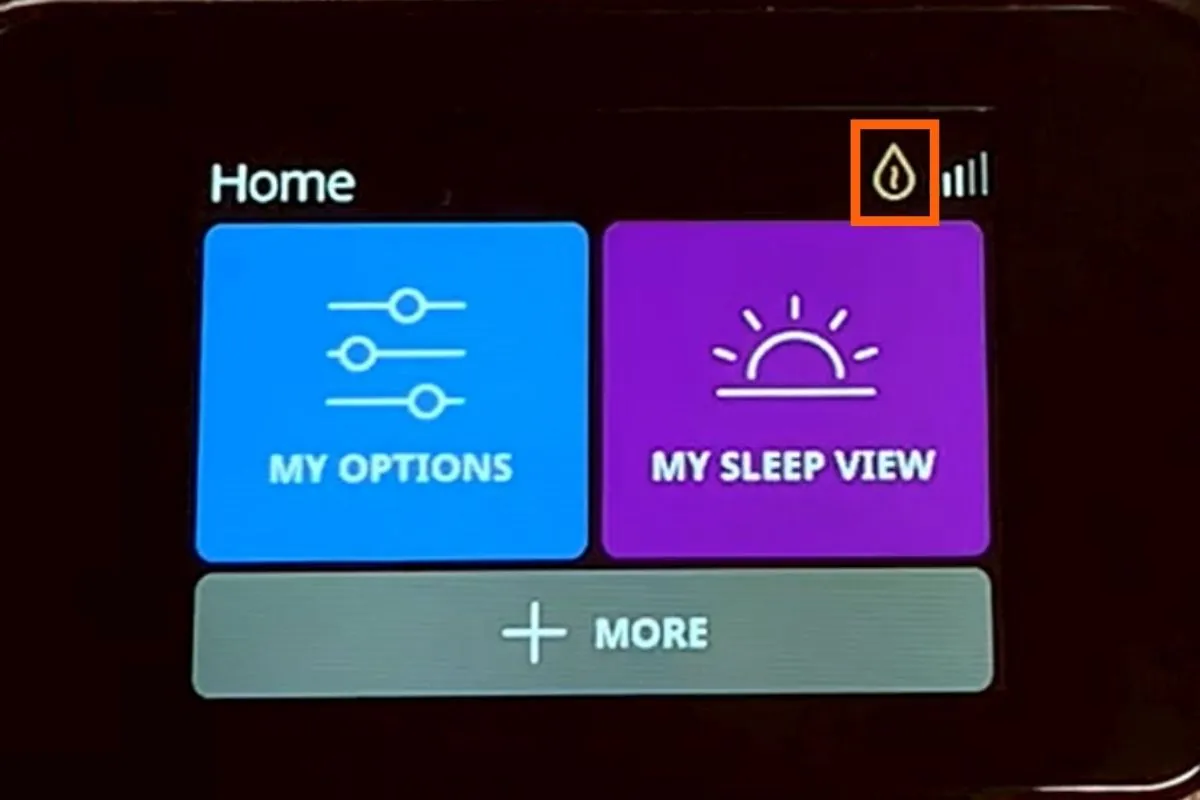
Sometimes the display remains dark because the machine is stuck in a firmware update loop. If you have a cellular connection enabled, the device might try to download updates automatically during the night. If this process is interrupted by a power surge or a brief outage, the interface can become unresponsive. You should leave the device plugged into a stable power source for at least 30 minutes to see if the system completes the process on its own.
If the machine is still unresponsive, check for any blinking lights on the top of the unit. A blinking light can indicate that the device is in a recovery mode or has encountered a critical system error. If you see any flashing lights, unplug the device for 10 minutes and then plug it back in. This forces the unit to attempt a clean boot.
Most users mistakenly assume that a blank screen means the motor has failed, leading them to unplug the device while it’s actively writing data to the internal flash memory. This often corrupts the bootloader, turning a minor software glitch into a permanent hardware failure. If the screen remains dark after a power cycle, don’t try to force a manual reset through hidden buttons or internal ports.
You should reach out to your sleep clinic or the equipment provider who issued your machine. They have access to diagnostic tools that can read the error logs stored on the SD card or via the cellular modem. They’re the only ones qualified to determine if a unit needs to be replaced under the manufacturer’s warranty. If your clinic is closed, check the manufacturer’s website for a 24-hour support line number specific to your model.
When to Contact Professional Support
If you have tried the power cycle and confirmed the power brick is functional, you must decide if the device is safe for continued use. If the screen is dark, contact your provider for assistance, as you’ll be unable to monitor therapy data or receive visual alerts. Call your provider to report the exact behavior, noting whether the machine emits a high-pitched whine or if the power light flashes in a specific sequence.
This isn’t the time for DIY repairs. Opening the device housing exposes you to live capacitors and permanently voids your warranty. If you’re experiencing this issue, your provider will walk you through verification steps to confirm a hardware defect. Most insurance plans have a standard protocol for swapping out faulty units, so don’t feel pressured to fix it yourself.
If you’re in a high-pressure situation where therapy is critical, tell your provider that you require an emergency loaner machine. If your machine is older than five years, ask if the replacement will be a newer model; many providers prioritize upgrades for patients with chronic failures.
If the device makes a burning smell or feels hot to the touch, unplug it and move it away from flammable surfaces immediately. Don’t attempt to plug it back in to “see if it works.” If you notice the air pressure feels inconsistent or weak during inhalation, contact support within 24 hours to prevent long-term therapy non-compliance.
Avoid Common Troubleshooting Mistakes
| If you’re doing this | Do this instead | Why |
|---|---|---|
| Trying to open the case | Call your equipment provider | You risk electrical shock and voiding your warranty. |
| Using a power strip | Plug directly into the wall | Power strips can cause voltage drops and unstable power. |
| Ignoring a dark screen | Stop use and call for help | A dark screen may mask critical therapy errors or leaks. |
| Using a different brand cord | Use the provided ResMed cord | Different cords may have wrong voltage or polarities. |
Most users mistakenly assume that a flickering screen indicates a simple loose connection. If the display pulses when you move the tubing, don’t tighten the power cord further. This often signals a failing internal capacitor that can lead to a total system shutdown during sleep.
If you hear a high-pitched whine, immediately disconnect the device from the wall outlet. This sound typically points to a failing blower motor. Continuing to run the machine in this state will likely damage the pressure sensors, resulting in a repair bill that exceeds the cost of a replacement unit.
Always check the air filter for discoloration before calling support. If the filter is dark gray or clogged with dust, replace it to ensure proper airflow. If the device still fails after a fresh filter is installed, then proceed to official troubleshooting.
Related guides
Frequently asked questions
Can I leave my device unplugged to fix the screen?
Unplug the device for at least 60 seconds to clear a temporary system freeze. This allows internal components to discharge and resets the logic board. If the screen remains dark after reconnecting, the issue is likely hardware-related.
How long does it take for the screen to wake up?
The screen should wake within 2 to 3 seconds of touching the display or pressing the Start button. If it remains black after 10 seconds, the device is likely not receiving power or the display is damaged. Professional technical support may be required.
Is it safe to use the CPAP if the screen is dark?
No, it isn’t safe to use the device if the screen is dark because you can’t see important alerts, pressure settings, or mask fit notifications. A dark screen prevents you from knowing if your therapy is being delivered at the prescribed pressure level. You should stop using the machine and contact your sleep clinic or equipment provider immediately to get a functional unit, ensuring your nightly treatment remains effective and safe.
Why is my power brick light blinking?
A blinking power brick light indicates the supply is failing to maintain steady voltage or detecting a connection fault. This often results from a damaged cord or inconsistent power from the wall outlet. If the light persists after trying a different outlet, the unit is faulty and needs replacement.
What happens if I perform a factory reset?
A factory reset erases personal settings and pressure prescriptions, so it isn’t recommended as a first step. Only perform this if instructed by your medical equipment provider, who must reconfigure the device. This process won’t resolve hardware failures like a broken screen.
Conclusion
If the display stays blank despite your best efforts, don’t worry. It’s likely time to contact your medical equipment provider or the manufacturer’s support team for a professional repair. They’ll help you determine if your unit is still under warranty so you can get back to sleeping soundly as soon as possible.
