
When pentair jandy pool lights not changing color is the problem, the cause is almost always a power-cycle timing issue or a controller mismatch. You fix it by turning the light switch off and on within a specific window—usually under 15 seconds—to advance the color program. If you have Pentair IntelliBrite fixtures but run them through a Jandy Aqualink controller, the automation system often can’t send the right signal. This guide covers the exact timing for each brand, the wiring setups that block color changes, and how to tell when a fixture has actually failed.
What these pool lights are
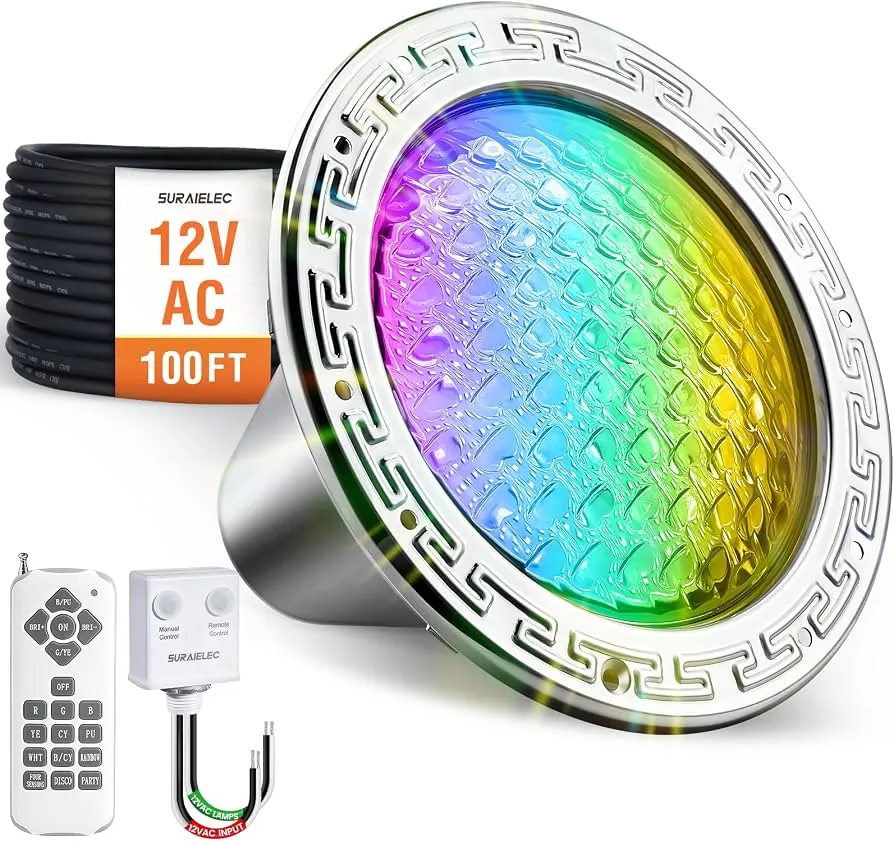
Pentair and Jandy are two separate companies that make underwater LED pool lights. Pentair’s main color-changing line is called IntelliBrite. Jandy sells theirs under the WaterColors name. Both brands use white LEDs behind colored lenses or RGB diodes that mix red, green, and blue light to create different colors and shows.
These lights aren’t smart bulbs that connect to Wi-Fi directly. They change color based on electrical signals from your pool’s control panel or a simple wall switch. When you flip the power off and back on quickly, a small computer chip inside the light reads that action as a command to move to the next color in its list.
The big misconception here is that people think Pentair and Jandy parts work together perfectly. They don’t. These are competing systems with different communication languages. A Pentair light needs a Pentair controller to access every feature. The same rule applies to Jandy equipment. Mixing them usually limits you to basic on-and-off functions without any color changes.
If your setup uses a standard wall switch instead of an automation panel, the light relies entirely on how fast you flip that switch. The chip inside counts the seconds between power cuts to know what you want it to do. Leave the power off too long, and the chip resets to its default setting instead of advancing the program.
This method works because the LED driver board uses non-volatile memory to store the current color setting, which is updated when it detects a specific power interruption pattern. The chip retains the last color setting in non-volatile memory regardless of how long the power is off, provided the power cycle pattern matches the command protocol.
How to reset the light color
Fixing this issue means forcing the light’s internal memory to cycle forward. You do this by interrupting the power at the breaker or wall switch, not by pressing buttons on a remote. The steps below assume you have a standard single-pole switch or breaker controlling the light circuit.
- Turn the pool light switch to the “on” position and leave it powered up for a few seconds to ensure the fixture is fully illuminated before starting the reset sequence.
- Flip the switch to the “off” position and wait approximately 3 to 5 seconds, then turn it back on; consult your specific fixture manual for the exact timing window required for your model.
- Turn the switch back to “on” for 2 seconds, then immediately flip it off again for another 3 to 5 seconds. You’re repeating the short pulse pattern that the manufacturer programmed as the command to advance one step in the color wheel.
- Repeat this quick off-and-on cycle up to 7 times if needed. Each complete cycle moves the light to the next color or show in its built-in sequence. Count your flips so you know where you’re in the rotation.
- After your final pulse, leave the switch in the “on” position for a full 15 seconds without touching it. The light will lock in whatever color it landed on during your last cycle and stop searching for new commands.
- Check the pool water to see if the color actually changed. If the light stayed white or didn’t respond to any of your pulses, turn the power off completely at the main breaker panel for 5 minutes.
- Restore power at the main breaker and try the 3-to-5-second pulse method one more time. A hard reset at the breaker clears stuck logic boards that won’t respond to normal switch cycling.
The single judgment call that separates a working light from a broken one is the pause length between flips. If your switch is under 3 seconds, the light ignores it; over 10 seconds, it resets. You must stay in that narrow middle window.
If you have an automation panel like Jandy Aqualink or Pentair IntelliTouch, don’t use the wall switch at all—use the panel’s menu to send the command digitally, because manual pulsing fights the panel’s own programming. Working inside the pool light niche or opening the fixture housing carries a risk of electric shock and voids the UL listing. Leave internal wiring repairs to a licensed pool electrician.
Pool light settings and timing
Every color change depends on matching the right pause time to your specific brand and control setup. Using the wrong timing leaves the light stuck on its default mode. The table below covers the combinations you’ll actually face around a residential pool.
| Situation | What to use | How long | What to watch for |
|---|---|---|---|
| Pentair IntelliBrite on a wall switch | Standard toggle switch | 3 to 5 seconds off between flips | Leaving power off over 10 seconds resets the board to white |
| Jandy WaterColors on a wall switch | Standard toggle switch | 2 to 4 seconds off between flips | Jandy cycles slightly faster than Pentair, so keep pauses shorter |
| Pentair light on Pentair IntelliTouch | Automation control panel screen | Select color from menu, no manual pulsing | Manual switch pulsing while the panel is active causes signal conflicts |
| Jandy light on Jandy Aqualink | Automation control panel screen | Select color from menu, no manual pulsing | Ensure the firmware matches the bulb generation |
| Mixed Pentair light on Jandy panel | Panel relay set to basic on/off | N/A – color changing is disabled | The panel only cuts power; it can’t send Pentair’s proprietary color commands |
| Light stuck after a power outage | Main breaker panel | Power off for 5 full minutes, then restore | Power outages can sometimes cause the logic board to enter an error state or lose synchronization, requiring a full power cycle to reset. |
These timings assume a standard 120-volt residential pool circuit. If your pool runs on a 12-volt transformer system, the response might feel slightly slower because the transformer takes a moment to energize after you flip the switch.
Add about 1 extra second to your “on” phases to let the voltage stabilize before you start counting your “off” pauses. Always check the label on your specific light’s installation manual for the exact seconds required, since manufacturers update their chips between production years.
Why Pentair Jandy pool lights won’t change color
Getting the timing right doesn’t guarantee a color change if the underlying hardware isn’t communicating properly. The difference between a light that responds instantly and one that stays stubbornly white usually comes down to how the system was wired during installation.
Automation panels expect to be the only brain controlling the light. When an installer leaves the old wall switch active alongside a new digital panel, both devices fight for control.
The panel sends a digital signal to hold a specific color, while the physical switch interrupts the power line entirely. This conflict freezes the light’s logic board in a protective state. If you have both a wall switch and a digital panel, you must disable the wall switch at the breaker and let the panel handle everything.
Matching the brand to the controller
A Pentair IntelliBrite light speaks a specific electrical language designed for Pentair controllers. A Jandy WaterColors light uses a completely different signaling method. When you connect a Pentair fixture to a Jandy relay—or vice versa—the automation panel can turn the power on and off, but it can’t transmit the rapid pulses needed to trigger color changes.
This mismatch is the most frequent reason a mixed-brand setup fails. The light itself isn’t broken. It’s simply ignoring commands it doesn’t recognize. To get full color functionality, the light brand and the controller brand must match. If they don’t, you’re limited to manually pulsing the breaker, which bypasses the automation entirely.
Checking the sync wire connection
Some older installations use a physical low-voltage wire running between multiple lights to keep them synchronized. If one light changes color but the others stay white, that sync wire is likely disconnected or corroded at the junction box.
Water intrusion in underground junction boxes eats away at copper connections over time. Open the deck-level junction box and look for green corrosion on the terminals. Clean contacts restore the signal path, but if the wire is snapped inside the conduit, you’ll need a professional to pull a new one.
Troubleshooting stuck pool lights
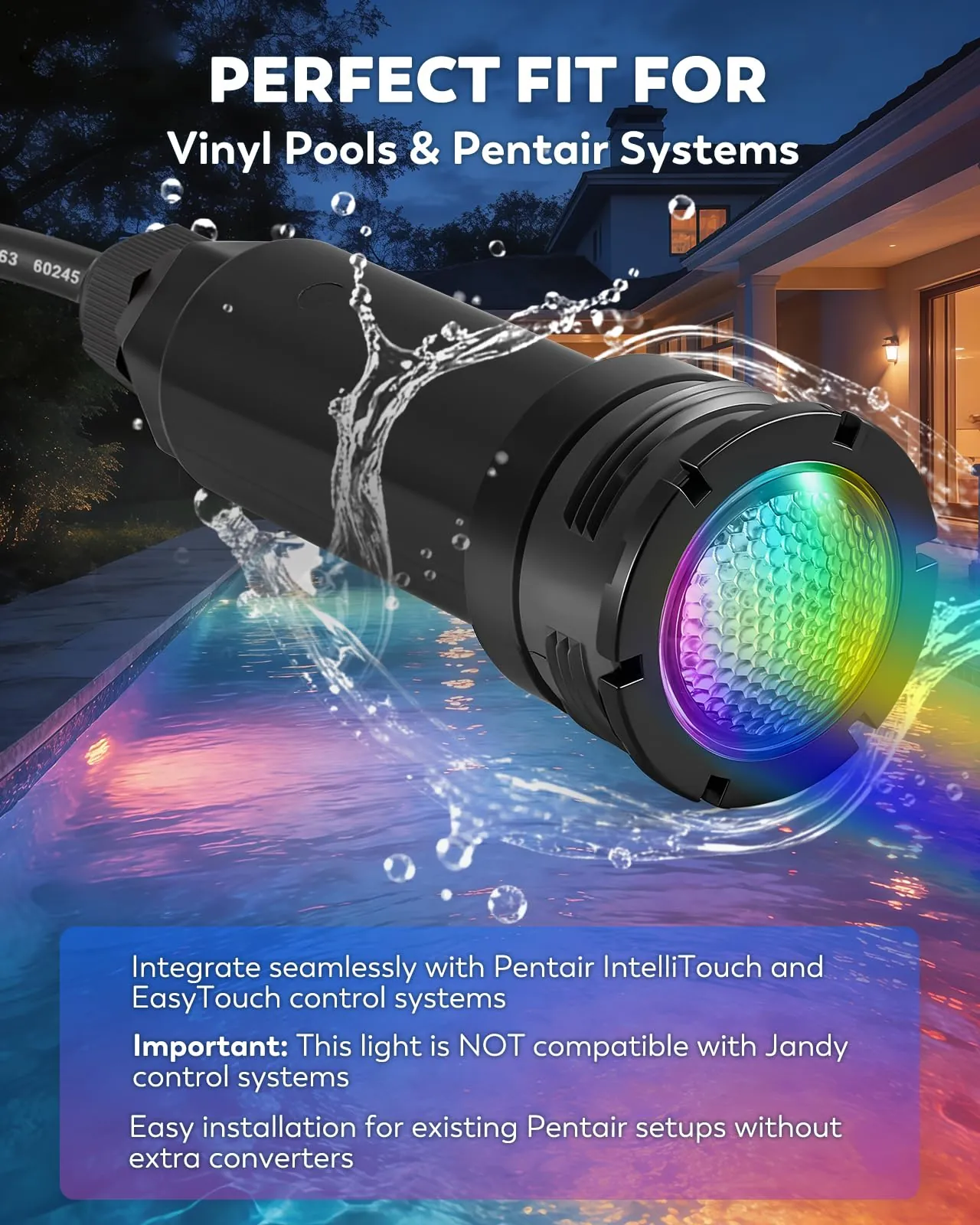
When the light won’t respond to your timing attempts, the symptom tells you exactly where the failure is happening. Use the table below to match what you see in the water to the right first step.
| What you notice | What it usually means | What to do first |
|---|---|---|
| Light stays solid white no matter how fast you flip the switch | The logic board lost its memory or the LED driver failed | Turn power off at the main breaker for 5 minutes to force a hard reset |
| Light flickers rapidly but never settles on a color | Voltage drop from a failing transformer or loose wire connection | Check the transformer output with a multimeter to ensure it delivers steady voltage |
| One light changes color but the others stay white | The synchronization wire between fixtures is broken or disconnected | Inspect the junction box near the pool deck for loose or corroded sync wires |
| Light turns on but goes out after a few seconds | Overheating protection triggered by a dry run or blocked cooling | Verify the water level covers the light lens completely before powering it on |
| Colors change but skip certain shades or shows | A specific LED diode inside the array has burned out | The fixture needs replacement since individual diodes inside sealed units aren’t repairable |
If the light stays completely dark after checking the breaker and the GFCI outlet, the fixture itself might have flooded. Water inside the sealed housing shorts the board instantly. Don’t attempt to open a flooded light yourself to dry it out. The seals require specific torque settings and lubricants to remain safe underwater. A licensed pool technician handles resealing or replacing flooded fixtures safely.
Electrical rules for pool lighting
Working around pool lights means working around electricity and water, which requires strict adherence to safety codes. In the United States, the National Electrical Code (NEC) governs how pool lighting must be installed and maintained. You can review the current NEC pool lighting requirements published by the National Fire Protection Association to see the exact rules for your area.
The NEC requires that all pool light circuits be protected by a Ground Fault Circuit Interrupter (GFCI). This device cuts power in milliseconds if it detects electricity leaking into the water. If your GFCI trips every time you try to change the light’s color, don’t replace it with a standard breaker to bypass the nuisance tripping. A tripping GFCI means current is escaping the fixture, which creates an immediate shock hazard in the pool.
Low-voltage systems still require a properly listed transformer located at least 10 feet from the pool’s edge unless specifically permitted otherwise by local amendments. The transformer steps down dangerous house current to a safer level before it enters the water.
Any repair that involves pulling the light fixture out of its niche, cutting wires, or opening the junction box crosses the line from homeowner maintenance into licensed electrical work. Breaking the factory seal on a wet-niche fixture voids its safety certification. If the cord is damaged or the housing is cracked, hire a licensed electrician who specializes in aquatic environments to replace the entire assembly.
Keeping the lights working
Once your lights are responding to color commands again, keeping them that way requires basic attention to the pool environment. LED pool lights don’t have filaments that burn out like old incandescent bulbs, but their electronic drivers degrade when exposed to extreme heat or chemical imbalances.
Maintain your pool’s water chemistry within standard ranges. The Association of Pool & Spa Professionals recommends keeping pH between 7.2 and 7.8. Water that’s too acidic eats away at the metal screws holding the light ring in place, while highly alkaline water builds scale over the plastic lens. Scale blocks the light output and traps heat against the fixture housing, which forces the thermal sensors to shut the LEDs down prematurely.
Never run a pool light while it’s sitting outside the water. These fixtures rely on the surrounding pool water to absorb the heat generated by the LEDs and the driver board. Running a light on the pool deck for even a few minutes during testing can warp the epoxy seals and permanently damage the electronics.
Keep the pool water level high enough to submerge the center of the light lens at all times. If the water drops below the light during winterization or heavy evaporation, the fixture loses its cooling source. Before turning the lights back on in spring, verify the water covers them completely.
If you use an automation panel, don’t manually flip the breakers to change colors. Let the controller handle the switching cycles. Manual interruptions confuse the panel’s software logs and can cause the system to flag a false error, locking out the light circuit until you clear the fault code.
When manual cycling won’t work
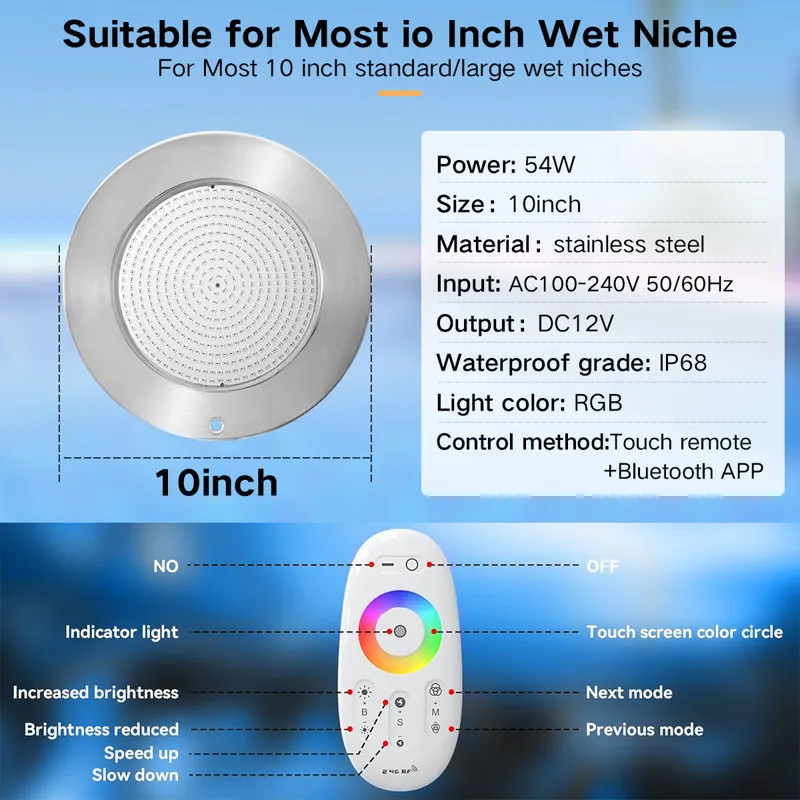
There are specific situations where flipping the switch won’t solve the problem, and continuing to try will just waste your evening. Knowing when to abandon the manual reset method saves you from chasing a ghost in the wiring.
If your pool uses a fiber-optic lighting system instead of direct LED fixtures, the light source is actually a single illuminator box sitting on the equipment pad. The cables in the pool carry no electricity. Flipping the pool light switch does nothing because the color wheel lives inside that mechanical box. You have to service the illuminator motor directly or replace its color disc.
Lights installed before 2005 often used halogen bulbs with mechanical color wheels rather than modern LED arrays. These motors seize up when calcium deposits build up inside the housing. No amount of power cycling frees a physically jammed motor. The entire fixture usually needs upgrading to a modern LED model to regain color-changing ability.
If your home recently experienced a lightning strike or a severe power surge, the sensitive microprocessor inside the light may have burned out completely. The light might still illuminate white because the basic LED circuit survived, but the logic chip that processes color commands is dead. In this case, the fixture acts like a standard white light permanently. You’ll need to replace the entire unit to get color functionality back.
Related guides
Frequently asked questions
Can I mix Pentair and Jandy pool equipment?
No, you shouldn’t mix their lighting systems if you want color-changing features to work. While both brands use standard electrical relays for basic power, their proprietary color commands are incompatible. A Jandy controller can’t send the specific electrical pulses a Pentair light needs to change colors. You’ll end up with a light that only turns on and off. Match the light brand to your automation panel brand for full functionality.
Why did my pool light go back to white?
Your pool light returned to white because the power was off long enough for the internal memory capacitor to drain completely. When the capacitor loses its charge, the logic board defaults to its factory starting color, which is white. This happens during extended power outages or when someone turns off the breaker for maintenance. You’ll need to repeat the manual cycling process to select your preferred color again.
How long do LED pool lights last?
LED pool light fixtures typically operate for 30,000 to 50,000 hours before the diodes dim noticeably. For a pool light running 6 hours every evening, that translates to roughly 13 to 22 years of use. However, the electronic driver board that controls the color changes often fails before the LEDs themselves burn out. High water temperatures and poor chemical balance accelerate driver failure. Check your manufacturer’s warranty documentation for the specific rated lifespan of your model.
Is it safe to change pool light colors myself?
Yes, changing colors by flipping the wall switch or using the automation panel is completely safe. You’re only operating a switch that controls a GFCI-protected circuit. However, it isn’t safe to remove the light fixture from its niche, cut the cord, or open the housing yourself. Any physical repair involving the fixture’s waterproof seals or wiring requires a licensed electrician to prevent electrocution hazards and maintain compliance with electrical codes.
What happens if the pool light gets stuck on one color?
If the light locks onto a single color and ignores your switch cycles, the logic board has likely frozen due to a voltage spike or software glitch. Start by cutting power at the main breaker panel—not just the wall switch—for a full 5 minutes. This drains all residual power from the capacitors and forces a hard reboot. If the hard reset doesn’t restore color cycling, the microprocessor inside the sealed fixture has failed and the entire light needs replacement.
How many times should I flip the switch?
You generally need to flip the switch between 5 and 7 times to cycle through all available colors and shows. Each complete off-and-on pulse advances the program by one step. Pentair IntelliBrite models typically feature 5 fixed colors and several dynamic light shows. Keep your pauses between 3 and 5 seconds. If you lose count, just turn the light off for 15 seconds to reset, then start counting your flips from the beginning again.
Can a bad GFCI stop color changes?
Yes, a failing GFCI breaker can interrupt power just long enough to reset the light’s memory without fully turning it off. Instead of advancing to the next color, the light keeps resetting to white because the GFCI is micro-tripping under the load. If your GFCI feels hot to the touch or buzzes when the light is on, it needs testing. Have an electrician inspect the unit to confirm whether the breaker or the light is causing the interruption.
Conclusion
Getting the colors back on your pool lights usually comes down to watching the clock while you flip the switch. Stick to the 3-to-5-second pause, avoid mixing brands across your control panel, and never open a wet fixture yourself. If a hard reset at the breaker doesn’t wake up the logic board, the internal electronics have reached the end of their life, and a replacement fixture is the only path forward.