
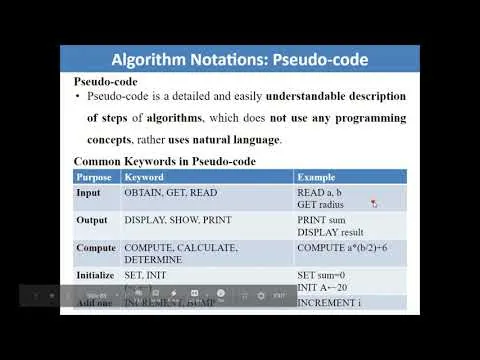
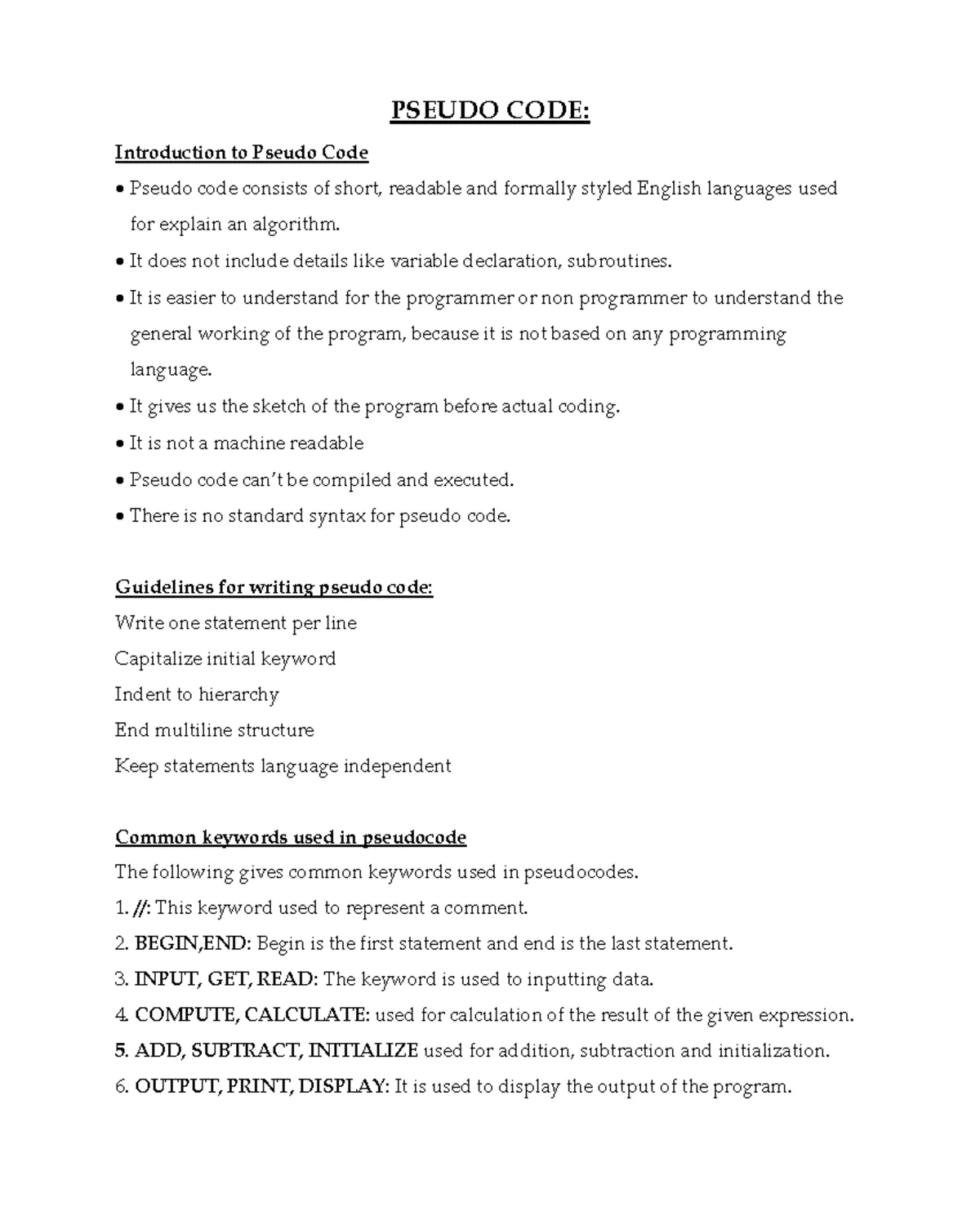
The common keywords used in pseudocode are simple, English-like terms such as input, output, if, then, else, while, for, and repeat, which help programmers outline logic without worrying about specific syntax rules. These words act as placeholders for actual programming commands. By using these standard terms, you can describe how an algorithm functions so that any developer can read and understand your plan before you write the final code.
Understanding the logic of pseudocode
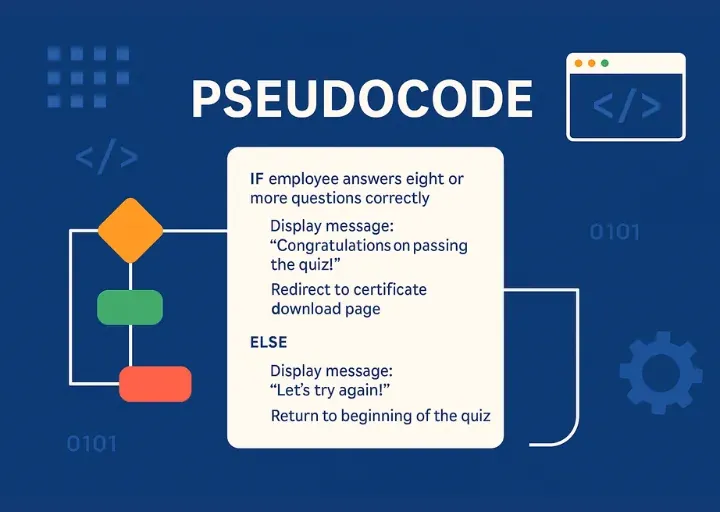
The most important factor in writing good pseudocode is focusing on the flow of the algorithm rather than the language of the machine. If you’re designing a simple process, keep your steps linear; if the process involves branching paths, use clear indentation to show the logic. The most common mistake people make is including too much detail from a specific language like Python or C++, which makes the plan hard to read.
Pseudocode isn’t a formal language, so there’s no single rulebook that everyone must follow. However, most developers use a standardized approach to algorithm design to ensure consistency. If you use these terms clearly, your team will understand the logic, but if you mix in actual code syntax, you’ll confuse them and slow down the development process.
Common keywords used in pseudocode
To build a clear plan, follow these structured steps to ensure your logic remains easy to translate into real code later.
- Start your algorithm with the keyword START and end it with END. This defines the exact scope of the process you’re describing.
- Use INPUT to define the data you need to receive and OUTPUT to show what the user will see. Specify exactly how many variables you’re collecting, such as “INPUT 3 integer values.”
- Write conditional statements using IF, THEN, and ELSE blocks to handle different scenarios. If your logic has more than two paths, use ELSE IF to account for every possible outcome.
- Apply looping keywords like WHILE, FOR, or REPEAT to show processes that run multiple times. Always state the condition that stops the loop, such as “REPEAT until count equals 10.”
- Use plain language for math and assignments. Write “Set total to 0” instead of complex syntax to keep the logic clear.
Tip: Keep your steps short and use one line for each action to make the logic easy to follow at a glance.
Tip: If you find yourself writing code-specific symbols like semicolons or curly braces, you have gone too far; delete them and rewrite the step in plain English.
Time requirements for drafting logic
The time it takes to write pseudocode depends on the complexity of the task. Small, simple tasks take only a few minutes, while complex systems need more time to map out every edge case.
| Situation | How long | What changes it | What to watch for |
|---|---|---|---|
| Simple math task | 2-5 minutes | Number of variables | Missing edge cases |
| Data sorting loop | 5-10 minutes | Sorting method used | Logic errors in loops |
| Complex system design | 30+ minutes | Number of dependencies | Over-complication |
If your design takes longer than these estimates, you’re likely trying to solve the problem while writing the pseudocode. Stop and focus only on the high-level steps.
You should allocate one minute of drafting for every ten lines of final code. If you find yourself writing actual syntax, you have moved past logic and into implementation. This mistake costs you the ability to spot structural flaws before they’re baked into your functions.
Use this rule: if the logic spans more than three nested conditions, break it into a separate module. If the pseudocode remains readable to a non-technical peer, it’s ready. If it requires a compiler to understand, you’re still coding, not designing.
Signs that your logic is complete
You know your pseudocode is finished when you can explain the entire process to another person using only the steps you have written. A solid design avoids undefined variables or missing paths in your IF-THEN statements.
The best test is to hand your notes to a peer. If they can describe what the program does without asking for clarification, your keywords and structure are doing their job. If they’re confused, you likely missed a step or used an ambiguous term.
Look for the “else” trap. If your logic handles a success state but stays silent on failure, you haven’t finished. Every branch must terminate in a clear result or return to a known state. If you find yourself saying “it just stops” during a walkthrough, add an explicit error-handling block.
Budget five minutes for this review. If you spend more than that explaining the “why” behind the code, your pseudocode is too abstract. It must contain the “how” in plain, actionable steps. If the reader can’t execute your instructions like a machine, you’re still drafting, not designing.
Mistakes that ruin your logic
Mixing real code with pseudocode creates a barrier that alienates non-technical stakeholders. If your document requires a compiler to understand, you have failed to communicate the underlying business logic. Stick strictly to plain English keywords so that a product manager or designer can validate your process without needing a technical background.
Vague variable names like “x” or “data” force readers to memorize hidden context, which leads to inevitable misinterpretations. Replace these with descriptive labels like “user_age” or “total_price.” If you can’t explain what a variable represents in three words, it’s too abstract.
Ignoring error states is the most common failure in logical design. Most authors focus exclusively on the “happy path” where everything works perfectly. This oversight costs teams weeks of development time when edge cases inevitably surface. Always define an ELSE condition for every decision branch. If you can’t describe what happens when a field is null or an API call fails, your logic is incomplete.
Related guides
- Why Is My Pool Cloudy? 8 Common Causes and Quick Fixes in 2026
- Aqua Genie Skimmer Problems: 3 Common Causes and Fixes in 2026
- How to Buy Used Office Furniture: A Step-by-Step Sourcing Guide
Frequently asked questions
Can I use my own keywords in pseudocode?
Yes, you can use your own keywords as long as you’re consistent throughout the document. The goal is clarity, so if your team prefers “Check” instead of “If,” it’s acceptable. However, sticking to the standard terms like IF, THEN, and WHILE is better because those words are recognized by developers across the globe, which helps avoid confusion during the transition to actual code.
Is pseudocode safe for production environments?
No, pseudocode isn’t executable code and can’t be run by a computer. It’s strictly a planning tool used to organize your thoughts and logic before you start building. If you try to run your pseudocode on a server, it will result in errors because the syntax isn’t recognized by any compiler or interpreter. Always translate it into a real language first.
How long should each step in pseudocode be?
Each step should be one sentence long and describe only one action. If a step requires two or more actions, break it into separate lines to keep the logic clean. Keeping steps short ensures that when you eventually start coding, you can map each line of your plan directly to a corresponding line of code, which makes the entire development process much faster.
What happens if my pseudocode logic has a flaw?
If your logic has a flaw, you’ll encounter the same error when you write the actual code. It’s much easier to fix a mistake in your plan than to debug a finished program. If you find a flaw, go back to your steps, rewrite the incorrect portion, and re-test the logic by walking through it manually before you begin typing any real code.
Do I need to include comments in pseudocode?
Yes, including comments is helpful for explaining why you chose a specific path. Use comments to describe the intent behind complex logic, especially if the algorithm is hard to follow. While the pseudocode itself describes what the program does, your comments explain why it does it that way, which helps other developers understand your reasoning when they review the design later.
Conclusion
Using these straightforward terms keeps your logic clear and easy to follow. Don’t worry about getting every detail perfect right away; just focus on mapping out your ideas clearly. Once you’ve sketched your plan, you’ll be ready to start writing your actual code in your favorite programming language.
