
The best smart pool monitor for most homeowners is the Sutro, because it tracks chlorine and pH in real time and sends data directly to your phone via Wi-Fi. While both devices aim to simplify pool care, waterguru vs sutro comparisons show that Sutro wins on accuracy and ease of use for standard residential pools. WaterGuru remains a solid choice if you already own their specific sensor model or need a device that works with very small above-ground pools.
Compare WaterGuru and Sutro side by side
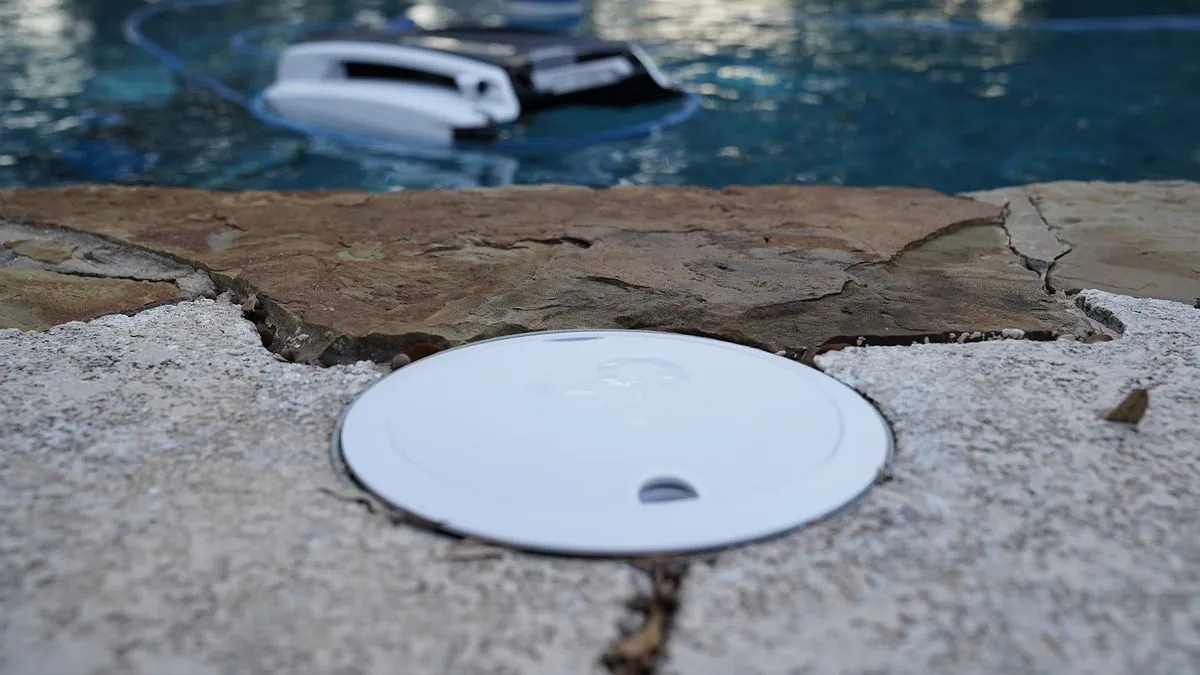
Both devices float in your water and send data to your phone, but they measure chemicals differently. The table below breaks down the main differences so you can see which one fits your needs.
| Method | How long | Effort | Cost | Best for |
|---|---|---|---|---|
| Sutro Smart Monitor | 12 months per battery | Low (auto-sync) | Medium | Accurate daily readings |
| WaterGuru S3 | 6 months per battery | Medium (manual sync) | Low | Small or budget pools |
| Manual Test Strips | Instant | High (daily testing) | Low | Occasional swimmers |
Sutro uses advanced sensors to give you live updates on chlorine, pH, and temperature every few minutes. It connects directly to Wi-Fi, so you never have to touch the device to get new data. This makes it ideal for people who want to catch problems before they become expensive repairs.
WaterGuru relies on Bluetooth, which means it stores data locally and syncs with your phone only when you’re near the pool, rather than sending continuous updates from anywhere. This extra step often leads to missed readings when the weather turns bad or the pool gets cloudy.
Manual strips are the traditional way to check water, but they require you to dip, wait, and match colors by eye. This method is prone to human error and doesn’t track trends over time like the digital options do. While strips cost almost nothing upfront, the time spent testing them adds up quickly during swim season. If you want consistent data without the daily chore, a smart monitor is the better path forward.
Sutro smart monitoring steps
The Sutro system works by floating a small puck in your pool and syncing it automatically to your home Wi-Fi. You place the device in deep water, away from skimmers, and let it settle for an hour before checking the app.
- Drop the Sutro puck into the pool near the center, ensuring it floats freely without hitting walls.
- Download the Sutro app on your phone and follow the prompts to connect the device to your 2.4GHz Wi-Fi network.
- Wait for the initial calibration, which takes about 24 hours, then view your first full report in the app dashboard.
- Check the daily push notifications for chemical levels; if chlorine drops below 1 ppm, add standard chlorine to bring levels back into the safe range of 1–3 ppm.
- Replace the internal battery once a year by popping off the back cover and inserting the new CR2032 cell.
This method excels at providing continuous data, so you know exactly when the water chemistry shifts. It removes the guesswork from adding chemicals, helping you maintain a safe swimming environment all summer long. The only real weakness is the higher upfront cost compared to basic test kits or older monitors. If your internet signal is weak at the poolside, the device may struggle to upload data until you move your router closer.
For complex pool setups or commercial systems, you might need professional equipment instead of a consumer-grade puck. In those cases, consult a certified pool technician to ensure your safety standards meet local regulations.
WaterGuru S3 monitoring steps
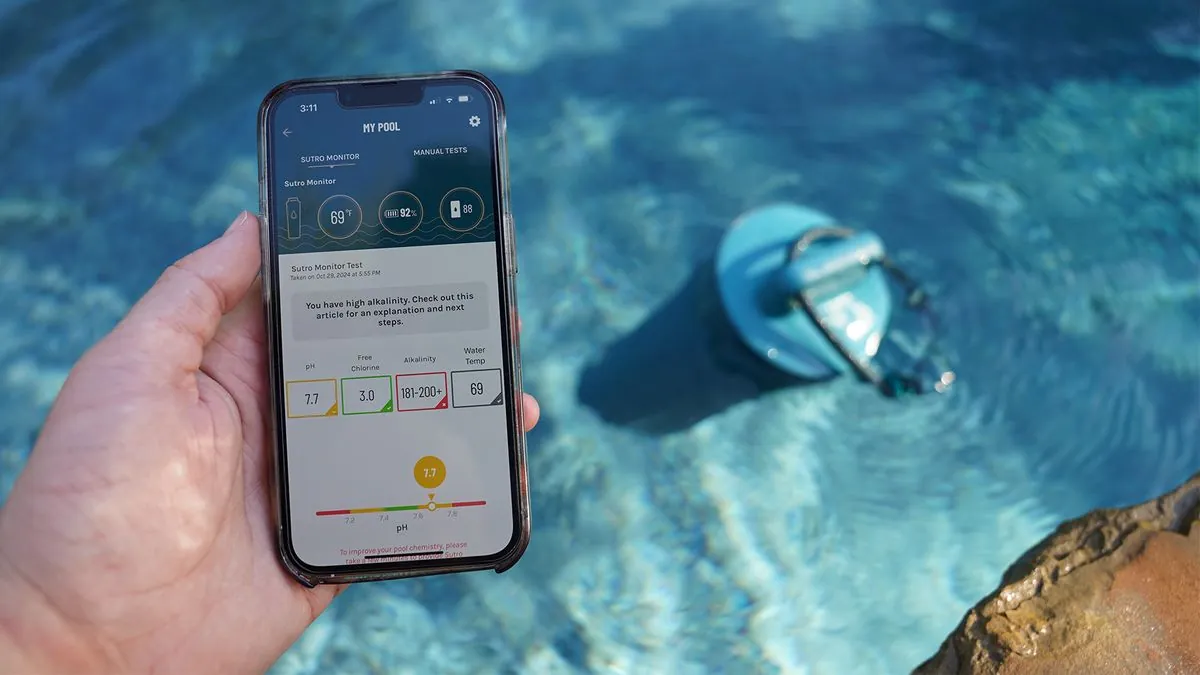
WaterGuru operates similarly but requires you to be physically close to the pool to update the data. You drop the sensor in the water, then walk over with your phone to trigger a Bluetooth connection.
- Place the WaterGuru S3 sensor in the pool, making sure it’s submerged at least 6 inches deep.
- Open the WaterGuru app on your smartphone and hold it within 10 feet of the floating device to sync.
- Review the current chlorine, pH, and temperature readings displayed on the screen after the sync completes.
- Adjust your chemicals based on the app’s suggestions, such as adding 1 cup of granular chlorine if levels are low.
- Charge the device via USB cable or replace the battery pack as needed based on how often you use it, following the guidance in your owner’s manual.
This approach is great for owners of smaller pools who don’t mind walking to the water for a quick check. It costs less than the Sutro and still gives you better accuracy than old-fashioned test strips. The main drawback is the lack of automatic alerts, which means you could miss a spike in bacteria if you forget to sync. Without constant monitoring, the risk of algae growth increases significantly during hot weather.
If you have a large property where the pool is far from your house, this manual sync process becomes tedious. In that situation, a device that pushes data to your phone automatically would save you time and effort.
Treat the daily sync as essential to catching chemical shifts before they cause algae growth rather than an optional task. Many owners make the mistake of syncing only when they plan to swim, leaving the water unprotected for days between visits. That delay can turn a simple maintenance issue into a costly green-water cleanup requiring shock treatments and hours of scrubbing.
For properties larger than half an acre, the physical distance often breaks the routine entirely. If your pool is more than fifty feet from your back door, the friction of walking out there usually leads to missed checks.
In those cases, consider installing a dedicated Wi-Fi extender to ensure your current device maintains a connection, or look for third-party monitoring systems that offer cellular capabilities. This change ensures you catch dangerous pH swings immediately instead of discovering them weeks later when the damage is already done.
Which monitor fits your needs
Your choice depends entirely on how much time you spend by the pool and what level of detail you need. Each scenario has a clear winner that matches your specific lifestyle and goals.
If you’re in a hurry, choose the Sutro because it sends instant alerts without any action from you. You’ll never have to stop your day to walk over and check the water manually. This speed helps you fix issues before they ruin a weekend swim party. Missed warnings often lead to cloudy water or corroded ladders within days.
If you’re doing this for the first time, pick the WaterGuru S3 since it’s cheaper and simpler to set up. The lower price point reduces the risk if you decide smart monitoring isn’t for you later. You can learn the basics of pool chemistry without a heavy financial commitment. Just remember to sync the app weekly, or your data becomes useless history rather than actionable insight.
If you want the best possible result whatever it takes, go with the Sutro for its superior sensor accuracy. It catches tiny changes in pH that other devices miss, protecting your equipment from damage over time. The continuous data stream ensures your water stays perfectly balanced every single day. A single missed spike can etch plaster or cloud a filter permanently.
The trade-off comes down to convenience versus cost: you pay more for Sutro to get hands-free tracking that keeps your chemical readings current without any extra effort. With WaterGuru, you save money but must remember to sync the device yourself to stay informed. If you travel often or work long hours, the manual step creates a gap where problems grow unseen. Choose the device that fits your actual schedule, not just your budget.
Rules for accurate water testing
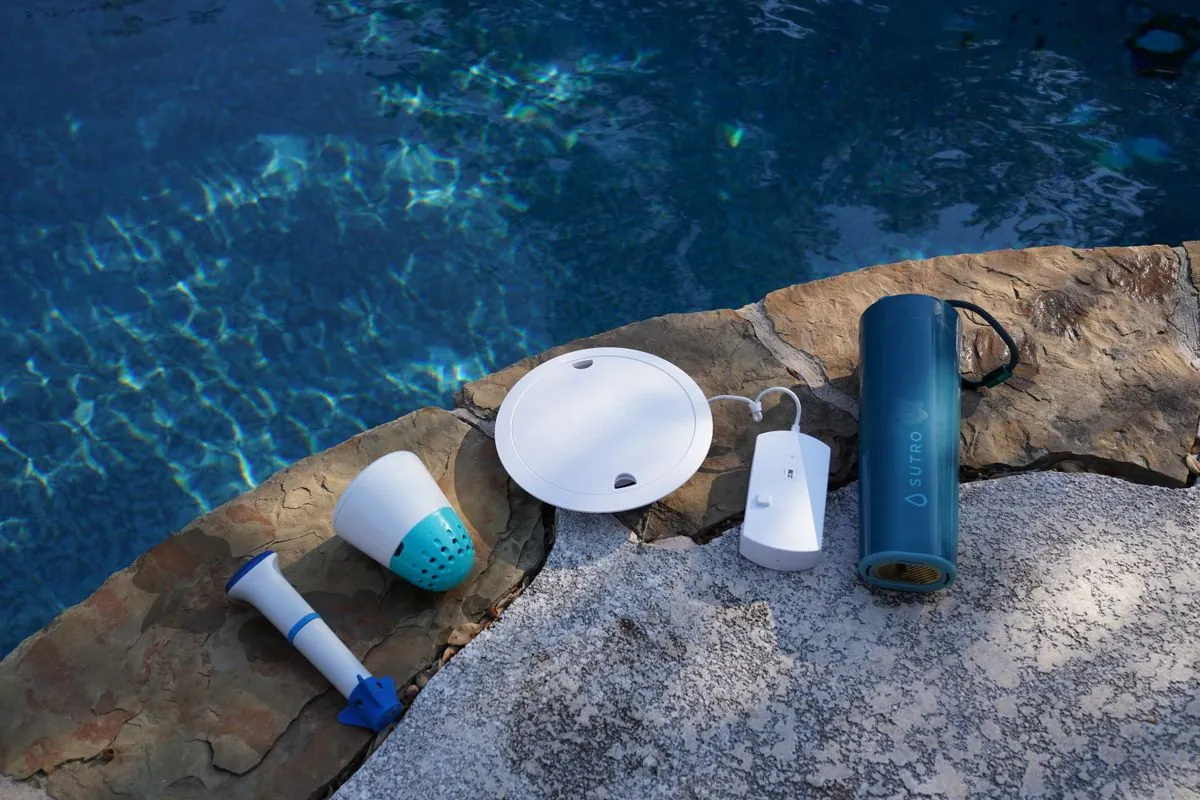
Regardless of which device you buy, certain rules apply to keep your pool safe and clean. First, always calibrate your sensor according to the manufacturer’s instructions before the start of each season. This step ensures the readings match the actual water conditions and prevents false alarms.
Second, check your physical water balance using a standard test kit as your usage requires, referring to your owner’s manual for the right timing. Digital sensors are helpful, but they can drift over time and need a manual backup for verification.
Third, keep the sensor clean by rinsing it with fresh water as often as your owner’s manual directs based on how much you use the pool to remove dirt or oils. A dirty sensor will give wrong numbers, leading you to add too many chemicals unnecessarily.
Finally, understand that no device replaces proper filtration or regular vacuuming. These tools only measure chemistry; they can’t clean debris or fix pump failures. They provide the baseline standards for chlorine and pH levels that all pool owners should follow.
If your water remains cloudy despite correct chemical levels, you likely have a mechanical issue rather than a chemistry problem. In that case, call a professional to inspect your filter and pump system immediately.
Related guides
Frequently Asked Questions
Can I use both devices at the same time?
Yes, you can run both monitors in the same pool, but it’s usually unnecessary and costly. Having two devices doesn’t improve accuracy; it just doubles your expenses and clutter in the water. One high-quality sensor provides enough data for a typical residential pool to stay safe.
Why does my reading change so much during the day?
Chlorine levels naturally drop faster in direct sunlight due to UV radiation breaking down the chemical. This is normal behavior, especially on hot days, and explains why readings fluctuate between morning and afternoon. Adding a stabilizer like cyanuric acid can help reduce this rapid loss of protection.
How long does the battery last in these devices?
Battery life varies by model, with Sutro lasting about 12 months and WaterGuru around 6 months. These times assume normal daily use and moderate temperatures throughout the swimming season. Extreme heat or cold can shorten the lifespan slightly, so check the indicator lights regularly.
Is it safe to swim with the sensor floating in the pool?
Yes, it’s completely safe to swim with either device floating in the water. Both units are made from non-toxic materials designed specifically for prolonged contact with pool water. Swimmers won’t feel them or get hurt by touching the device accidentally.
What happens if the device sinks?
If the device sinks, it likely means the seal has failed or the battery compartment is open. Don’t try to retrieve it with bare hands if you suspect electrical issues or sharp edges. Turn off your pool pump first, then carefully pull the unit out to avoid damaging the liner.
Can I leave the sensor in the pool all winter?
No, you should remove the sensor and store it indoors during freezing temperatures. Ice expansion can crack the plastic casing and destroy the sensitive electronics inside permanently. Clean and dry the unit thoroughly before putting it away in a cool, dry place.
Do these devices work with saltwater pools?
Yes, both monitors are compatible with saltwater pools and can measure chlorine generated by salt cells. However, you must ensure the specific model supports high salinity levels before purchasing. Check the product specifications to confirm it handles the salt concentration in your system.
Conclusion
Choosing the right monitor saves you time, money, and stress during the busy swim season. Whether you pick the automatic precision of Sutro or the budget-friendly simplicity of WaterGuru, the key is consistency. Regular checks prevent big problems, keeping your water clear and safe for everyone to enjoy.