
Is your Aiper pool cleaner not working the way it should? You’re not alone.
When your pool cleaner stops running smoothly, it can quickly turn a relaxing day into a frustrating one. But don’t worry—most issues can be fixed with a few simple steps. In this guide, you’ll discover easy troubleshooting tips that will help you get your Aiper pool cleaner back on track fast.
Keep reading, and you’ll save time, money, and avoid unnecessary stress with your pool maintenance.
Power Issues
Power issues are a common problem with Aiper pool cleaners. Without power, the cleaner won’t start or work properly. Checking the power supply and battery can help fix these problems quickly. Simple resets can also restore function.
Checking The Power Supply
First, check if the power source is working. Make sure the outlet has electricity. Try plugging in another device to test it. Look for any loose connections or damaged cords. Clean the plugs from dirt or water. A stable power supply is key for the cleaner to run.
Resetting The Cleaner
Resetting the pool cleaner can clear minor errors. Turn off the cleaner and unplug it. Wait for a minute or two. Plug it back in and turn it on. This can refresh the system and fix small glitches. A reset often solves power-related problems.
Battery Troubleshooting
If your cleaner uses a battery, check its charge level. Low or dead batteries stop the cleaner from working. Remove the battery and inspect it for damage. Charge the battery fully before using. Replace old batteries that no longer hold power. Proper battery care ensures longer cleaner operation.
Movement Problems
Movement problems are a common issue with Aiper pool cleaners. These problems stop the cleaner from moving smoothly around the pool. The cleaner may get stuck, move slowly, or not move at all. Fixing these problems helps keep the pool clean and saves time.
Inspecting The Wheels And Tracks
Check the wheels and tracks for any damage. Look for cracks, worn parts, or loose pieces. Damaged wheels can stop the cleaner from moving properly. Clean the wheels to remove dirt and debris. Replace any broken or worn wheels to restore smooth movement.
Clearing Obstructions
Remove any objects blocking the cleaner’s path. Leaves, twigs, and dirt can get stuck in the wheels or tracks. Check under the cleaner for trapped debris. Clear all obstructions carefully. This helps the cleaner move freely and clean the pool efficiently.
Motor Function Check
Test the motor to ensure it is working well. Listen for unusual sounds or weak power. A weak motor can slow down or stop the cleaner. Check the power supply and connections. Repair or replace the motor if it does not run properly.
Suction And Cleaning Performance
The suction and cleaning performance of your Aiper pool cleaner is crucial for a clear pool. Poor suction means dirt and debris remain in the water. It can also cause the cleaner to stop working properly. Simple checks can help maintain strong suction and effective cleaning.
Filter Maintenance
Clean the filter regularly. A dirty filter blocks water flow and lowers suction. Remove the filter basket and rinse it with a hose. Check the filter mesh for tears or holes. Replace the filter if damaged. Clean filters help the cleaner pick up more dirt.
Debris Removal
Remove large debris from the pool before cleaning. Leaves and twigs can clog the cleaner’s intake. Clear the skimmer and pump baskets too. This prevents blockages that reduce suction. Regular debris removal keeps the pool cleaner running smoothly.
Pump Inspection
Check the pump for proper operation. Listen for strange noises or vibrations. Inspect the pump impeller for clogs or damage. A blocked impeller reduces water flow and suction. Clean the pump housing and replace worn parts. Good pump function ensures strong suction and efficient cleaning.
Credit: www.youtube.com
Connectivity And Control
Connectivity and control are key to using your Aiper pool cleaner smoothly. The device connects to your home Wi-Fi and works through a mobile app or remote control. Any connection problem can stop the cleaner from working right. Understanding how to fix these issues helps keep your pool clean without delay.
Wi-fi Connection Issues
Check your Wi-Fi signal strength near the pool. Weak signals cause the cleaner to lose connection. Move your router closer or use a Wi-Fi extender. Make sure your Wi-Fi network is 2.4 GHz, not 5 GHz. The Aiper cleaner does not support 5 GHz networks. Restart your router and cleaner if the connection fails. Remove any interference from other devices nearby.
Remote Control Setup
Turn on the remote and the cleaner. Press the connect button on both devices. Wait for the LED lights to show a stable link. Replace the remote batteries if it does not connect. Keep the remote within 30 feet of the cleaner. Avoid obstacles like walls or furniture between them. Follow the manual steps exactly for setup.
App Troubleshooting Tips
Update the app to the latest version. Clear the app cache if it freezes or crashes. Restart your phone before using the app again. Check app permissions to allow Bluetooth and location access. Sign out and back into your app account. Uninstall and reinstall the app if problems persist. Keep your phone close to the cleaner during use.
Error Codes And Alerts
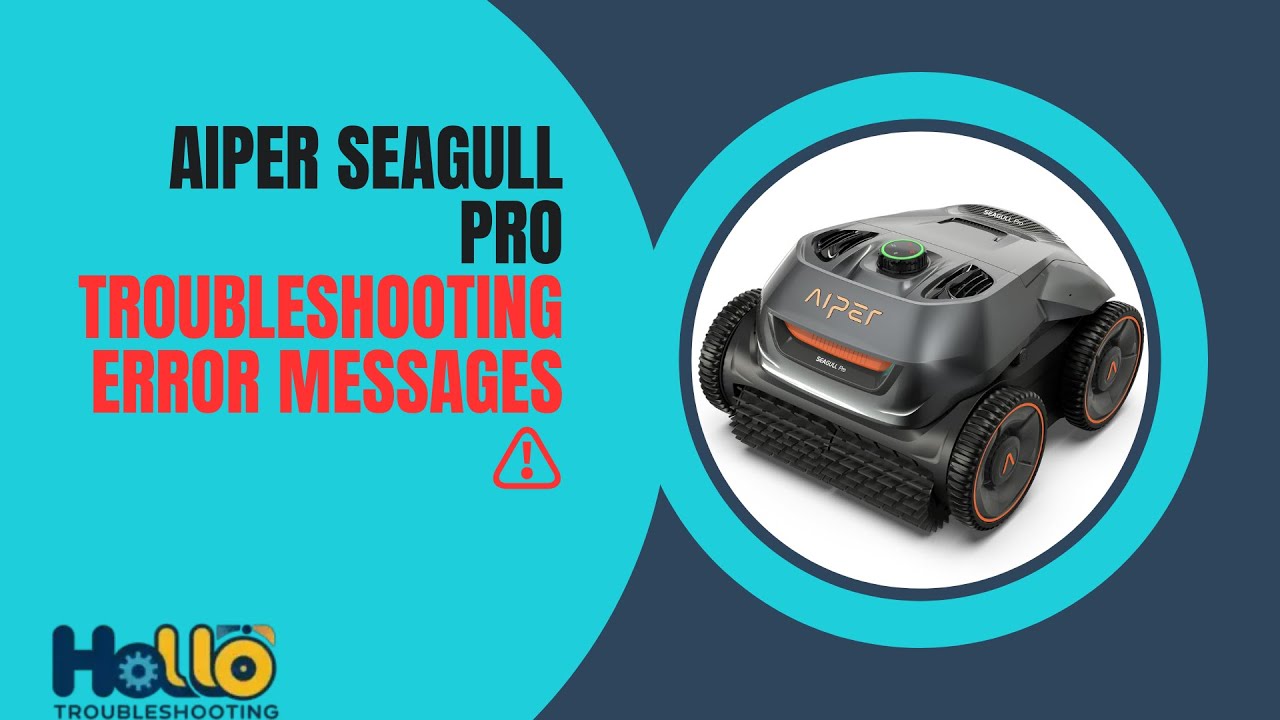
Aiper pool cleaners use error codes and alerts to show problems clearly. These codes help you find issues fast. Understanding these codes saves time and avoids bigger problems.
Paying attention to alerts keeps your pool cleaner working well. The cleaner stops working correctly when an error happens. Checking error codes lets you fix small problems early.
Common Error Codes
One common error is E01, meaning the cleaner is stuck. E02 shows a problem with the battery. E03 means the wheels are blocked. Each code tells you what to check first.
Knowing these codes helps find the cause quickly. The cleaner shows codes on its screen or via an app. Write down the code before trying any fix.
Resetting After Errors
After fixing the issue, reset the cleaner to clear errors. Turn the cleaner off and wait 30 seconds. Turn it back on to reset the system.
Some models have a reset button. Press and hold it for 5 seconds to reset. Resetting helps the cleaner start fresh and work normally.
When To Contact Support
Contact support if the error code repeats after resetting. Also call if the cleaner does not respond to fixes. Support can guide you with detailed troubleshooting steps.
Do not try to open or repair the cleaner yourself. This can void the warranty or cause damage. Professional help ensures safe and proper repair.
Credit: www.youtube.com
Routine Maintenance Tips
Keeping your Aiper pool cleaner in good shape helps it work longer and better. Routine maintenance stops small problems from growing. It saves time and money on repairs. Follow simple steps to keep the cleaner running smoothly all year.
Regular Cleaning Schedule
Clean the filter and brushes after every use. Remove debris from the cleaner’s basket and wheels. Check for any blockages in the water intake. Rinse the cleaner with fresh water to remove pool chemicals. A clean machine moves easily and cleans well.
Storage Recommendations
Store the cleaner in a cool, dry place. Avoid direct sunlight to protect plastic parts. Keep it away from sharp objects that can cause damage. Store with the power cord loosely coiled to prevent wear. Proper storage extends the cleaner’s life.
Seasonal Care
Before winter, clean and dry the cleaner thoroughly. Remove batteries if it uses them to prevent corrosion. Cover the cleaner with a cloth or plastic to keep dust off. At the start of the season, check all parts for damage. Replace worn parts to ensure good performance.

Credit: manuals.plus
Frequently Asked Questions
How Do I Reset My Aiper Pool Cleaner?
To reset, turn off the cleaner and unplug it from power. Wait for one minute, then plug it back in and turn it on. This often clears minor errors.
Why Is My Aiper Pool Cleaner Not Moving?
Check if the wheels or tracks are stuck with debris. Clean them and ensure the cleaner is properly submerged. Also, verify the battery is charged.
How Can I Fix The Aiper Cleaner’s Low Suction?
Empty the filter bag or cartridge to improve suction. Clean the filter thoroughly and check for any blockages in the hose or intake.
What Causes The Aiper Cleaner To Stop Mid-cycle?
The cleaner may be stuck on pool walls or obstacles. Check for entangled debris or low battery power and remove any blockages.
How Do I Clean The Aiper Pool Cleaner’s Filter?
Remove the filter from the cleaner and rinse it under running water. Use a soft brush to remove stubborn dirt. Let it dry before reinstalling.
Why Won’t My Aiper Pool Cleaner Charge Fully?
Check if the charging cable is connected properly and the outlet works. Inspect the battery for damage and replace if needed.
How Often Should I Maintain My Aiper Pool Cleaner?
Clean the filter and check for debris after each use. Inspect wheels, brushes, and battery monthly to keep it working well.
Can I Use The Aiper Pool Cleaner In Saltwater Pools?
Yes, Aiper cleaners work in saltwater pools but rinse the cleaner with fresh water after use. This prevents salt buildup and corrosion.
Conclusion
Troubleshooting your Aiper pool cleaner can save time and money. Start by checking the power source and cleaning the filters. Look for blockages that may stop it from moving properly. Regular maintenance keeps the cleaner working well longer. Small fixes often solve common problems quickly.
Follow these simple steps to enjoy a cleaner pool. Don’t let minor issues ruin your swim time. Keep your pool cleaner running smoothly with basic care.