
Professional plumbers and homeowners find that the best drain cameras balance image clarity with cable flexibility to navigate complex pipe bends. These systems, which include push-rod units and self-leveling heads, help identify blockages or structural damage. Choosing the right tool depends on matching the cable length and camera head diameter to the specific size of your pipe, whether you’re scanning a small sink drain or a large main sewer line.
Quick look at top drain cameras
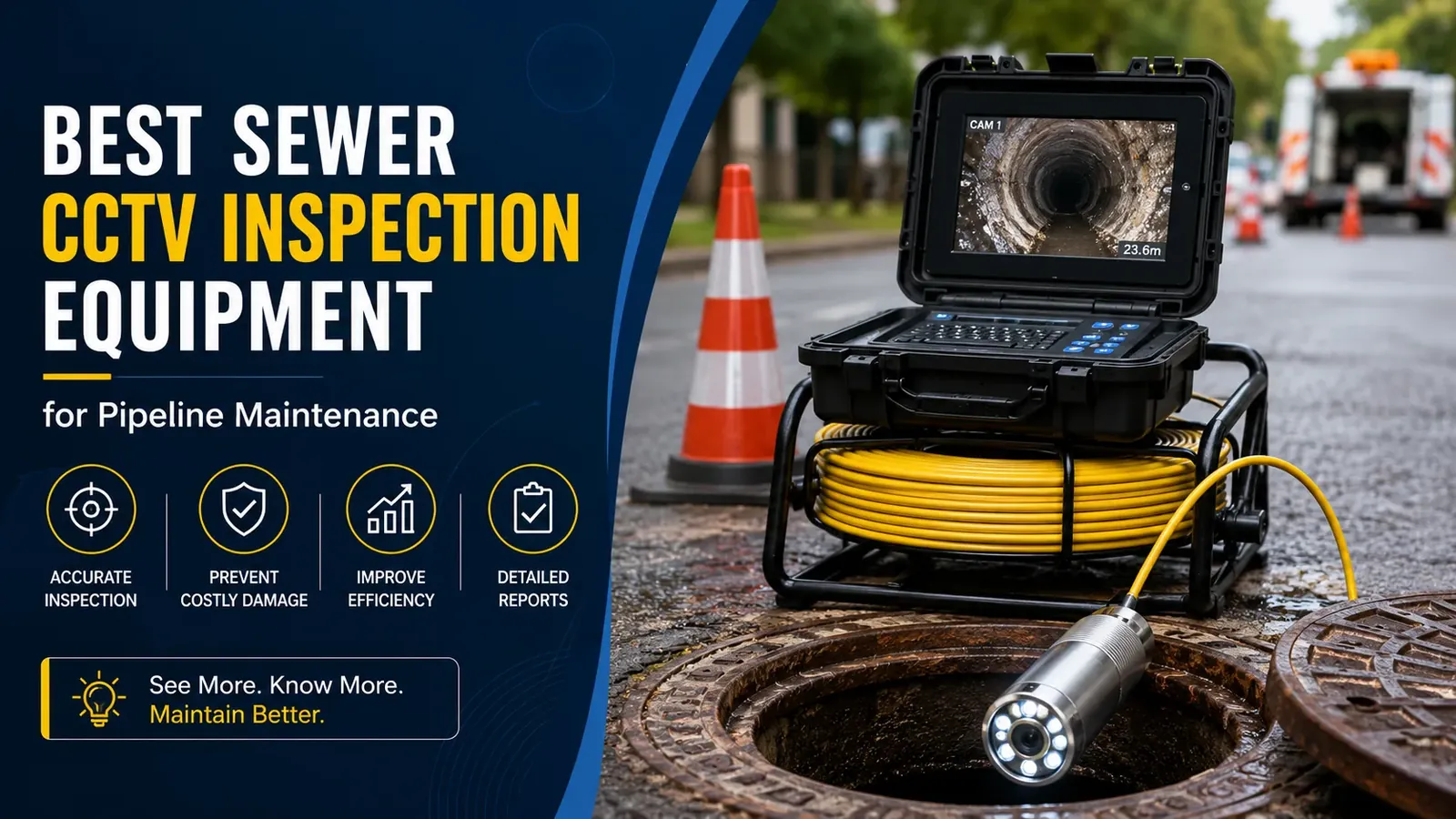
The following table summarizes common camera types based on their typical use cases and features.
| Camera Type | Best For | Concrete Example |
|---|---|---|
| Handheld scope | Small sink drains | 1-inch pipe inspection |
| Push-rod system | Residential sewer lines | 100-foot cable length |
| Self-leveling head | Main line diagnostics | Upright image orientation |
| Wireless locator | Finding pipe depth | Sonde signal detection |
Choose a handheld scope only for pipes under two inches in diameter. These units lack the torque to push through heavy grease or debris in main lines. If you use one in a four-inch sewer pipe, the image will be too dark to identify a blockage.
Push-rod systems are the industry standard for residential work. If your cable is under 100 feet, you’ll struggle to reach the city tap in many suburban homes. Always verify the spring flexibility at the camera head. A rigid head will snap off at the first 90-degree turn, leaving you with a costly retrieval job.
Self-leveling heads are essential for identifying standing water. Without this feature, the image rotates as the camera spins, making it impossible to tell if a pipe is sagging or merely dirty. If you’re inspecting a line for a real estate transaction, a non-leveling camera is a liability. You’ll miss the subtle slope changes that indicate a future collapse.
Use a wireless locator whenever you need to mark a spot for excavation. If you don’t have a sonde signal, you’re guessing the depth. Digging blindly costs an average of three hours in wasted labor. If the signal is weak, move the receiver in a grid pattern. If the signal spikes suddenly, you’re likely standing directly over the pipe.
Handheld inspection scopes
These compact devices are designed for tight spaces where a heavy-duty push-rod system would be too rigid to maneuver. They typically feature a thin, flexible cable ranging from 3 to 10 feet in length, making them ideal for inspecting kitchen sinks, bathroom vanities, or shower traps. If you’re dealing with a simple clog in a P-trap, this is the tool you need; if you have a deep sewer issue, this unit won’t reach the problem.
- Provides clear visuals of hair clogs or small debris trapped in sink traps.
- Allows for easy navigation through tight J-bends found under most residential sinks.
- Connects directly to a smartphone or tablet for instant viewing of the pipe interior.
- Compact design ensures you can store it in a standard toolbox without taking up much space.
For example, using a 5-foot scope to check a kitchen sink drain allows you to see if a grease blockage is sitting just past the P-trap. If the obstruction is further down the wall, you’ll need a system with a longer reach.
Residential push-rod systems
A push-rod system is the standard for checking full sewer lines because it provides the necessary stiffness to push the camera head through long stretches of pipe. These systems usually come with 100 to 150 feet of fiberglass cable, which is essential for reaching the main city connection from a basement cleanout. This tool suits homeowners or contractors who need to verify the integrity of a home’s entire underground drainage network.
The push-rod’s rigidity is its primary asset. If your line contains more than three 90-degree turns, a standard 1/4-inch cable will likely buckle inside the pipe. In these cases, upgrade to a 3/8-inch rod to maintain the necessary thrust. If you feel the cable begin to coil or “corkscrew” against the pipe wall, stop pushing immediately. Forcing it further will snap the fiberglass core, turning a simple inspection into a costly retrieval mission.
Always confirm the camera head is self-leveling if you intend to document damage for insurance or real estate disclosures. A fixed-angle lens often makes a pipe appear to have a severe slope or collapse when the pipe is actually level. If the image on your monitor spins or tilts, the footage is legally inadmissible for most professional claims.
If you’re inspecting a 4-inch sewer line, ensure the camera head diameter is at least 1 inch to keep it centered in the pipe. Using a head that’s too small in a large pipe makes it difficult to see the top half of the pipe wall.
You’ll miss hairline fractures or root intrusions located at the 12 o’clock position. If your camera head is smaller than 1 inch, you must use a centering skid or “star guide” to lift the lens into the middle of the flow.
When the camera enters the pipe, move at a rate of no more than one foot every three seconds. Rushing through the line causes the light to reflect off the wet pipe walls, creating “white-out” glare that hides small cracks. If you see standing water, pause for ten seconds.
If the water level doesn’t drop, you have identified a bellied pipe or a major blockage. Finally, always verify the municipal tie-in by looking for the transition in material, typically where the home’s cast iron or PVC meets the city’s concrete or clay main.
Self-leveling camera heads
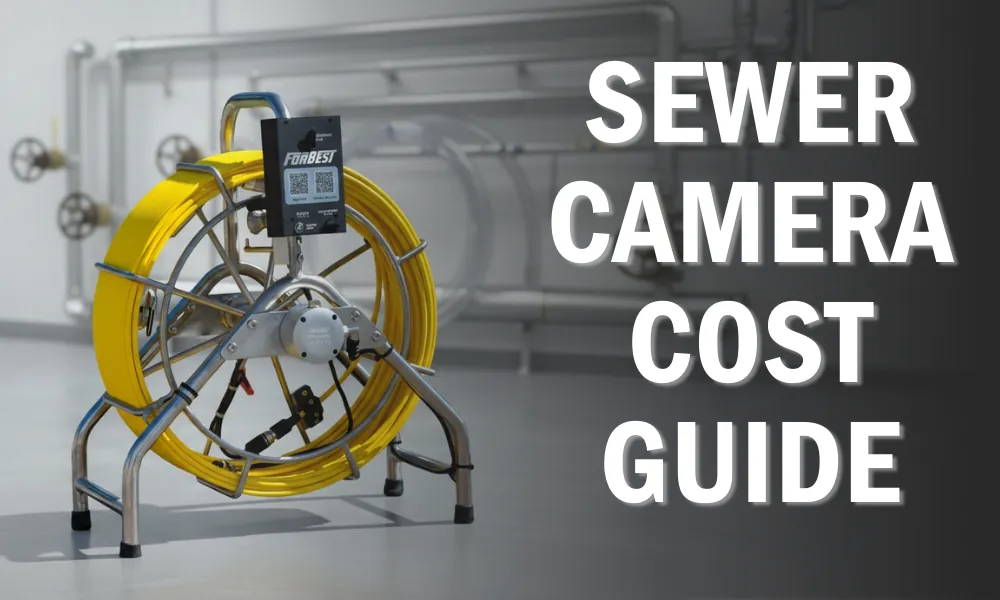
Self-leveling heads use a weighted gravity sensor to keep the image upright regardless of how the cable rotates inside the pipe. This technology is vital for professionals who need to document pipe conditions accurately, as it prevents the “spinning” effect that makes it hard to distinguish the top of a pipe from the bottom. This feature is intended for those who perform frequent inspections and need a clear, consistent perspective for reports.
- Maintains a level horizon so you can easily identify cracks, roots, or collapses.
- Reduces eye strain during long inspection sessions by keeping the image stable.
- Often paired with high-definition sensors to capture fine details of pipe joints.
- Works best in horizontal pipe runs where gravity can keep the internal weight properly oriented.
One limitation is that these heads are often larger than standard fixed heads, so they may not fit into pipes smaller than 2 inches. If you’re working with older, narrow cast-iron piping, check the head diameter against the manufacturer’s specifications to ensure it won’t get stuck.
Wireless locator systems
These systems work by transmitting a signal from a built-in sonde inside the camera head to a handheld receiver held above the ground. This allows you to pinpoint the exact location and depth of the camera head when you find a break or a major blockage. This tool is for those who need to perform repairs, as it saves you from digging up the entire yard to find a single pipe section.
Pinpoints the precise location of a collapse to minimize excavation costs. Displays the depth of the pipe on the handheld receiver screen. Uses a 512Hz signal to pass through soil, concrete, and grass for accurate marking. Simplifies the process of finding buried cleanouts or hidden pipe junctions.
The 512Hz frequency is the industry standard because it travels well through non-metallic materials. However, if your pipe is encased in ductile iron or heavy steel, the metal will shield the signal and render the sonde invisible. In these cases, you must rely on a camera head equipped with a flexible spring to navigate bends, as the signal won’t penetrate the pipe walls effectively.
Most operators make the mistake of moving the receiver too quickly. When you sweep the area, move the device in a slow, grid-like pattern. If you rush, the signal peak will blur, causing you to miscalculate the depth by as much as six inches. Always pause for three seconds once the signal strength hits its maximum reading.
If the receiver displays a “ghost” signal, rotate the antenna ninety degrees. A ghost reading often occurs when the signal bounces off a nearby metal object or a buried utility line. If the depth reading changes significantly while you rotate the receiver, trust the shallower measurement.
If you’re planning to dig, always follow local utility marking requirements to avoid damaging underground gas, water, or electric lines. If you hit a buried cable, the cost of repair can easily exceed the value of the camera system itself.
Other inspection tools
Mini-reels utilize high-flexibility push-rods designed to navigate tight 90-degree bends in 2-inch to 3-inch lines. If you encounter a P-trap or a sharp transition in a residential branch, a standard 1/2-inch main-line cable will likely bind or snap. Switch to a mini-reel with a 1/4-inch cable to maintain maneuverability without sacrificing image clarity.
Recording monitors serve as your primary liability shield. When you identify a structural collapse or root intrusion, the footage acts as the definitive record for insurance adjusters. Always verify that your monitor supports time-stamping and on-screen text overlays. Without these features, a client can easily claim the footage belongs to a different property, rendering your evidence useless in a dispute.
For those working in older homes, consider adding a sonde locator to your kit. A sonde transmits a 512Hz signal from the camera head, allowing you to pinpoint the exact location and depth of a blockage from above ground. If you skip this step, you risk digging up the wrong section of a yard, which can cost thousands in unnecessary landscaping repairs.
If you’re inspecting PVC, use a self-leveling camera head to ensure the horizon line stays flat on your monitor. Gravity-fed cameras often rotate during travel, making it difficult for a client to distinguish between a minor offset and a major pipe separation. A self-leveling feature removes this ambiguity, ensuring the video clearly communicates the severity of the defect to the homeowner.
How to choose the right camera
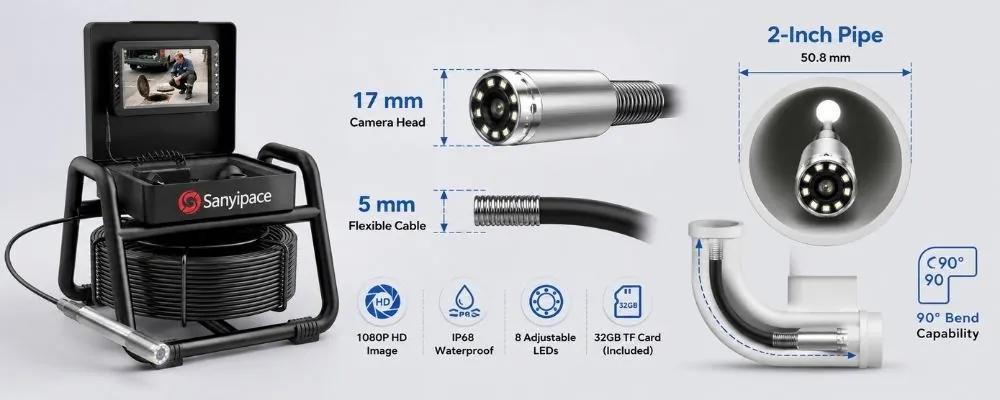
The primary factor in your decision is the diameter of the pipe you’re inspecting. A camera head that’s too large won’t enter the pipe, while one that’s too small will lack the lighting and resolution to see the walls clearly.
If you’re checking a 1-inch to 2-inch pipe, choose a handheld scope or a mini-reel. These tools use flexible, thinner cables designed to navigate tight bends without kinking. For anything 3 inches or larger, a standard 100-foot push-rod system is the correct choice. Using a small camera in a large pipe causes the image to wash out because the LEDs can’t reach the far walls, leaving you blind to cracks or root intrusions.
Your second factor is the total distance you need to reach. If the cleanout is 20 feet from the street, a 50-foot cable is sufficient. However, a 100-foot cable is safer if you’re unsure of the exact distance. Professionals often make the mistake of buying the shortest cable to save money, only to find themselves three feet short of a major obstruction. This oversight forces a second, more expensive entry point.
Always consider if you need to mark a spot for repair. If you do, you must choose a system that includes a 512Hz sonde. This transmitter sits inside the camera head and emits a signal you can track above ground with a locator wand. Without this feature, you can see the damage on your screen but have no way to pinpoint its exact location in the yard.
Combining a self-leveling head with a locator system is the best approach for professional-grade diagnostics. The self-leveling feature keeps the image upright regardless of how the camera rotates in the pipe. This is vital for showing clients exactly what is happening inside their lines without them needing to tilt their heads.
While this represents a significant increase in the cost of your equipment, it saves hours of digging time by ensuring you excavate only the precise area that requires a repair.
Related guides
Frequently asked questions
Can I use a drain camera in a pipe that’s completely clogged?
You can use a camera in a clogged pipe, but visibility is limited until the obstruction is cleared. Use a snake or hydro-jetter to remove standing water or debris first. Once the pipe is clear, the camera can move through the line to identify the cause of the blockage.
How long does a drain camera cable usually last?
A standard fiberglass push-rod cable typically lasts for a limited duration depending on how often it’s bent around sharp corners. The cable will eventually develop “kinks” or cracks in the outer casing if it’s forced through 90-degree turns too aggressively. To extend the life of your cable, always use a guide tube at the pipe entrance and avoid forcing the rod if you feel significant resistance inside the line.
Is it safe to use a drain camera in wet pipes?
Most professional-grade drain cameras are rated with an IP68 waterproof standard, meaning they’re designed for full submersion. You should always verify the specific IP rating provided in the user manual before putting the camera into water. If the camera head is scratched or the lens cover is loose, water can enter the electronics and cause a short. Never use a camera if you see visible cracks in the lens housing.
Why is the image on my drain camera spinning?
The image spins because the camera head rotates freely inside the pipe as you push the cable. Standard fixed-lens cameras lack the weight to maintain orientation. If you require an upright image, you must use a self-leveling camera head instead.
Does the camera head diameter matter for my drain?
The camera head diameter is critical because it determines if the tool can navigate pipe elbows and center itself properly. A head that’s too large will get stuck at turns, while one that’s too small will drag along the bottom, obscuring the pipe walls.
How do I know if I need a 512Hz sonde?
You need a 512Hz sonde if you plan to locate a buried pipe or cleanout from above ground. The sonde transmits a signal that your receiver tracks to pinpoint the camera’s exact location. You don’t need this feature if you only intend to view the pipe interior.
Conclusion
Start by measuring the diameter of your pipe cleanout and the estimated distance to the main sewer line to ensure your chosen camera fits. When you first insert the camera, move it slowly through the pipe to avoid missing small cracks or root intrusions.