
The fix for pentair screenlogic won’t connect locally remotely is usually a reset of the IntelliCenter controller or a check of your router’s port forwarding settings. Most connection drops happen because the router blocks the specific ports the system needs, or the controller loses its IP address after a power outage. You can often restore the link by cycling power to the controller and ensuring your network allows traffic on ports 80 and 443.
Your result depends on three things: whether your router has UPnP enabled, if your internet plan supports static IPs, and whether you’re using the latest firmware. This guide covers the steps to verify these items without needing a technician.
Who Pentair ScreenLogic connects to locally or remotely
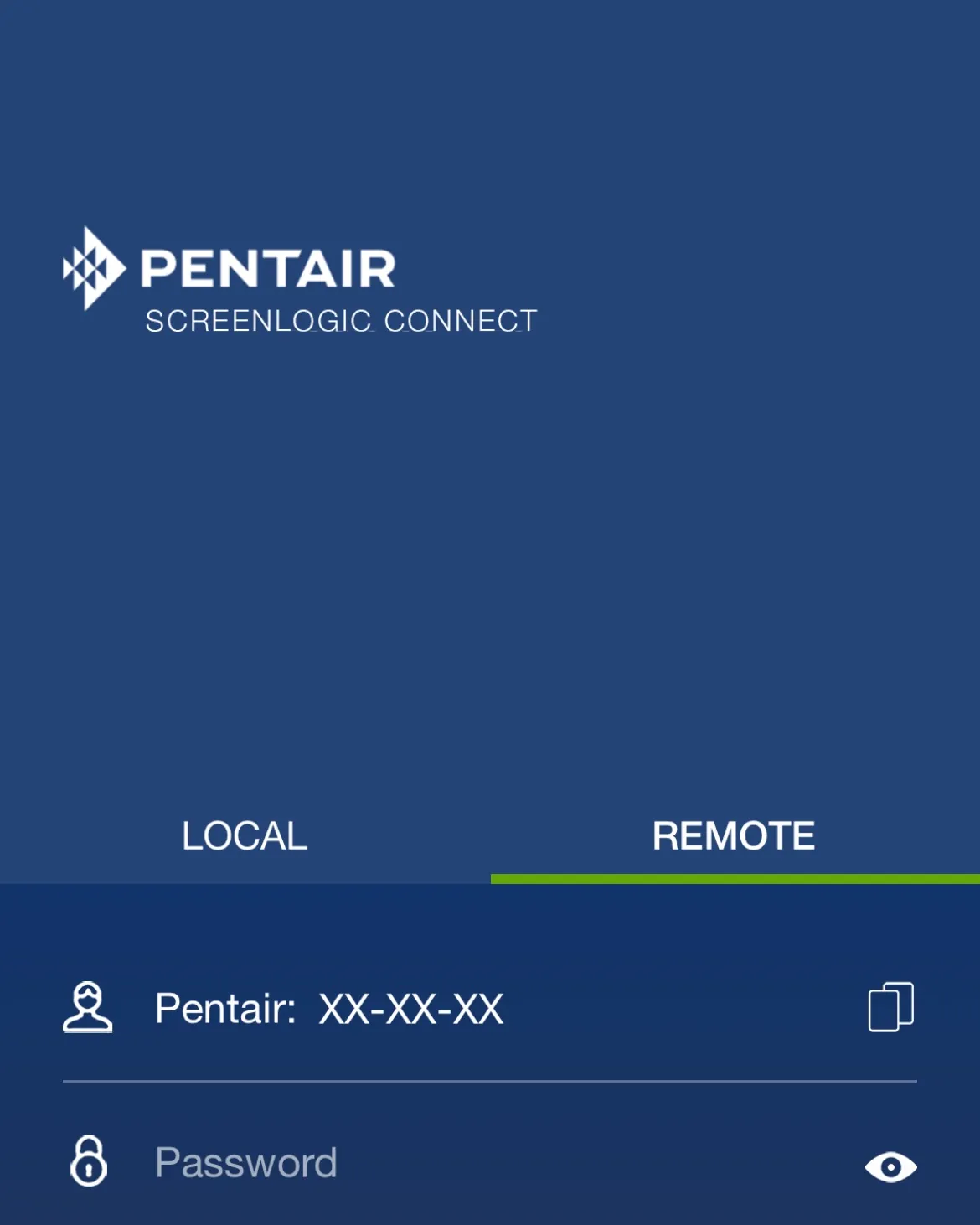
This page helps homeowners with Pentair IntelliCenter systems who see their app show “offline” while standing right next to the equipment pad. You likely have a working Wi-Fi network but can’t control pumps or lights from inside your house or outside it. You need clear steps to check router settings and restart hardware without voiding warranties.
This guide doesn’t serve commercial pool managers running large networks with firewalls that block all external access. If you manage a facility with complex IT security rules, you need your network administrator to whitelist the controller. We assume you’re on a standard home broadband plan with a typical consumer router.
If you don’t have an IntelliCenter controller, these steps won’t work for older TouchPad or LogicTouch models. Those systems use different communication protocols and require separate troubleshooting guides. We focus only on the modern ScreenLogic interface found in current residential setups.
What decides the connection outcome
Your router’s firewall settings are the biggest factor in whether the system stays online. Many home routers block incoming connections by default to stop hackers, which also stops your phone from talking to the pool controller. If your router doesn’t automatically open ports via UPnP, you must set up port forwarding manually.
The stability of your local IP address matters just as much. If your router gives the controller a new address every time it restarts, the cloud service loses track of it. You need to assign a “static” IP to the controller so it always answers at the same number on your network.
Firmware version plays a smaller but real role here. Older versions of the ScreenLogic software sometimes fail to handshake with newer router security standards. Check the label on your controller or the app to see if an update is waiting.
Most people get the order wrong by restarting the modem before the controller. The controller needs the router to be fully awake and broadcasting before it tries to join the network. Start the router first, wait two minutes, then power on the controller.
Step by step to restore the link
- Turn off the power to the IntelliCenter controller at the breaker box. Leave it off for exactly 60 seconds to clear any stuck memory states.
- Restore power to the main router and modem first. Wait until all the lights on the router stop blinking and settle into a steady pattern.
- Flip the breaker back on for the IntelliCenter controller. Listen for the fan to spin up and watch the status light turn solid green.
- Open your router’s admin page (usually 192.168.1.1) and log in with your admin password. Look for the “LAN” or “DHCP” section.
- Find the device named “IntelliCenter” or “Pentair” in the list of connected devices. Note its current IP address.
- Create a “Static Lease” or “Reservation” for that MAC address so the router always gives it the same IP. Save the setting and reboot the router once more.
- Go to the “Port Forwarding” section in your router. Add a rule for TCP port 80 pointing to your controller’s new static IP.
- Add a second rule for TCP port 443 pointing to the same static IP. Save both rules and wait 30 seconds for the router to apply them.
- Open the Pentair app on your phone and pull down to refresh. The status should change from “Offline” to “Online” within one minute.
The single judgement call here is deciding if your router actually supports UPnP. If you enable Universal Plug and Play and the connection still fails, your router might be ignoring the request. In that case, you must stick with the manual port forwarding method described above.
Quick fixes for common setups
Different router brands handle port forwarding differently, so the exact menu names vary. The table below shows the path you likely need to take based on your equipment brand.
| Router Brand | Menu Path | Port Numbers Needed | Watch For |
|---|---|---|---|
| Netgear | Advanced > Port Forwarding | 80, 443 | Ensure protocol is TCP |
| TP-Link | Forwarding > Virtual Servers | 80, 443 | Select “All” for protocol |
| Asus | WAN > Port Forwarding | 80, 443 | Don’t enable SPI Firewall |
| Linksys | Applications & Gaming | 80, 443 | Set schedule to “Always On” |
| Spectrum | Network > Port Forwarding | 80, 443 | Requires login via MySpectrum |
| Xfinity | Gateway > Port Forwarding | 80, 443 | Must use Admin mode |
Check your specific model’s manual if the menu names differ slightly. The goal is always the same: tell the router to send traffic on those two ports directly to your controller.
Signs of a proper setup versus a broken one
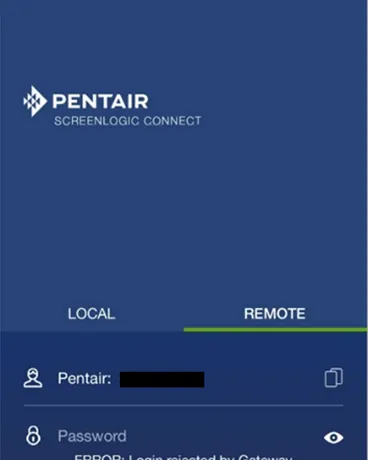
How pros verify the connection
Experienced technicians check the “Local IP” field in the app settings immediately after a reboot. They look for a number starting with 192.168.x.x or 10.x.x.x to confirm the controller is on the local network. If the app shows “Cloud Only” or no IP, the controller hasn’t joined the Wi-Fi yet. They also ping the controller’s IP from a computer on the same network to ensure it responds.
Where beginners go wrong
Beginners often skip the router reboot after changing port settings. The router holds old routing tables in memory, so the new rules don’t take effect until a restart. Another common error is trying to connect from a guest Wi-Fi network. Guest networks isolate devices from each other, so your phone can’t see the controller even if both are connected to the same router. Always use the main Wi-Fi band for setup.
Troubleshooting when the link stays dead
One lead sentence to start: most failures happen because the router blocks the signal or the controller lost its network profile. The table below matches what you see to the likely cause and the fix.
| What you notice | What it usually means | What to do first | How to stop it happening again |
|---|---|---|---|
| App says “Offline” but lights work | Router blocking ports | Reboot router and controller | Set static IP reservation |
| Controller won’t find Wi-Fi | Signal too weak | Move router closer to pad | Install a Wi-Fi extender |
| Connects locally but not remotely | Port forwarding missing | Enable UPnP or forward ports | Check ISP for CGNAT issues |
| Random disconnects daily | Firmware glitch | Update controller software | Schedule auto-updates weekly |
| Error code 1004 or similar | Cloud server issue | Wait 15 minutes | Check Pentair status page |
| No response from app | Controller crashed | Power cycle breaker | Use a UPS for power backup |
Never try to rewire the controller yourself unless you’re comfortable with 240-volt electricity. If the unit sparks or smells like burning plastic, shut the power off immediately and call a licensed electrician.
Rules and limits for your network
Your Internet Service Provider may block certain ports to prevent spam or hacking. Some providers use Carrier-Grade NAT (CGNAT), which hides your home behind a shared public IP. This makes remote connection impossible without calling your provider to request a “public IP” or a business plan. Check your router’s WAN status page; if the public IP shown there differs from what Google shows you, you’re behind CGNAT.
Local laws in some areas restrict automated pool equipment that runs without supervision. Always follow your local building codes regarding pump timers and safety switches. The National Electrical Code (NEC) requires specific grounding for outdoor electronics. In states like Florida and California, inspectors often reject DIY installations that lack a dedicated GFCI breaker within six feet of the water source.
If your system trips this breaker during a storm, it isn’t a fault in the sensor but a sign that moisture has reached the wiring junction. Replace any conduit showing cracks immediately, as water intrusion here causes silent corrosion that fails only when the pump is under maximum load.
If your router is older than five years, it may not support the security protocols required by modern apps. Manufacturers recommend replacing consumer routers based on usage and the owner’s manual to maintain security. Visit the Pentair Support Portal for official compatibility lists and firmware updates.
Don’t attempt to force a new app onto an old router by disabling encryption; this exposes your entire network to data theft. Instead, set up a separate guest network for smart devices. If the device still can’t connect after three attempts, the hardware lacks the necessary processing power, and no software update will fix it.
Real costs of fixing the problem
The main cost here is your time, not money. A full reset and configuration takes about 20 minutes if your router is easy to access. If you need to buy a Wi-Fi extender to reach the equipment pad, expect to spend a small amount relative to professional help. Professional help costs more than doing it yourself for a one-hour visit to configure your network.
Prices for parts vary by region and availability. A replacement IntelliCenter controller costs significantly less than hiring a professional if the original unit is damaged beyond repair. However, most connection issues don’t require new hardware. Always check the warranty status of your equipment before buying anything. Costs rise if you need to upgrade your internet plan to get a static IP from your provider.
Most people skip the warranty check and buy an expensive unit when their existing one is still covered under a three-year plan. This mistake turns a free fix into a major expense. If your device is less than two years old, call the manufacturer first; they will often ship a replacement at no charge. If it’s older, verify the serial number online before ordering parts.
You can avoid the service fee by watching a specific video tutorial that matches your router model exactly. Generic guides often miss the unique button sequence required for IntelliCenter systems, leading to failed resets and wasted time. If your router has a physical reset hole, use a paperclip for ten seconds; if it only has software controls, log in via Ethernet cable, not Wi-Fi.
Static IP upgrades add a recurring monthly cost to your bill, but this is only necessary if your system requires remote access from outside your home network. If you only control the system while on-site, stick with dynamic addressing to save that recurring cost. Test your current setup without the upgrade first; many users assume they need a static address when their local network handles the task just fine.
Keeping the connection stable long term
You should check your router’s firmware regularly depending on use and the owner’s manual to ensure it supports the latest security patches. Old router software can drop connections with newer app versions, often because the manufacturer has stopped issuing updates for that specific model.
If your device is more than three years old and no longer receives automatic updates, plan to replace it before a major security breach occurs. Keep the controller’s IP reservation active in your router settings; if you forget this, the next power outage might break the link again as the network assigns a new address.
Watch the status light on the controller closely. A steady green means it’s happy, while a blinking amber light signals a network error that usually resolves itself within minutes.
If the light turns red, the controller can’t reach the internet at all, indicating a physical cable issue or a total ISP outage rather than a simple glitch. Clean the vents on the controller annually to prevent overheating, which can cause random reboots during peak usage hours when the processor works hardest.
Record your port forwarding rules in a safe place outside the home. If you ever replace your router, you’ll need these numbers to set up the new one quickly without days of downtime. Write down the static IP you assigned so you don’t have to hunt for it again. Don’t rely on screenshots alone, as they’re easy to lose; a simple text file stored in your cloud drive ensures you can restore service immediately after a hardware failure.
When to call a professional instead
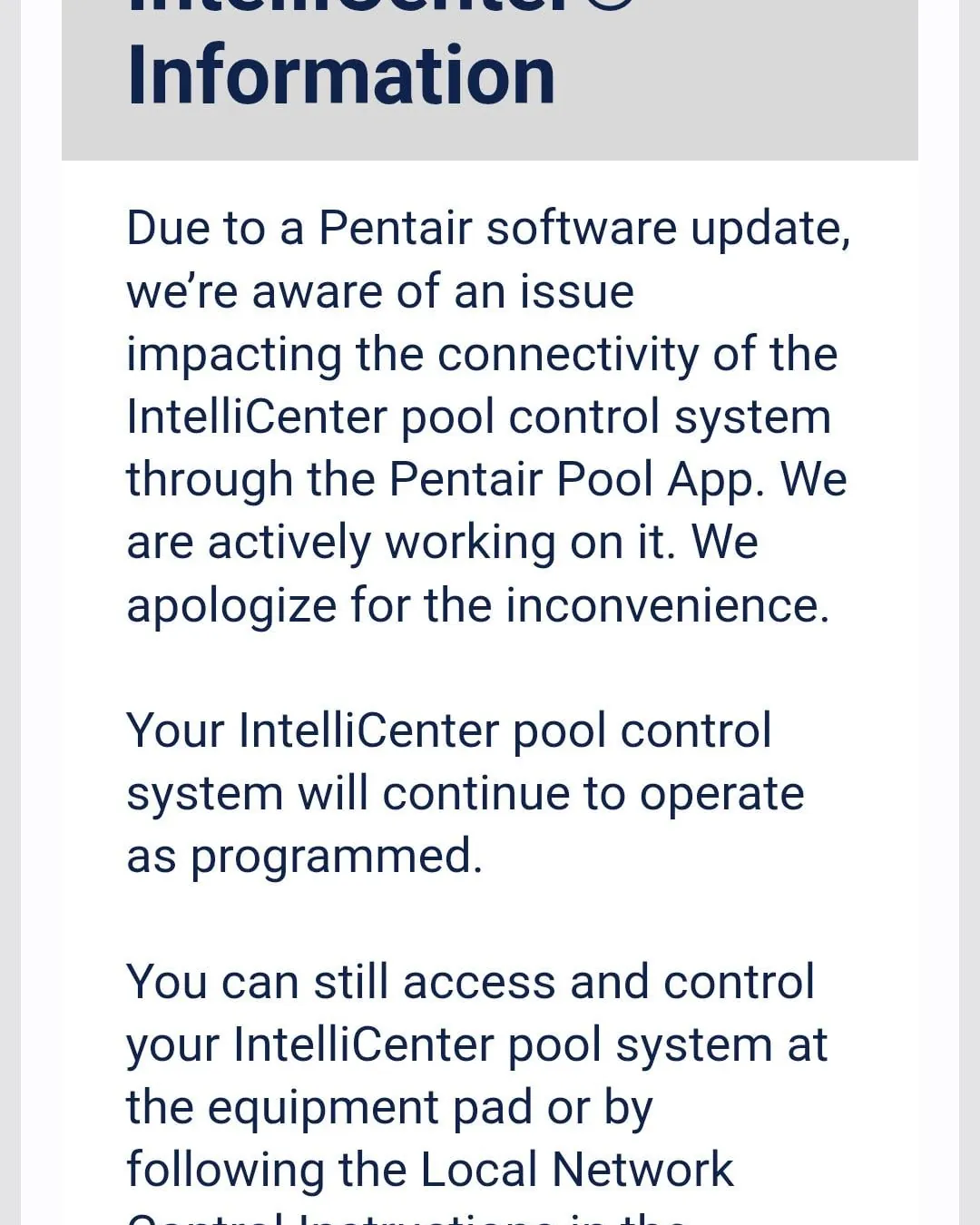
Don’t attempt this fix if your pool equipment is less than two years old and under warranty. Opening the panel or touching internal wiring can void your coverage immediately, costing you thousands in future repairs. Call a certified Pentair dealer specifically if the controller displays error codes related to voltage fluctuations or motor faults. These codes often indicate a failing capacitor or a short circuit that requires specialized diagnostic tools to resolve safely.
If your internet provider uses a specialized business gateway, you likely need their technical team to adjust the port forwarding settings. Home users can’t access these restricted menus without an admin password provided only by the carrier. Stop working immediately if you feel unsure about identifying high-voltage breakers. Electricity in a wet environment conducts unpredictably, and a single slip with a screwdriver can be fatal.
The deciding factor is whether you can isolate power at the main disconnect box before touching any wires. If you can’t locate this box or verify the power is off with a multimeter, call a professional.
A common mistake is assuming the wall switch cuts all power; it often leaves the control board live while stopping the pump. This oversight leads to severe shock when testing connections. If the issue involves water leaking into the electrical junction, don’t dry it yourself. Moisture inside sealed components causes corrosion that spreads over weeks, requiring a full unit replacement rather than a simple repair.
Frequently asked questions
Can I connect without port forwarding?
Yes, if your router has UPnP enabled, the controller can open its own ports automatically. This works on many modern routers but fails on older models or strict security setups.
Why does my app work at home but not away?
Remote access requires your router to accept outside requests, which port forwarding handles. Local access only needs the controller and phone on the same Wi-Fi network.
How long does a reset take?
A full power cycle takes about two minutes total. Wait 60 seconds with power off, then allow 60 seconds for the router and controller to boot up fully.
Is it safe to update the firmware myself?
Yes, updating via the app is safe as long as you don’t cut power during the process. The update file downloads over your existing Wi-Fi connection.
What happens if I lose power during a storm?
The controller will reboot automatically when power returns. If your router also reboots, the controller might lose its IP address unless you set a static reservation.
Does it matter which Wi-Fi band I use?
Yes, the controller only works on 2.4 GHz bands. It can’t connect to 5 GHz networks, so ensure your router broadcasts a 2.4 GHz signal.
What to do first to fix it
Start by powering off the controller and router, then turn the router back on first. Wait for the lights to stabilize before restoring power to the controller. You should see the app status change to “Online” within two minutes.
If the light stays red or amber after ten minutes, check your Wi-Fi password in the app settings. A single typo there’s the most common reason for a persistent failure, costing you hours of unnecessary troubleshooting. If the password is correct but the connection still fails, move the controller closer to the router to rule out weak signal strength.
Call a professional technician only if the device remains offline after these steps. Don’t attempt to reset the factory settings yet, as this erases your custom schedules and forces you to reprogram every zone from scratch. Save that drastic measure for when you have confirmed the issue is internal hardware failure rather than a simple network glitch.