
Is your Pentair pool pump display not working, leaving you frustrated and unsure what to do next? You rely on that display to keep your pool running smoothly, so when it goes dark or shows errors, it can throw off your entire routine.
Don’t worry—you’re not alone, and this problem is fixable. You’ll discover simple steps to diagnose and solve the issue quickly. Keep reading to get your pool pump display back in action and enjoy your crystal-clear pool without the hassle.
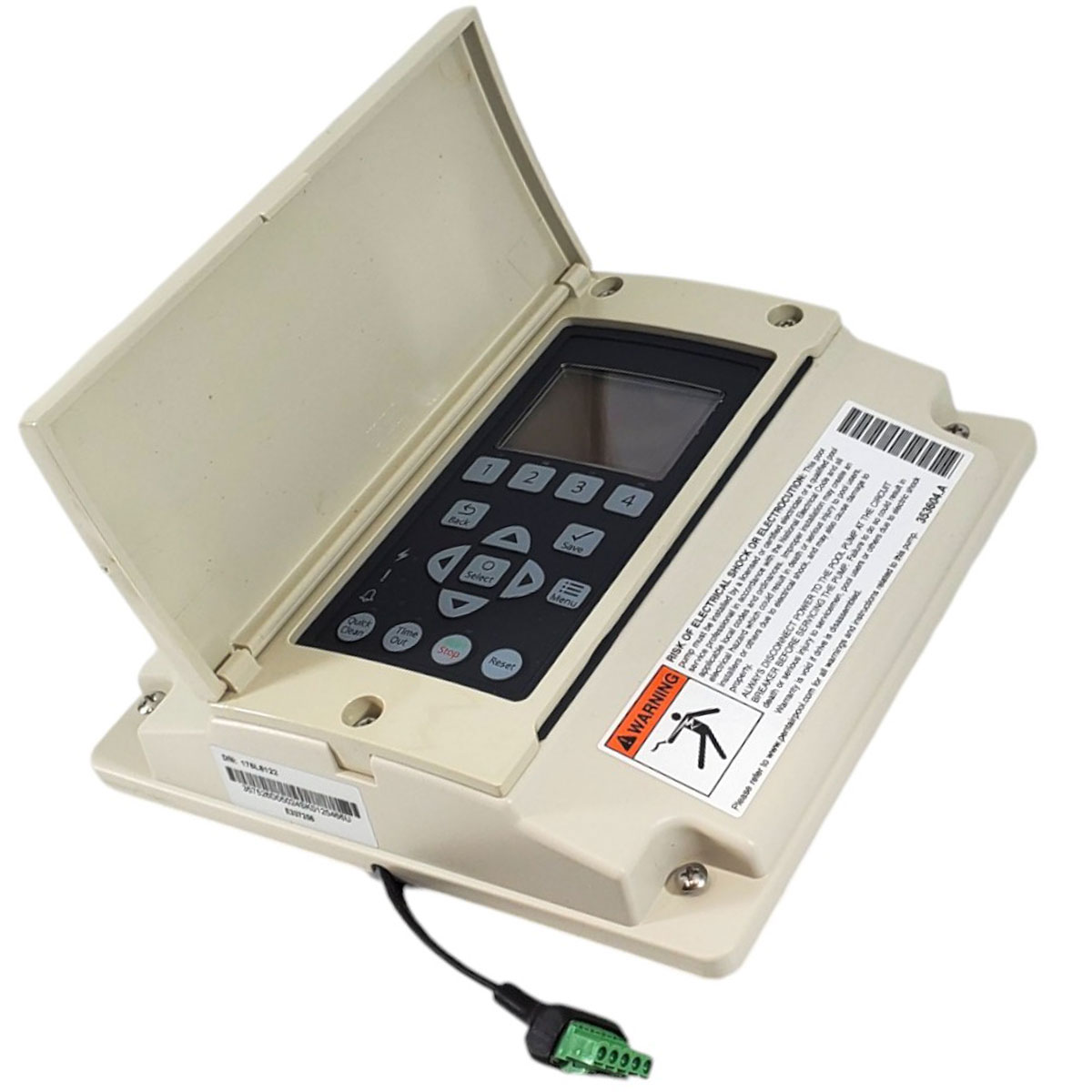
Credit: bestpoolshop.com
Common Causes Of Display Issues
The Pentair pool pump display not working can cause frustration. Understanding the common causes helps fix the issue faster. Several factors can stop the display from showing information. Identifying these problems saves time and money. The following sections explain the main reasons for display issues.
Power Supply Problems
The display needs a steady power supply to work. A loose plug or switch can cut off power. Sometimes, a blown fuse inside the pump stops electricity flow. Power surges or outages can also damage the display. Checking the power source is the first step in troubleshooting.
Faulty Wiring Connections
Wires connect the display to the main pump system. Over time, wires can get loose or corroded. Damaged wires stop signals from reaching the display. Poor connections cause flickering or no display at all. Inspecting and tightening wires often solves the problem quickly.
Display Screen Damage
The screen itself can suffer physical damage. Water or chemicals might seep inside and harm the display. Cracks or scratches reduce visibility or cause malfunctions. Extreme temperatures may also affect screen performance. Replacing the screen is necessary if it is broken.
Quick Troubleshooting Steps
When your Pentair pool pump display stops working, quick checks can save time and cost. Basic troubleshooting often finds easy fixes. Start with simple steps before calling a technician. These steps help identify common issues fast.
Resetting The Pump
Turn off the pump power at the main switch. Wait about 30 seconds. Turn the pump back on. This reset can clear minor errors causing the display to fail. Watch the screen during restart for any signs of life.
Checking Circuit Breakers
Locate the circuit breaker panel. Find the breaker linked to the pool pump. Check if it has tripped or flipped off. Reset it by switching it off and on again. A tripped breaker often stops the pump display from working.
Inspecting Fuse And Wiring
Turn off power to the pump system. Open the pump control box carefully. Look for blown fuses or loose wires. Replace any damaged fuses with the correct type. Tighten loose connections to restore power flow. Faulty wiring can block the display from turning on.
Cleaning And Maintenance Tips
Cleaning and maintaining your Pentair pool pump display keeps it working well. Dirt and moisture cause many display problems. Regular care prevents these issues and extends the pump’s life.
Removing Debris And Moisture
Turn off the pump before cleaning. Use a soft cloth to wipe the display gently. Remove any dirt or dust from around the screen. Check for moisture inside the display area. Use a dry cloth to absorb any wet spots. Avoid using harsh chemicals that may damage the screen. Keep the area clean to stop dirt from building up again.
Ensuring Proper Ventilation
Good airflow helps prevent moisture buildup inside the pump. Make sure vents are clear and not blocked by debris. Keep the pump area free of leaves and dirt. Position the pump in a well-ventilated spot. Avoid placing the pump in direct sunlight or damp areas. Proper ventilation helps the display stay dry and cool.
When To Replace The Display
Knowing when to replace the Pentair pool pump display saves time and money. A faulty display can cause confusion and prevent you from controlling the pump. Some issues are fixable, but others need a full replacement. Watch for clear signs that tell you the display is beyond repair. Acting on these signs keeps your pool running smoothly.
Signs Of Permanent Damage
The display shows no lights or response at all. Cracks or physical damage cover the screen. Buttons stop working or get stuck. The screen flickers or shows scrambled numbers. Water or moisture damage affects the display. These signs mean repair won’t help. Replace the display to avoid further problems.
Choosing The Right Replacement Part
Pick a display that matches your Pentair pump model. Check the model number on the pump or old display. Use parts from trusted manufacturers or Pentair itself. Avoid cheap or generic parts to ensure quality. Confirm the new display includes all needed connectors. Proper fit and compatibility matter for easy installation and long life.
Preventing Future Display Problems
Preventing future display problems with your Pentair pool pump helps keep your pool running smoothly. Proper care extends the life of the display and avoids costly repairs. Simple steps make a big difference in how well the display works over time.
Regular Maintenance Schedule
Set a regular schedule for checking the pool pump display. Clean the screen gently to remove dirt and grime. Check for loose wires or connections that may cause issues. Replace batteries or power sources as needed. Regular checks catch problems early before they worsen.
Protecting From Weather And Elements
Keep the pool pump display safe from sun, rain, and dust. Use a cover or shelter designed for pool equipment. Avoid direct sunlight to prevent screen fading or damage. Ensure the area around the pump is dry and clean. Protection from weather reduces wear and extends display life.
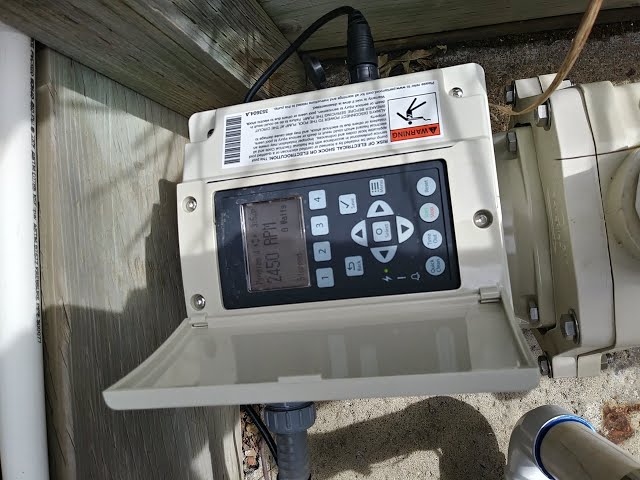
Credit: www.youtube.com
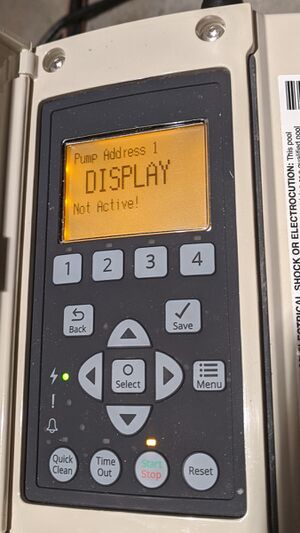
Credit: www.gilgharda.com
Frequently Asked Questions
Why Is My Pentair Pool Pump Display Not Turning On?
Check the power supply and connections; a loose wire or blown fuse may cause the display to stay off.
How Can I Reset The Pentair Pool Pump Display?
Unplug the pump for 30 seconds, then plug it back in to reset the display system.
What Causes The Pentair Pool Pump Display To Flicker?
Flickering often results from low voltage or faulty wiring affecting the pump’s electrical flow.
Can A Faulty Control Board Affect The Display?
Yes, a damaged control board can stop the display from working properly or show errors.
How Do I Know If The Display Needs Replacement?
Persistent blank screen or unreadable numbers after resets usually mean the display must be replaced.
Is There A Way To Troubleshoot The Display Issue Myself?
Yes, start by checking power, connections, and resetting the system before calling a technician.
Conclusion
A Pentair pool pump display not working can cause confusion. Check power supply and connections first. Clean the display screen gently to remove dirt. Reset the pump by unplugging it for a few minutes. Replace damaged parts if needed. Regular maintenance helps avoid display problems.
Following these simple steps saves time and stress. Keep your pool running smoothly with proper care. Don’t ignore display issues; fix them early to prevent bigger troubles. Your pool pump deserves attention to work its best.